
After powering a cloud virtual machine off, the team takes a disk snapshot and labels the result a memory image. What is that snapshot, and what is it not?
Select an answer to reveal the explanation.
Short Explanation
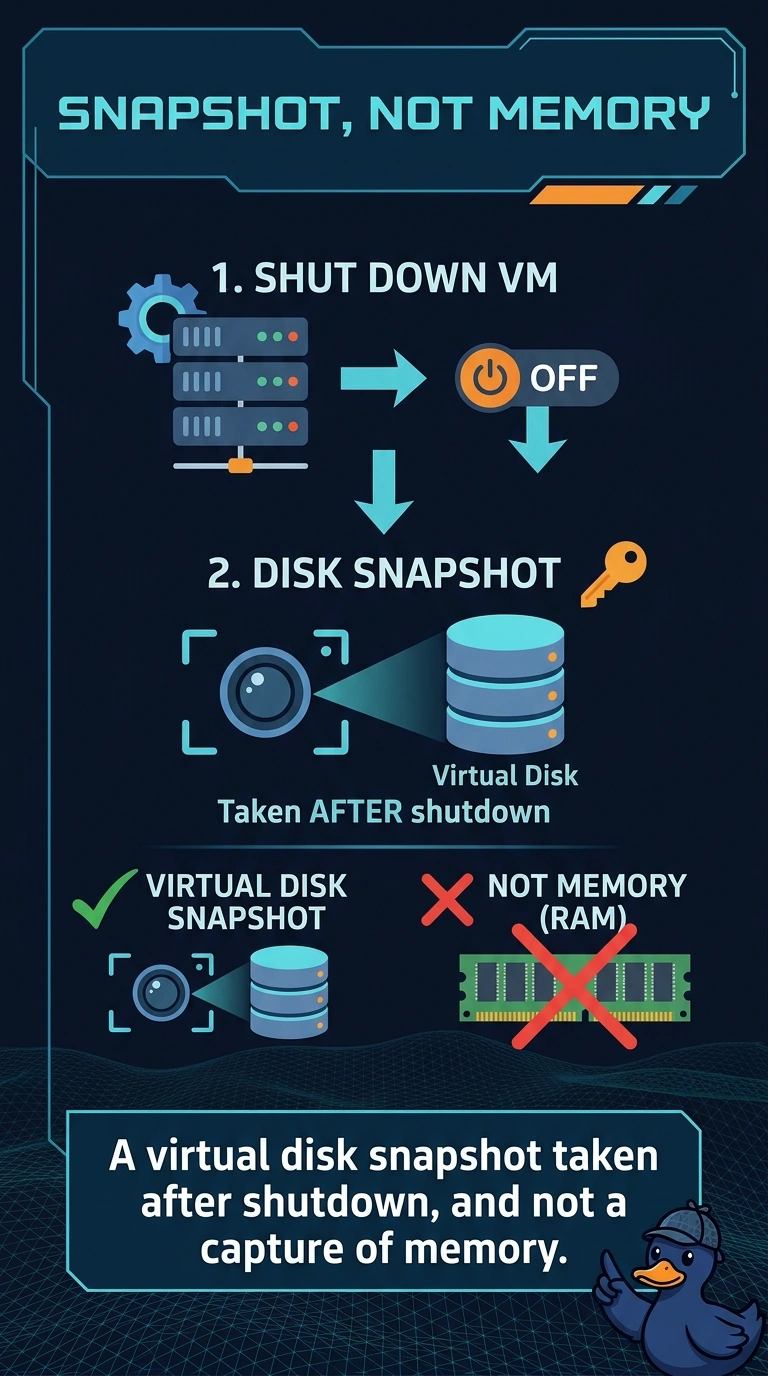
Photocopying the filing cabinet after the lights go out does not capture what was on the screen, and you should name the copy for what it is. A cloud disk snapshot taken after the virtual machine is powered off is a copy of the virtual disk, not a memory image. Treating it as saved RAM, as a dump of every guest, or as a live process list invents evidence the snapshot does not hold.
Full Explanation
A virtual disk snapshot taken after shutdown is a copy of that disk and not a capture of memory. Powering the machine off discarded RAM before the snapshot ran, so the snapshot has no process list and no live memory contents. It is not a full memory image the provider saved when the virtual machine powered off; a disk snapshot does not smuggle RAM along as a side effect. It is not a hypervisor memory dump of every guest that shares that physical server; you did not image the hypervisor, and the snapshot is one guest disk. It is not a live process listing that replaces a capture of volatile memory; nothing live remains to list after shutdown. A disk snapshot preserves blocks from the virtual volume, and process memory was already discarded at power-off. Exam caveat: if you needed memory, it had to be captured while the virtual machine was still running, and renaming this snapshot does not create that capture. Operational check: check the snapshot for a disk volume taken after power-off, and confirm the case notes do not file it under memory images.