
Two macOS disk images at a design studio differ by a few bytes in a trailer. Which named editor is the macOS hex tool for that comparison?
Select an answer to reveal the explanation.
Short Explanation
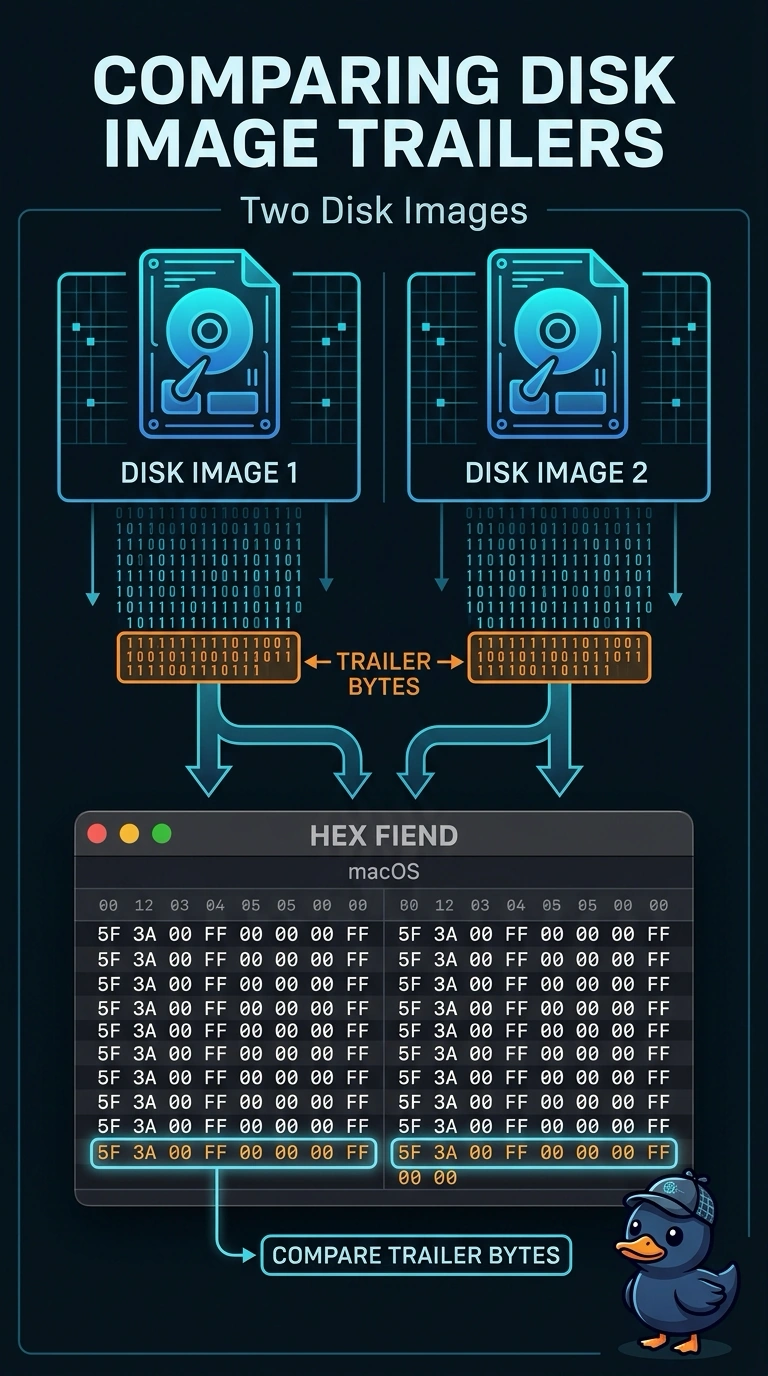
On a Mac, you reach for the hex loupe that actually lives on that desk. Hex Fiend is the macOS hex editor for comparing a few trailer bytes between two disk images. HxD and Hiew belong on Windows, and a decompiler is the wrong kind of glass.
Full Explanation
Hex Fiend is the macOS hex editor among the tools named for this exam, so it is the one you use for comparing the trailer bytes between the two disk images. A few differing bytes in a trailer are a hex comparison, not a disassembly job and not a Windows-only editor problem. HxD, the Windows hex editor, opened on the Mac through a compatibility layer to view the bytes, forces a Windows tool onto macOS and is not the named Mac editor. Hiew, the Windows hex and disassembly viewer, pointed at both disk images to view the bytes, is likewise a Windows program and adds a disassembly view you do not need for a trailer diff. Ghidra, the decompiler, loading both disk images as executable programs so they can be stepped, treats disk images as code to analyze and can even imply execution through a debugger mindset, which is the wrong instrument for a byte-level trailer comparison. Exam caveat: a trailer difference can be padding, a checksum, or appended data, so the hex view shows where the bytes differ and a separate parse says what they mean. Operational check: open both images in Hex Fiend, inspect the trailer region, and record the offsets that differ without mounting either image as a running system.