
A museum archivist finds that a hex editor shows a PDF header at the start of a file whose name ends in .png. What is the next safe step?
Select an answer to reveal the explanation.
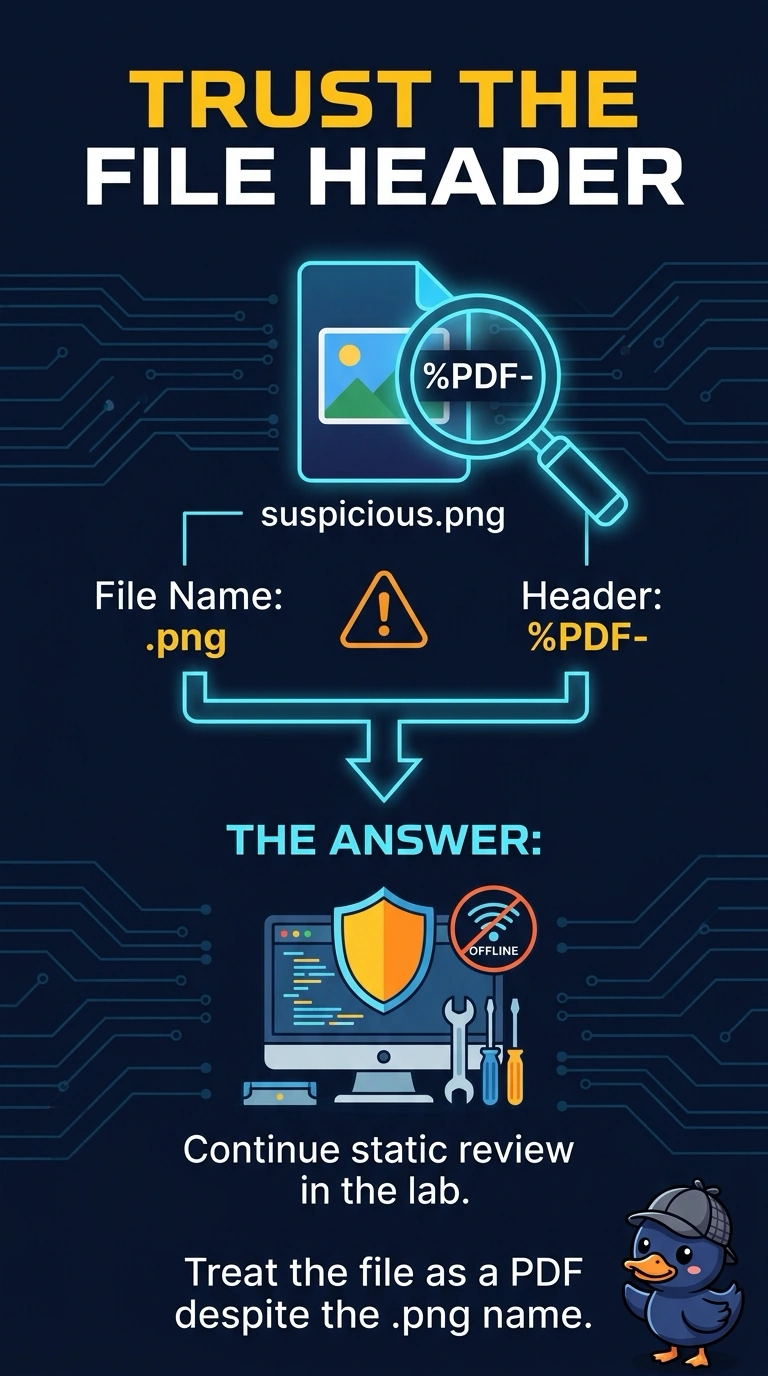
Short Explanation
The label says soup, but the can is stamped as paint, so you read the stamp before anyone is served. A PDF header means you keep analyzing the bytes statically and treat the file as a PDF despite the png name. Double-clicking it on your daily laptop, trusting the extension, or running a renamed copy is the trap.
Full Explanation
The header bytes identify the file type, and a PDF header outranks a png name, so the next safe step is to continue the static review in the lab and treat the file as a PDF despite the png name. You do not hand the file to a viewer on the computer you use for daily work. Double-click the file on the analyst daily laptop so the default viewer can decide the real type launches a handler on a production profile and can execute PDF content outside the lab. Trust the png name and upload the file to the public photo gallery where museum guests can fetch it follows the extension, ignores the header, and publishes an unreviewed file. Rename the file so the name ends in png.exe and run it to force a picture handler to load both mislabels the file again and executes it, which is the opposite of a safe next step. Exam caveat: a PDF header does not mean the file is harmless, because a PDF can still carry active content; this step classifies and contains the file, and it is not a benign verdict. Operational check: record the hash, note the PDF header against the png name, and keep parsing the file in the lab rather than opening it from the archivist desktop.