
A junior analyst leaves a YARA condition that only tests for the MZ marker at the start of the file, with the family strings commented out. Why will that rule place almost every Windows executable in the family?
Select an answer to reveal the explanation.
Short Explanation
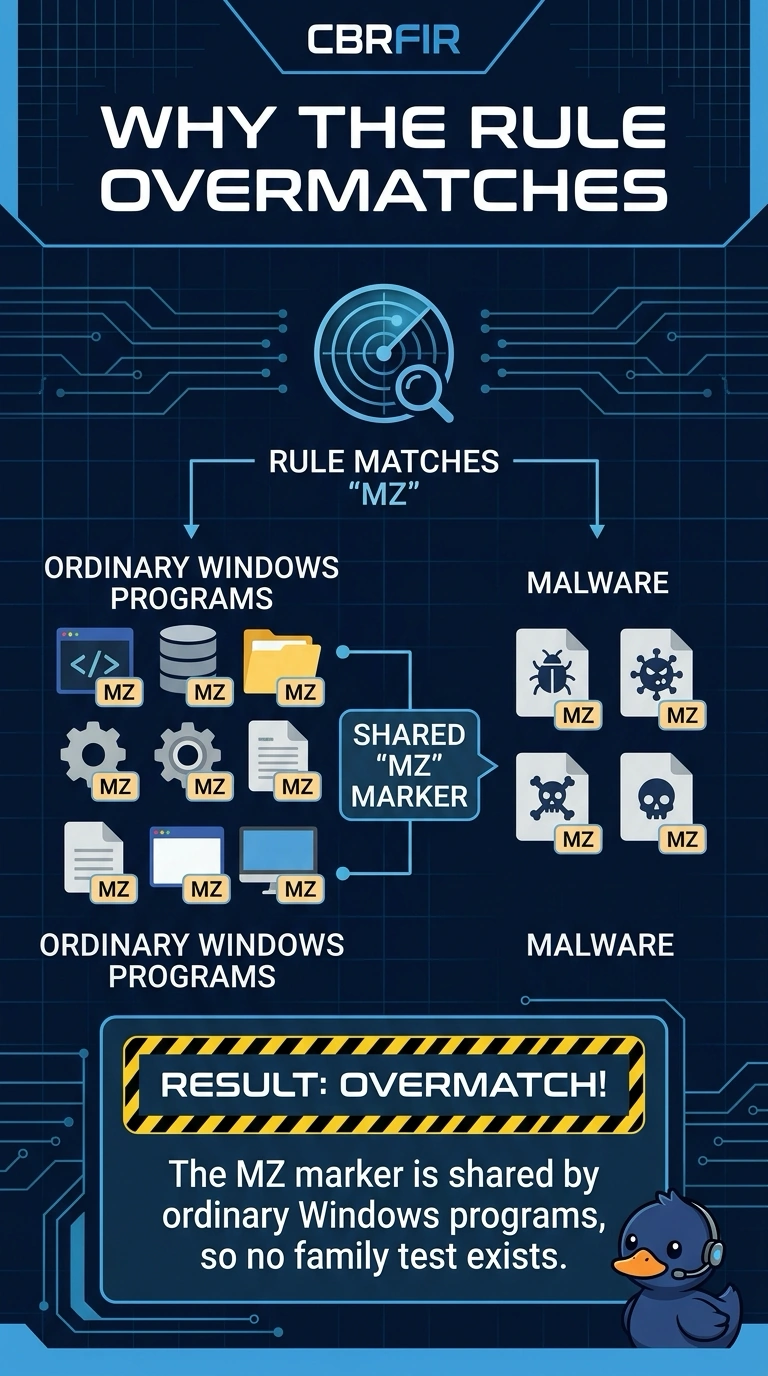
A door sign that only says a building is a building will match every building on the street. The MZ marker is shared by ordinary Windows programs, so your condition has no family test and will label almost every executable. Commented-out strings do not save you, because comments are not part of the match.
Full Explanation
The MZ marker is the header ordinary Windows programs carry, so a condition that tests only for it is true for routine executables as well as for the family. No separate family test exists once the distinctive strings are commented out. The marker does not belong only to that one family, and the condition is not specific. The rule does not select no files: a header check finds a great many programs on a real disk, which is the opposite of an empty result. Commented strings do not continue to match, and the header check does not add another family label on top of a working string test, because those strings are not active. Putting the strings back into the strings section, and requiring them in the condition, is what would separate the family from every other Windows program. Those strings count only when they are active and the condition requires them, which is a different rule from a lone header comparison. Exam caveat: a header test is useful as one clause inside a tighter rule, and it is too broad when it is the whole condition. Operational check: run the rule against a known-good Windows binary and against the family sample, and treat hits on both as proof the condition is not family-specific.