
An analyst has a RAM image from a factory server and needs processes missing from the linked process list, plus regions of injected memory. Why does Volatility fit when a disk-imaging command does not?
Select an answer to reveal the explanation.
Short Explanation
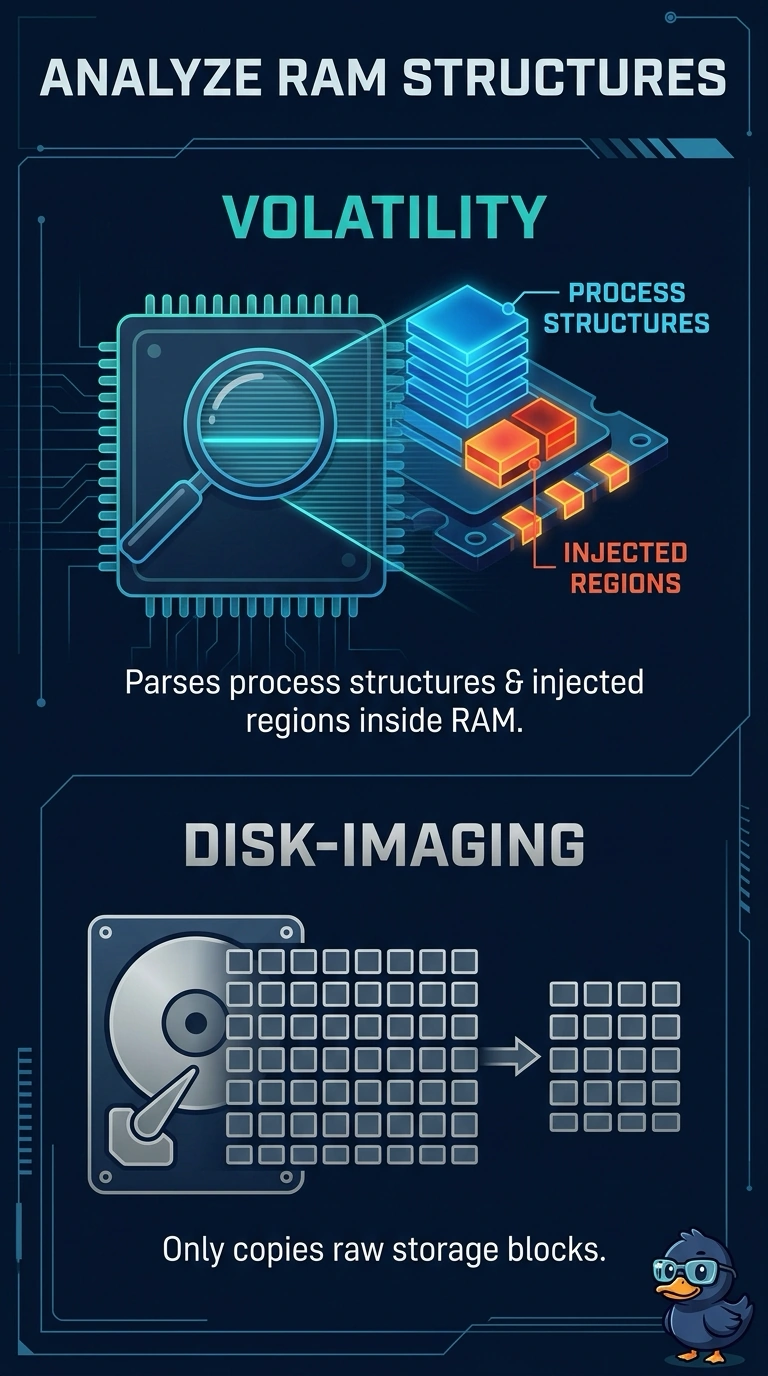
A microscope made for slides shows you detail that a photocopier of the filing cabinet cannot capture. You use Volatility on the RAM image to find unlinked processes and injected regions, which a disk-imaging command does not parse. The trap is pointing tcpdump, Autoruns, or a disk imager at a question that lives in memory structures.
Full Explanation
Volatility is a memory-analysis framework. It parses process structures and injected regions inside the RAM image, which is how an analyst finds processes missing from the linked process list and memory that was injected rather than loaded from a file. A disk-imaging command only copies storage blocks. It does not interpret those memory structures, so it does not answer this question. A disk-imaging command also does not rebuild the linked process list from the file table or mark injected memory regions. The file table describes files, not the process list in RAM. tcpdump reads packets, not a RAM image, and it does not display injected memory regions as if they were ordinary packet payloads. The claim that Autoruns compares Prefetch entries and lists injected regions that do not have a startup persistence key mixes a persistence viewer with a memory question. Autoruns shows what is set to start, Prefetch records that a file executed, and neither one is injected memory in a RAM image. Exam caveat: Volatility still needs operating-system symbols that match the image, or the parse of those structures can be empty or wrong. Operational check: point Volatility at the RAM image and show unlinked processes or injected regions that a disk image of the same host does not contain as files.