
A school laptop is still running, and the analyst needs a live view of Run keys, services, and scheduled tasks. Which Sysinternals tool is built for those persistence locations?
Select an answer to reveal the explanation.
Short Explanation
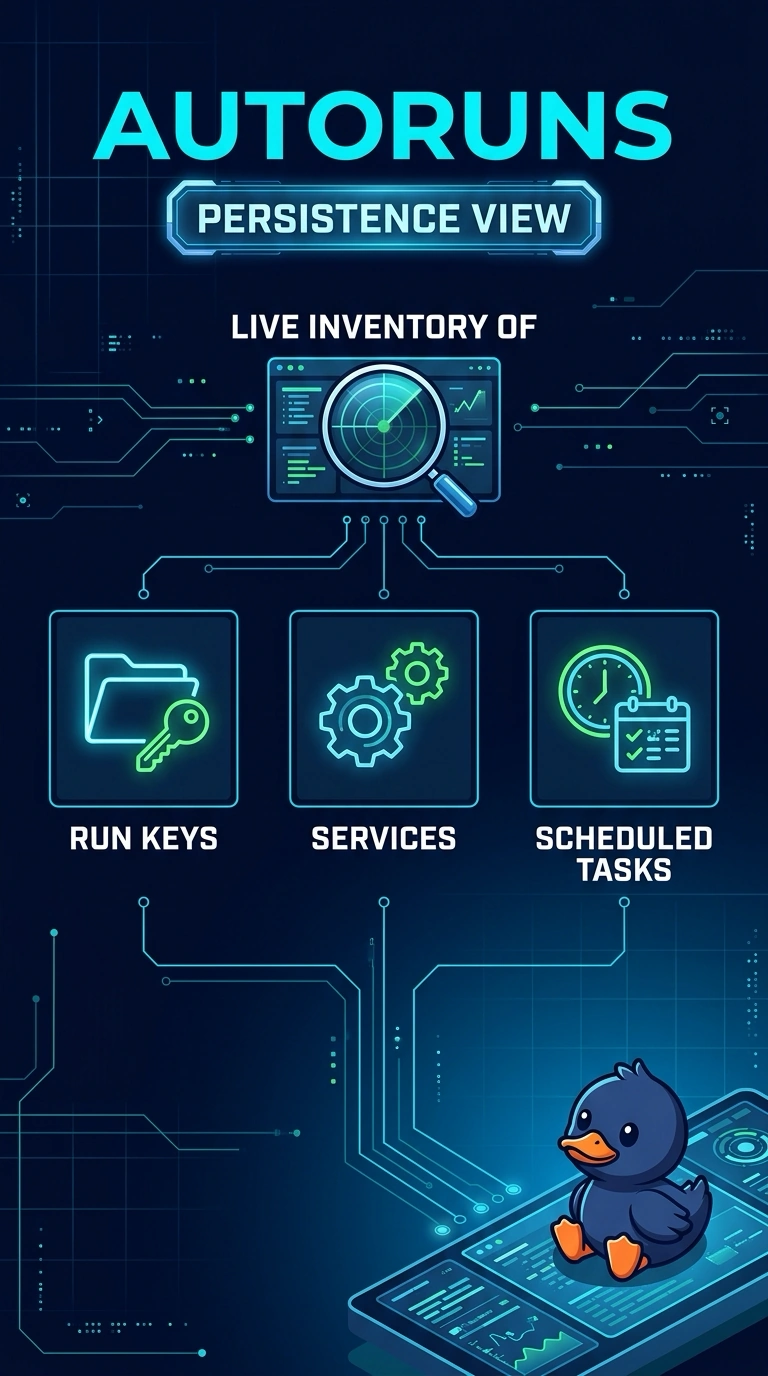
You want the building key list, not a camera pointed at one hallway for a minute. Autoruns is the Sysinternals tool built to show Run keys, services, and scheduled tasks on a live Windows host. Process Explorer, Process Monitor, and TCPView are live views too, but they show processes, activity, or connections rather than autostart locations.
Full Explanation
Autoruns is the Sysinternals inventory of autostart locations, and on a live laptop it shows Run keys, services, and scheduled tasks without making you reconstruct them from raw hives. That is the view built for persistence locations while the host is up. Process Explorer is a live inventory of threads, handles, and loaded modules for processes that are running, which is a different question than where the host is configured to start code. Process Monitor is a live trace of file, registry, and process events as they occur, useful for a watch window but not a catalog of autostart entries. TCPView is a live list of network endpoints and the owning processes, so it answers who is talking, not what will start at logon. Exam caveat: an Autoruns entry is configuration, not proof the item executed today, so pair it with process or log evidence before you call it active. Operational check: run Autoruns on the live host and confirm the services and scheduled tasks views are populated from that system rather than from an offline hive you did not intend to read.