
A museum Linux web server may still be keeping persistence through a scheduled job. Which on-disk locations contain the relevant scheduled-persistence definitions?
Select an answer to reveal the explanation.
Short Explanation
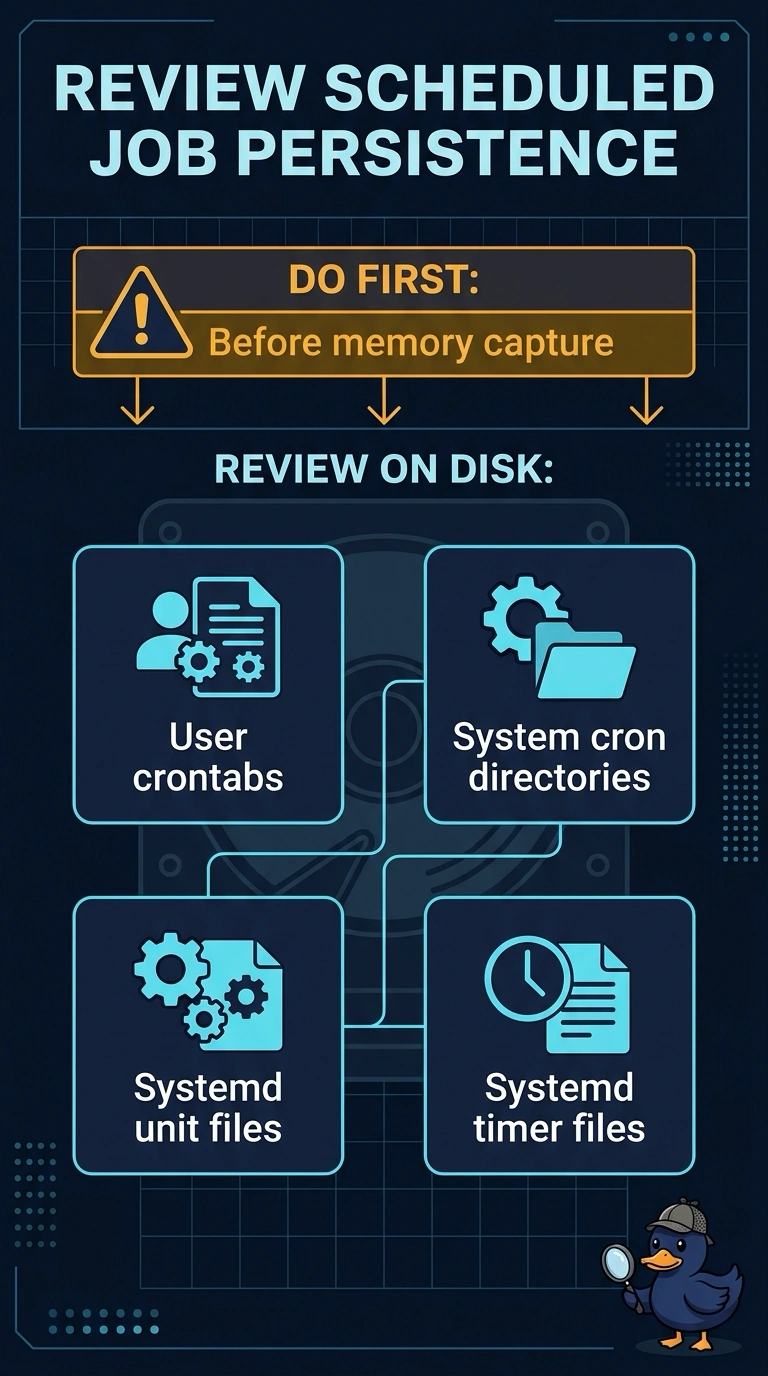
A scheduled job lives on the calendar on disk, not only in the machine's short-term memory. Prioritize volatile evidence collection as appropriate on the live host; review crontabs and systemd unit/timer definitions without treating their persistence as a reason to postpone RAM capture. You can still rule out bash history, the web access log, and wtmp because they do not store that persistence.
Full Explanation
Scheduled persistence on Linux is stored on disk in user crontabs, system cron directories, and systemd unit and timer files. Prioritize volatile evidence collection as appropriate on the live host; review crontabs and systemd unit/timer definitions without treating their persistence as a reason to postpone RAM capture. A reboot can clear RAM while the definition remains on disk to restart. The web user's bash history, searched for typed commands that downloaded a tool, may show how a shell was used, and it is not the store of the scheduled job; an empty history does not mean no job exists. The NGINX access log, searched for a request line, records HTTP requests and status, and a request line does not prove the scheduled job ran or show the job definition. The wtmp accounting file, searched for the interactive logon that created the scheduled job, records logon sessions, not cron entries or systemd timers. Exam caveat: the user crontab spool path differs by distribution, so listing each account with the crontab command matters as much as reading system cron directories. Operational check: list crontabs for each account, list /etc/crontab and /etc/cron.d plus the cron hourly through monthly directories, and list systemd timers and unit files under /etc/systemd/system, /run/systemd/system, /usr/lib/systemd/system, and per-user paths such as ~/.config/systemd/user.