
A Linux analyst needs the commands a user typed on a jump host. Where is the bash history file, and why can that file be empty even though commands were typed?
Select an answer to reveal the explanation.
Short Explanation
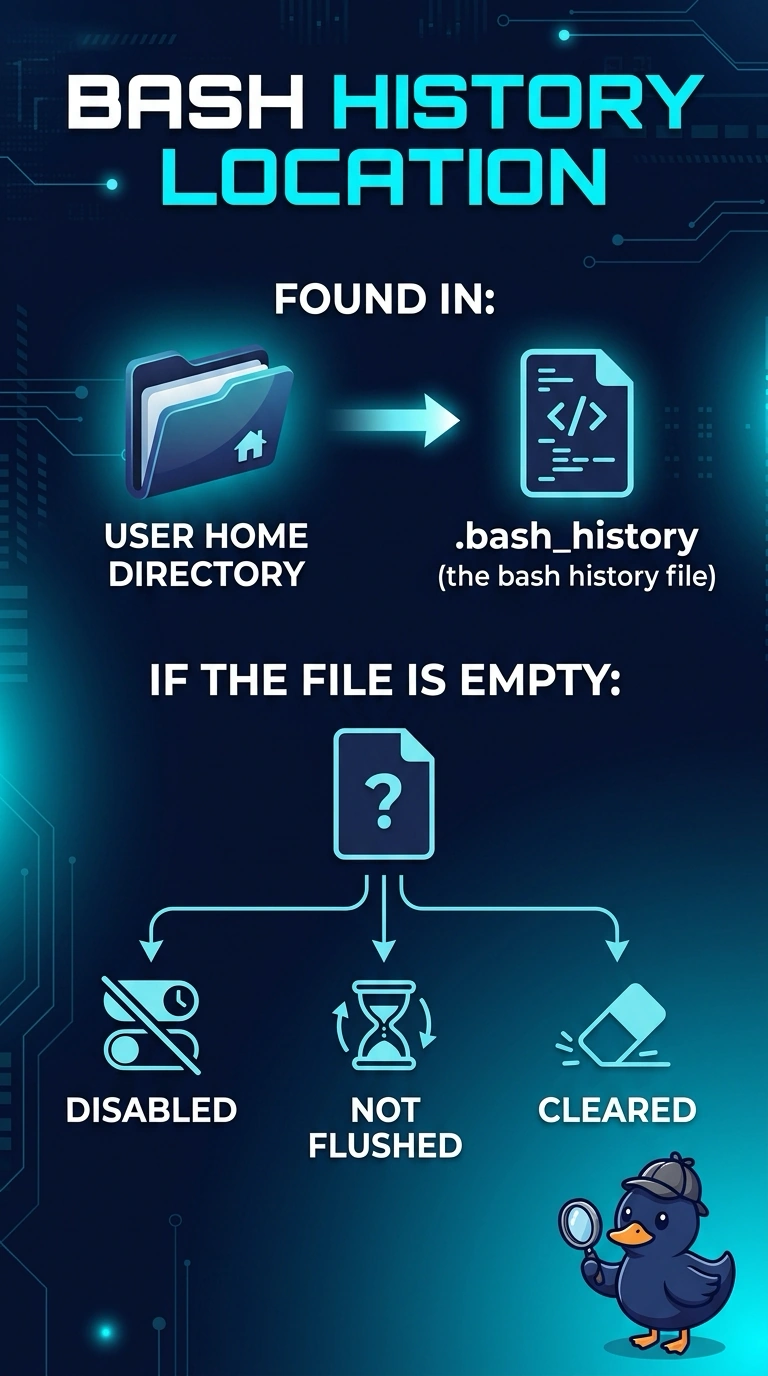
A notebook only helps if the writer actually used it and has not torn the pages out. You look for the bash history file in the user home directory, and an empty file can mean history was disabled, not flushed, or cleared. Empty is not the same as proof that nothing was typed.
Full Explanation
Bash records interactive commands in the bash history file in the user home directory, typically when the shell exits or is told to write history. An empty file can mean history was disabled, not flushed from a still-open session, or cleared, so emptiness does not prove the user typed nothing. The Windows Prefetch path does not exist as a command transcript on that Linux host, and it is not a full transcript of commands the user typed. The web server access log records HTTP requests, not a separate line for each shell command the user typed. The Master File Table is NTFS metadata, not the stored text of every bash command the user typed on a Linux disk. Also check whether the shell was bash, whether history was pointed at a different file, and whether a live session simply had not written the file yet. Exam caveat: another shell, or a history file pointed somewhere else, can hold commands this file never saw. Operational check: read the history file in that home directory and check the shell startup settings for history being disabled.