
Investigators need a record of interactive logons on a Linux jump host that is kept in the login accounting files. Which artifact answers that question?
Select an answer to reveal the explanation.
Short Explanation
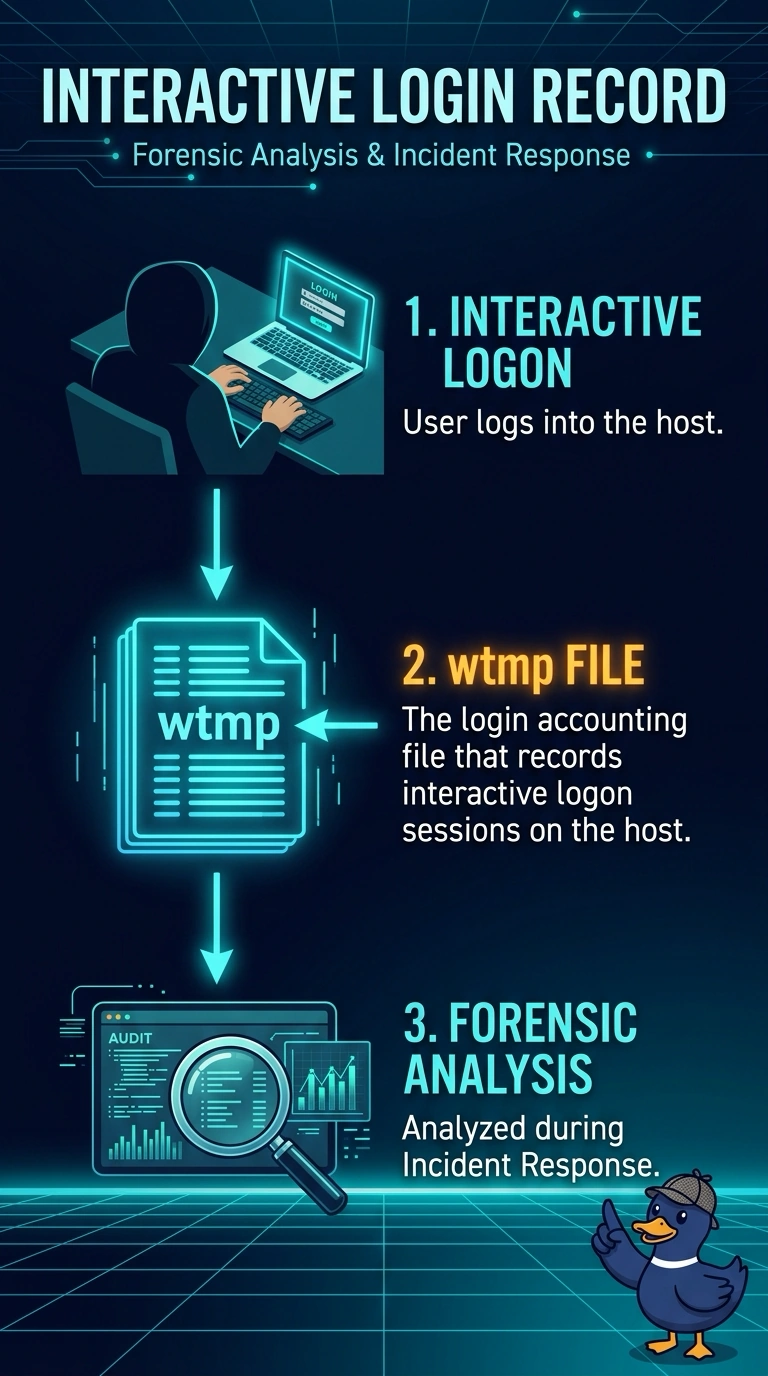
Think of the login accounting file as the sign-in sheet by the door, not a list of web pages people fetched. You read wtmp to find which interactive logons occurred on the host. An NGINX request can show web activity, but a request is not a logon.
Full Explanation
Linux keeps records of interactive logon sessions in its login accounting files, and the wtmp login accounting file records those sessions, including the account, terminal, remote host, and logon and logoff times. It therefore answers which interactive logons occurred on the host. The NGINX access log of client requests, request URLs, and response status codes describes HTTP activity; a client request does not establish an interactive logon. The bash history file of commands typed inside an interactive shell session reflects commands entered after a shell is available, not the accounting record of the logon itself; it may also be empty or edited. Systemd journal entries for package installs and service unit starts document software installation and service activity, not interactive login sessions. Exam caveat: a wtmp session record shows a recorded logon, but does not prove what the user did throughout that session. Practical check: use the last command to read wtmp, then compare the account, source, and session times with the investigation window.