
A lawyer says they never downloaded the installer found in their Windows profile. Where should the analyst look first to test that claim?
Select an answer to reveal the explanation.
Short Explanation
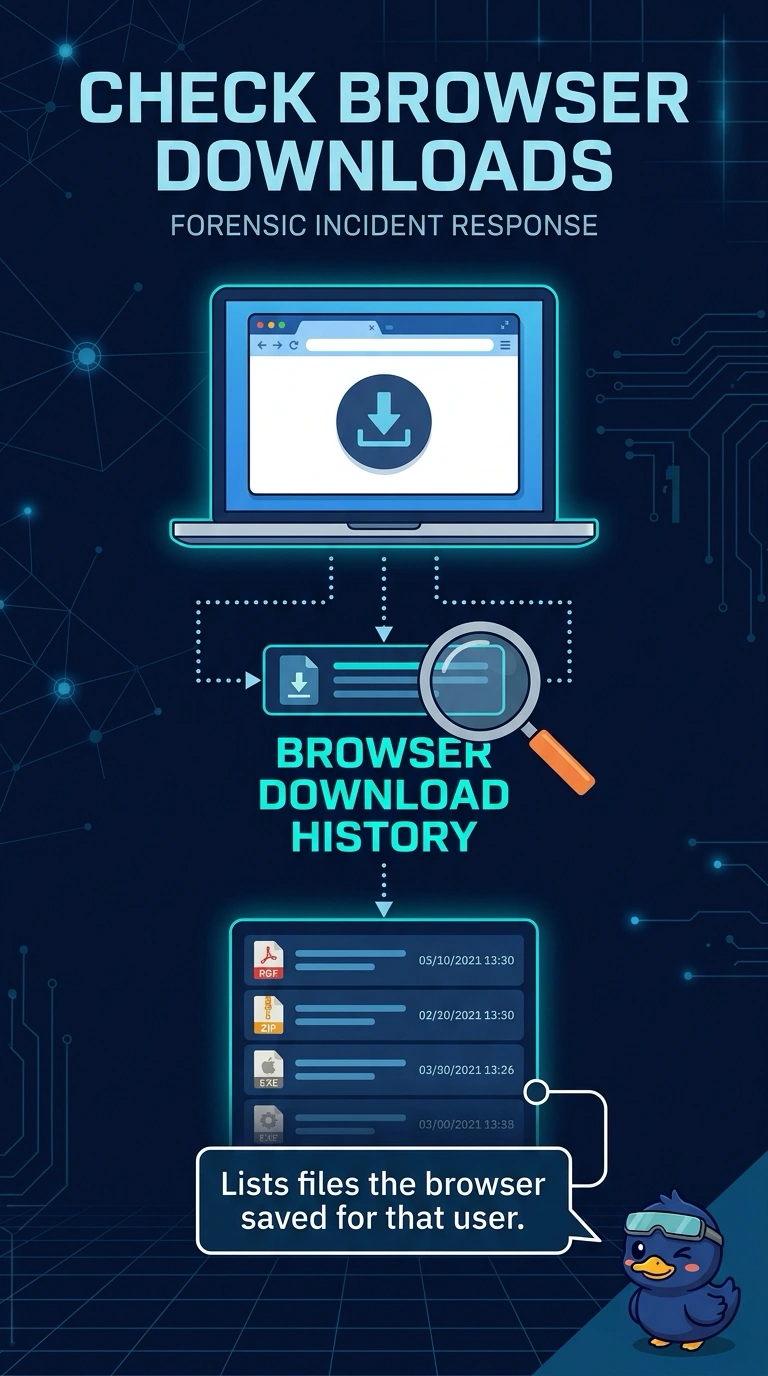
The browser download history is the receipt tape for files the browser saved. You check that tape first when a user says they never downloaded the installer. Prefetch can show that a program ran later, which answers a different question.
Full Explanation
The first place to test a claim that the browser never saved the installer is the browser download history that lists files the browser saved for that user. A hit there, with time and source, contradicts the claim; a miss moves you to other artifacts. The Windows firewall log that lists allowed and blocked network connections can show that a conversation occurred, but it does not list the file the browser saved. The Prefetch files that list executables the workstation has already launched show execution after a program started, not the download that placed the installer on disk. The Security log after rollover no longer holds the older download events, so an empty window does not test the claim and is not a browser artifact. Exam caveat: a download history entry shows the browser recorded a save, not that the user personally clicked, because a script or another person at the keyboard can cause the same entry. Operational check: open the download history in that user's browser profile and look for the installer name, the time, and the source address.