
A hospital Windows workstation has Prefetch enabled, and the analyst needs evidence that a specific program executed. Which directory holds those Prefetch files?
Select an answer to reveal the explanation.
Short Explanation
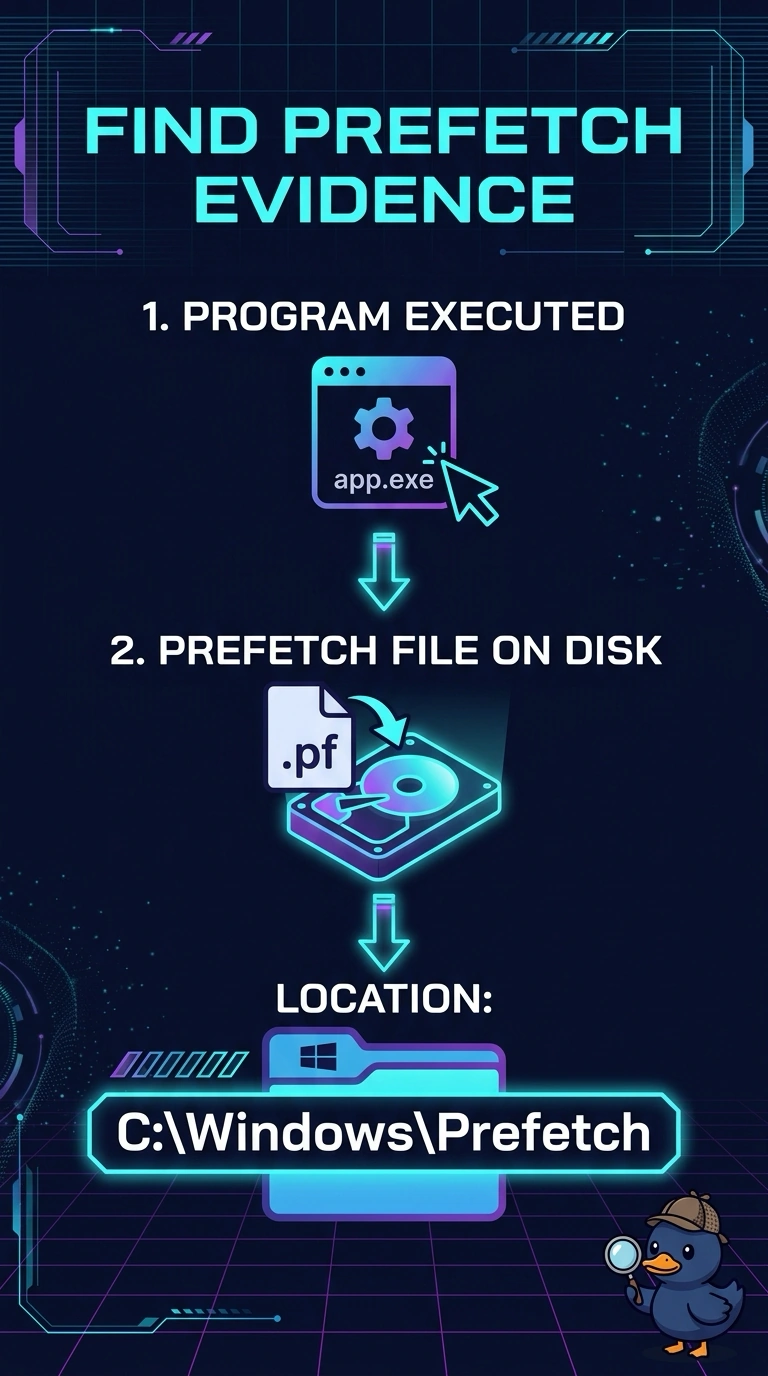
Picture Prefetch as a sign-in sheet kept by the front door, not a pile of scrap paper in a desk drawer. You look in C:\Windows\Prefetch when you need evidence a program executed and Prefetch is enabled. Do not settle for Temp, the Security log alone, or the recycle bin.
Full Explanation
With Prefetch enabled, Windows application Prefetch can create execution artifacts in %SystemRoot%\Prefetch; a relevant .pf file supports execution, but enabled Prefetch does not guarantee a retained artifact for every launch. Those files live in the directory C:\Windows\Prefetch. C:\Windows assumes the Windows installation directory is C:\Windows; use %SystemRoot% otherwise. The name, run count, and timing in that file are the execution evidence you came for, separate from whether the program is still on disk. The per-user Temp directory is a scratch area, and treating it as the catalog of every program that launched will miss executions that never dropped a file there. The Security log can also record process creation when auditing is on, but it is not the only record of program execution, and it is not the Prefetch store. Recycle-bin metadata tracks deleted items, and treating it as the list of executables the user started confuses deletion with execution. The Prefetch file name leads with the executable name, so a directory listing starts the execution question before you parse the file itself. Exam caveat: Prefetch content appears only when Prefetch is enabled, which this workstation is. Operational check: list C:\Windows\Prefetch and find the .pf file whose name begins with that program.