
No binary was dropped on a workstation, but script-block logging recorded the decoded PowerShell that ran. Correlated invocation/process telemetry confirms execution of the decoded content. Which evidence still proves that fileless activity?
Select an answer to reveal the explanation.
Short Explanation
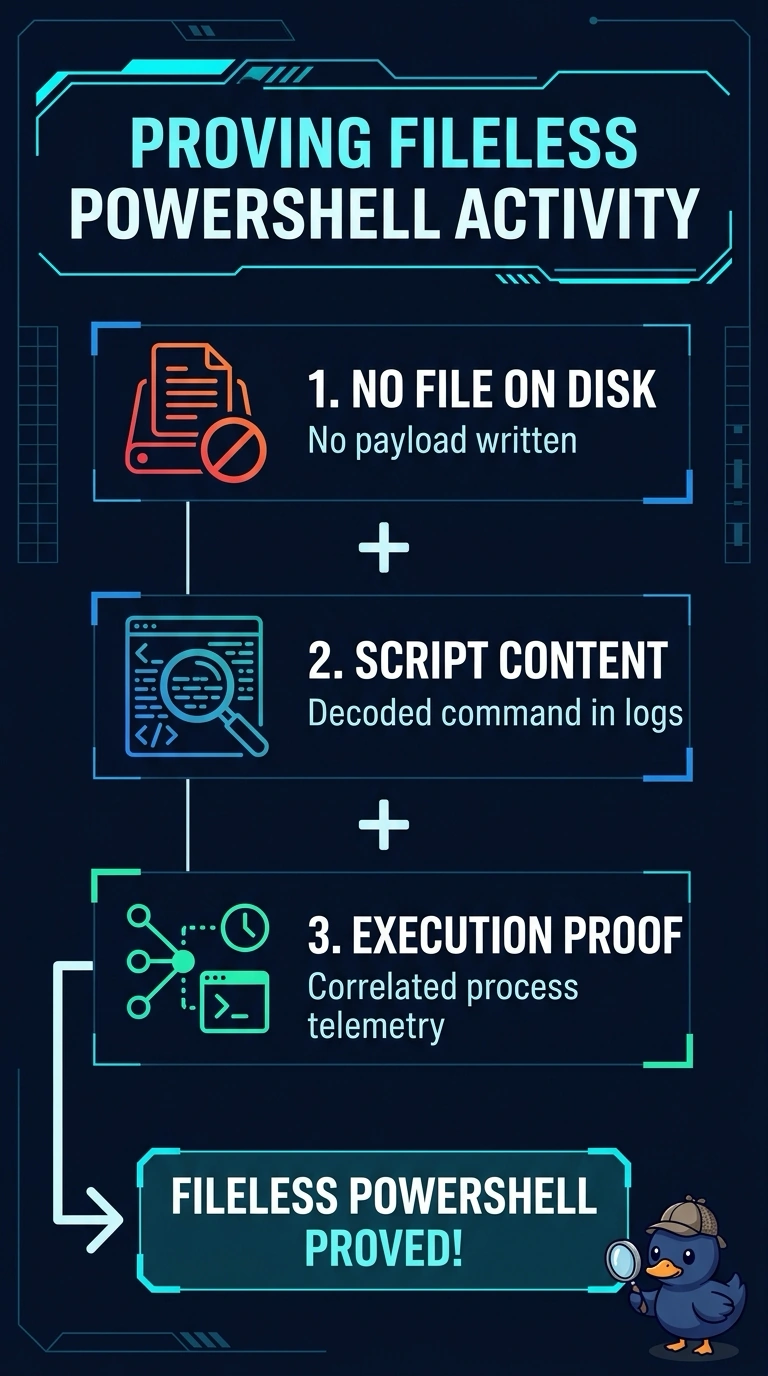
Think of the interpreter as a book on the shelf — you still need the transcript plus proof it was spoken aloud. You have the decoded script-block content together with the correlated invocation/process events, with no separate payload file written. Script-block logging records content PowerShell processes; correlate it with invocation/process evidence before claiming which statements executed.
Full Explanation
Script-block logging records content PowerShell processes; correlate it with invocation/process evidence before claiming which statements executed. The decoded script-block content together with the correlated invocation/process events proves fileless activity here because the log preserves what was processed while the invocation/process telemetry confirms the decoded content actually ran, with no separate payload file written. A new executable hash under the user Temp folder demands a file the scenario says was not dropped and is not required when correlated log and execution telemetry already establish the activity. The normal copy of powershell.exe in the system directory mistakes the trusted interpreter for the payload; the interpreter alone does not show what content was processed or that it executed. A full disk image of an unrelated jump server that did not receive the decoded command or the script-block record contains neither the content nor the confirming telemetry. Exam caveat: this proof exists only because logging was already enabled; preserve the log entry and correlated events so the evidence is not lost if the host is rebuilt. Operational check: export the script-block entry with the decoded content, match its invocation ID and process creation details, and confirm no matching script file was created in that window.