
A scheduled task on a laptop runs powershell.exe with an encoded command, and no separate payload file is on disk. Where does that persistence live?
Select an answer to reveal the explanation.
Short Explanation
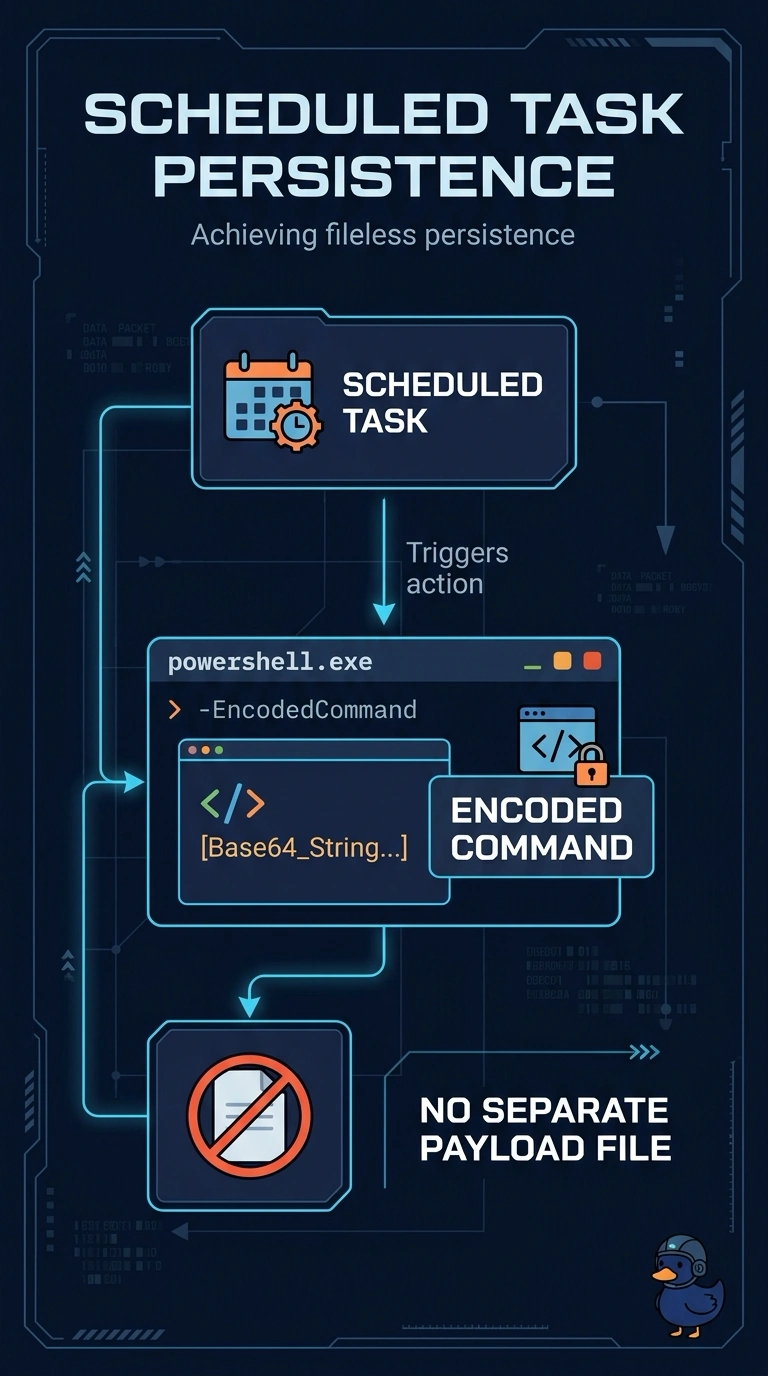
The alarm clock itself is holding the instructions, even when no extra note is lying on the desk. You will find this persistence in the scheduled task, whose action holds the encoded PowerShell and no separate payload file. Prefetch and the Security log remember that something ran; they do not store this job.
Full Explanation
The persistence lives in the scheduled task. Its action is powershell.exe with an encoded command, so the task whose action holds the encoded PowerShell has no separate payload file beside it. Deleting a file that was not dropped would not delete the job. A dropped executable under Program Files that the scheduled task merely displays as a decoy file is not in this evidence, because no separate payload is there to serve as a decoy. Prefetch files record that a program executed. They are not treated as the store that keeps the encoded command and relaunches it at boot; the Prefetch folder is an execution artifact, not the scheduler. The Security event log records activity such as process creation, and it is not treated as the store that reruns the encoded command after every restart. A log line does not schedule the next run. Exam caveat: an encoded command can also be copied into another persistence store, and the store shown here is the task action. Operational check: open the scheduled task, capture the encoded PowerShell in that action, and note that no separate payload file is on disk.