
On a finance PC, regsvr32 was launched with a remote scriptlet address and no DLL was written to disk. Which living-off-the-land pattern is that?
Select an answer to reveal the explanation.
Short Explanation
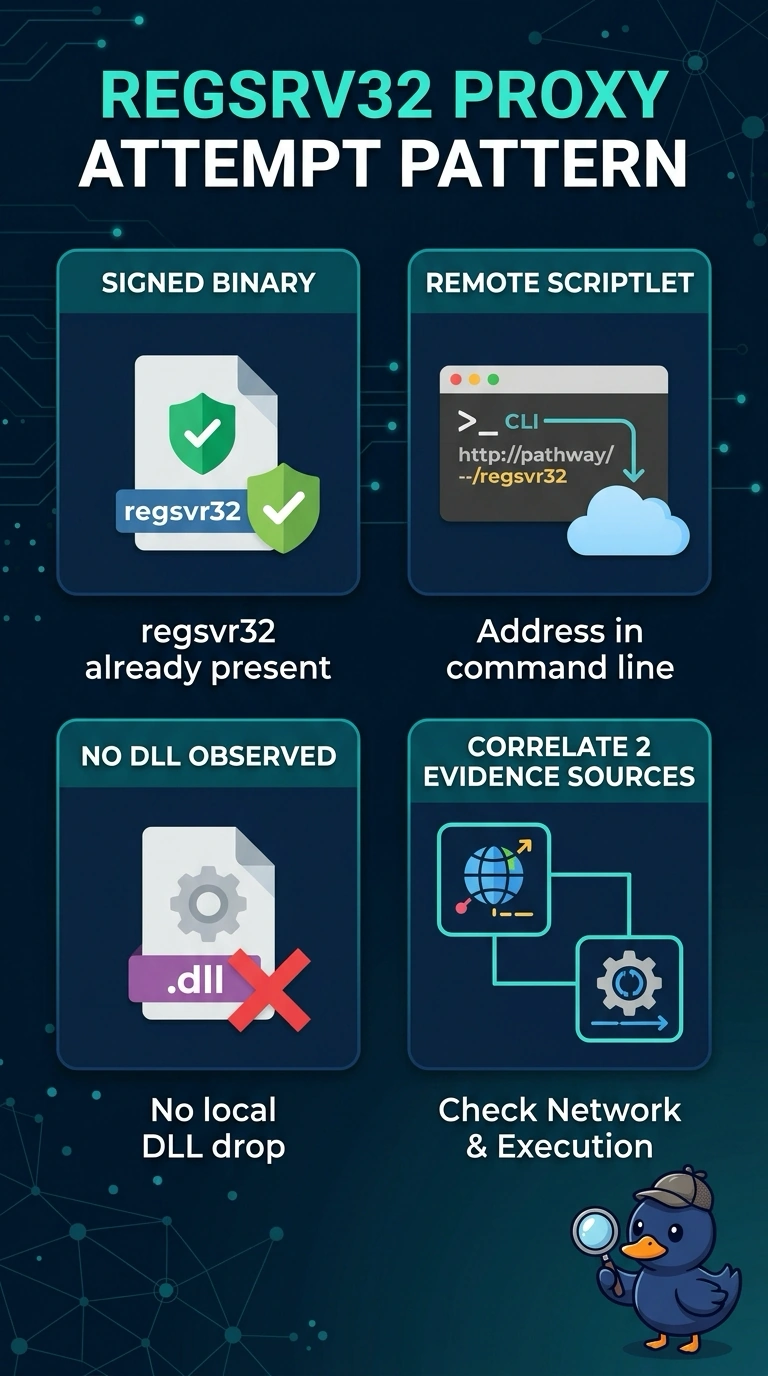
Using the building's own master key is not the same as bringing a new lock to the door. You are seeing a signed-binary proxy-execution attempt using regsvr32 and a remote scriptlet, without an observed local DLL drop, unlike a planted service DLL, driver, or macro. Correlate network and execution evidence to establish whether the remote scriptlet actually ran.
Full Explanation
regsvr32 is a signed Windows binary already present on the computer. Launched with a remote scriptlet address, it can be abused to request script content without writing a new DLL. That pattern is a signed-binary proxy-execution attempt using regsvr32 and a remote scriptlet, without an observed local DLL drop. Correlate network and execution evidence to establish whether the remote scriptlet actually ran. The concerning piece would be the remote scriptlet, not the mere presence of regsvr32. A trojan DLL written under Program Files and registered to start as a newly created local service would leave that DLL and a service entry, which this disk does not show. A kernel driver installed to hide files would be loaded outside the role of this signed user-mode binary; regsvr32 does not install kernel drivers. A macro virus that infects spreadsheet files stored on the shared finance department drive would change documents rather than appear as this regsvr32 command. Exam caveat: the signed binary is legitimate software, so the useful clue is the remote scriptlet argument rather than the binary name alone. Operational check: save the full regsvr32 command line, including the remote scriptlet address, and confirm no new DLL was written at that time.