
On a school laptop, mshta.exe started, ran a script passed inline on its command line, and then exited. Why is a disk hunt for a newly dropped executable the wrong first search?
Select an answer to reveal the explanation.
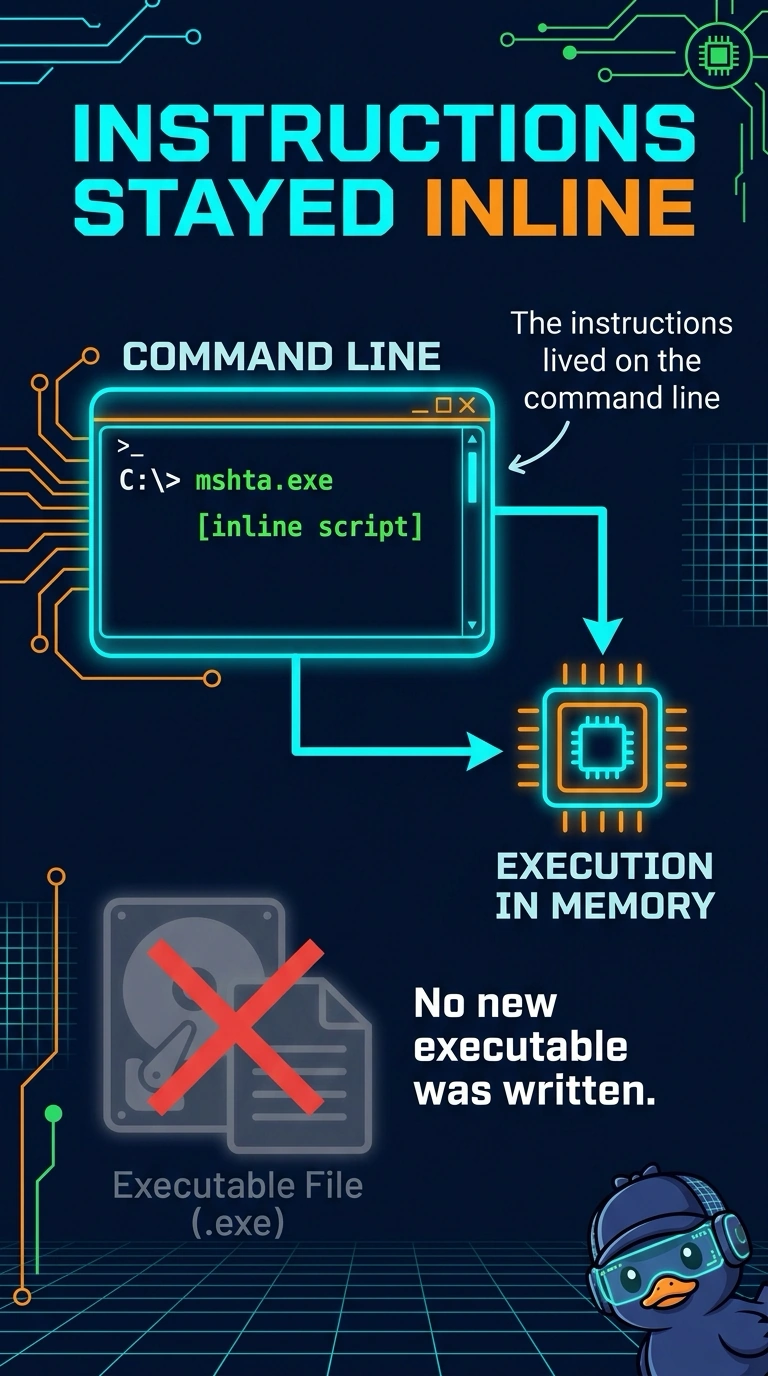
Short Explanation
A trusted wrench can still pry a window: the tool is allowed on the bench, the job is not. You start with the mshta command line, because that is where the inline script already ran. A hunt for a brand-new program on disk walks past a payload that never needed its own file.
Full Explanation
mshta.exe is a signed Windows binary that can execute script supplied inline on its command line, which is a living-off-the-land pattern rather than a dropped program. The instructions lived on the mshta command line, so no new executable had to be written for this run, and the first search is the process-creation record that captured that line. The claim that signed system binaries cannot carry attacker instructions, making the inline script a false positive, confuses a vendor signature with harmless behavior; attackers deliberately pick trusted binaries. The exit of mshta.exe shows the process finished, not that the script was blocked before any instruction could run. A command-line script is not saved as a fresh executable under the user profile as soon as mshta.exe starts running; the operating system does not compile that line into a new binary for you. Exam caveat: a later stage could still drop a file, so a disk hunt can be a follow-up, but it misses the inline activity that already happened. Operational check: retrieve the command line for the mshta process from endpoint or process-creation logs and read the inline script there.