
A clinic receives an unexpected email attachment and nobody has opened it yet. What is the first triage step?
Select an answer to reveal the explanation.
Short Explanation
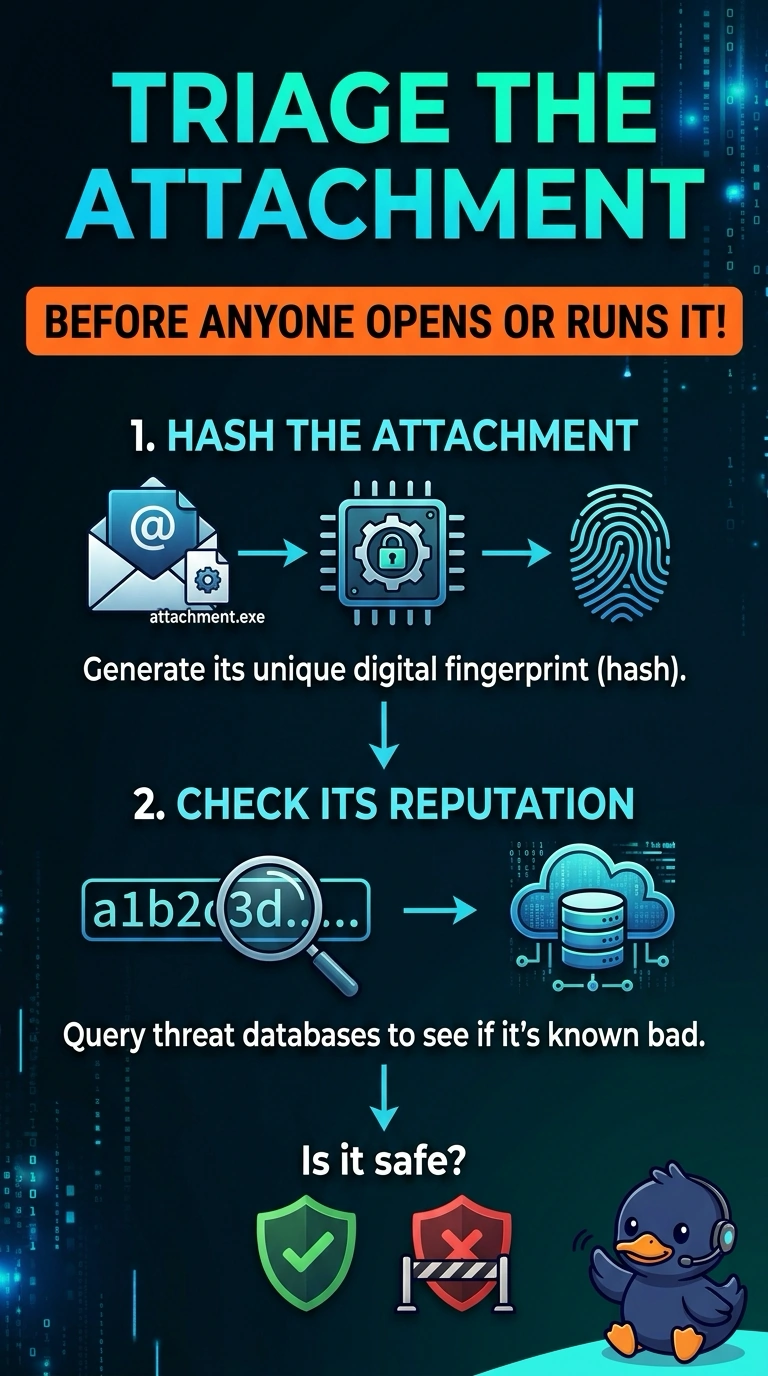
You can start safely by hashing the attachment and checking its reputation before anyone opens or runs it. Hashing gives you a non-executing first look; opening it on the analyst workstation, renaming it and opening it on the corporate desktop, or waiting until after a double-click skips that safe step.
Full Explanation
Mail triage starts with facts you can collect without executing the file. Hash the attachment and check its reputation before anyone opens or runs it, so a known result can guide the next move while the sample stays inert. Opening the attachment on the analyst workstation to watch what the mail client does is unsafe: an untrusted attachment can invoke vulnerable or active-content handlers, and this does not guarantee malicious code execution. Start with controlled, non-executing triage. Renaming the attachment to a text extension and opening it on the corporate desktop changes only the name; many programs still interpret the original bytes. Trusting the filename extension and computing entropy only after the user double-clicks waits until the risky moment and treats the extension as the file type. Entropy can be a later clue, but a double-click is not a lab. An unknown attachment belongs in a controlled location after its hash is written down, not on the analyst’s daily workstation. Exam caveat: a reputation miss does not make the file safe to open on a production desktop. Practical check: compute the hash, look it up in the team’s reputation source, and leave the attachment unopened until the lookup is recorded.