
A university access log shows a burst of server-error status codes for a normal page, then success codes for a new PHP file the site never deployed. What should be inspected on disk next?
Select an answer to reveal the explanation.
Short Explanation
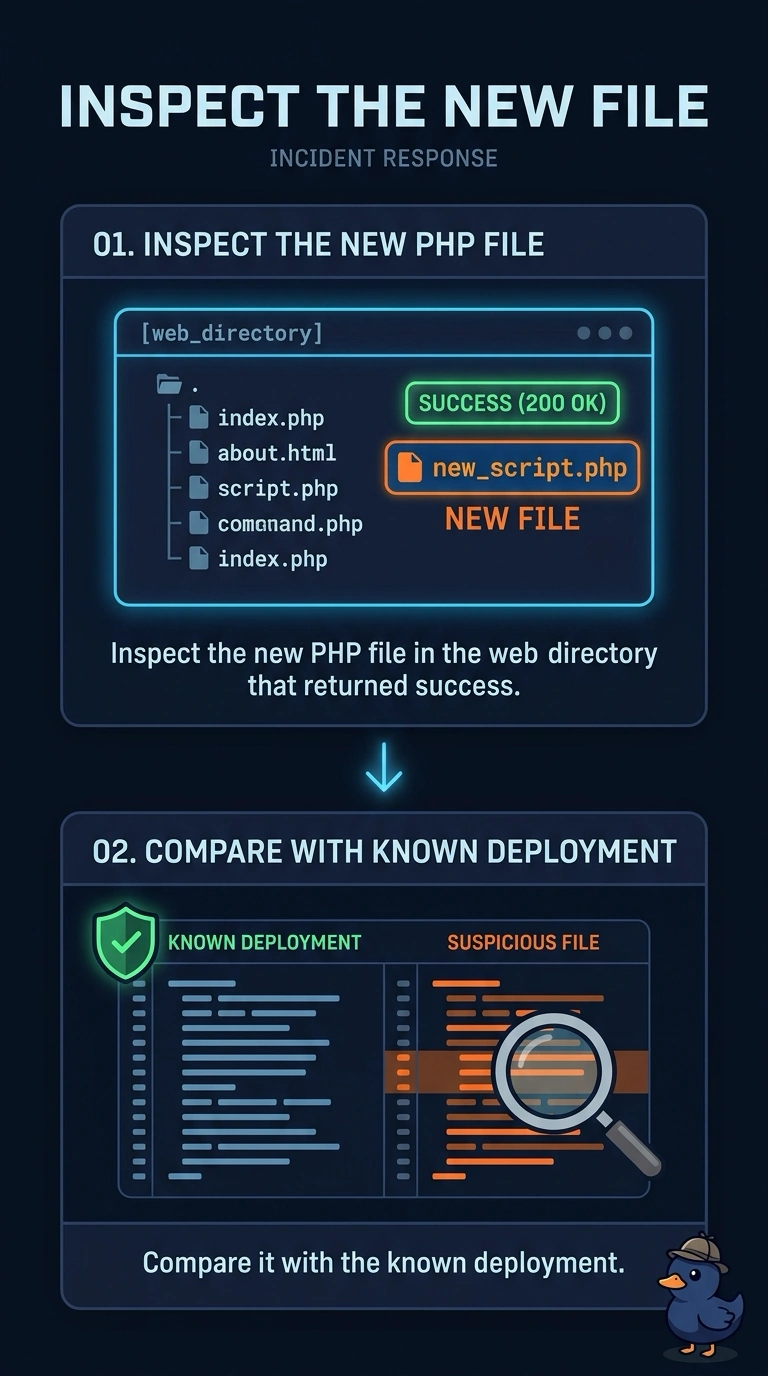
Server errors on a page you already host are a different clue from success on a PHP file the site never deployed. You inspect that new file in the web directory and compare it with the known deployment. Rebuilding the old page, replacing the certificate, or clearing the log skips the artifact those success codes named.
Full Explanation
Server-error status codes on a normal page often mean failed requests or an application fault. Success codes for a new PHP file the site never deployed point at a file that should not be there. The next disk inspection is to inspect the new PHP file in the web directory that returned success and compare it with the known deployment. Rebuilding the normal page on the theory that server errors mean that page was removed treats an error burst as proof of deletion and ignores the successful new file. Replacing the site certificate on the theory that success codes prove the proxy is hostile changes a trust setting that the status codes did not implicate. Clearing the access log so the server-error burst does not distract the next reviewer destroys the timeline that identified the PHP file. Exam caveat: a success status shows the server accepted the request and returned a normal response, and it still does not prove every line of that PHP file ran. Operational check: hash the unexpected PHP file, compare it with the deployment manifest, and preserve the access-log lines that named it.