
A law-firm laptop volume is encrypted, and the analyst does not hold the credential that unlocks it. Why should the original system stay off while the disk is preserved?
Select an answer to reveal the explanation.
Short Explanation
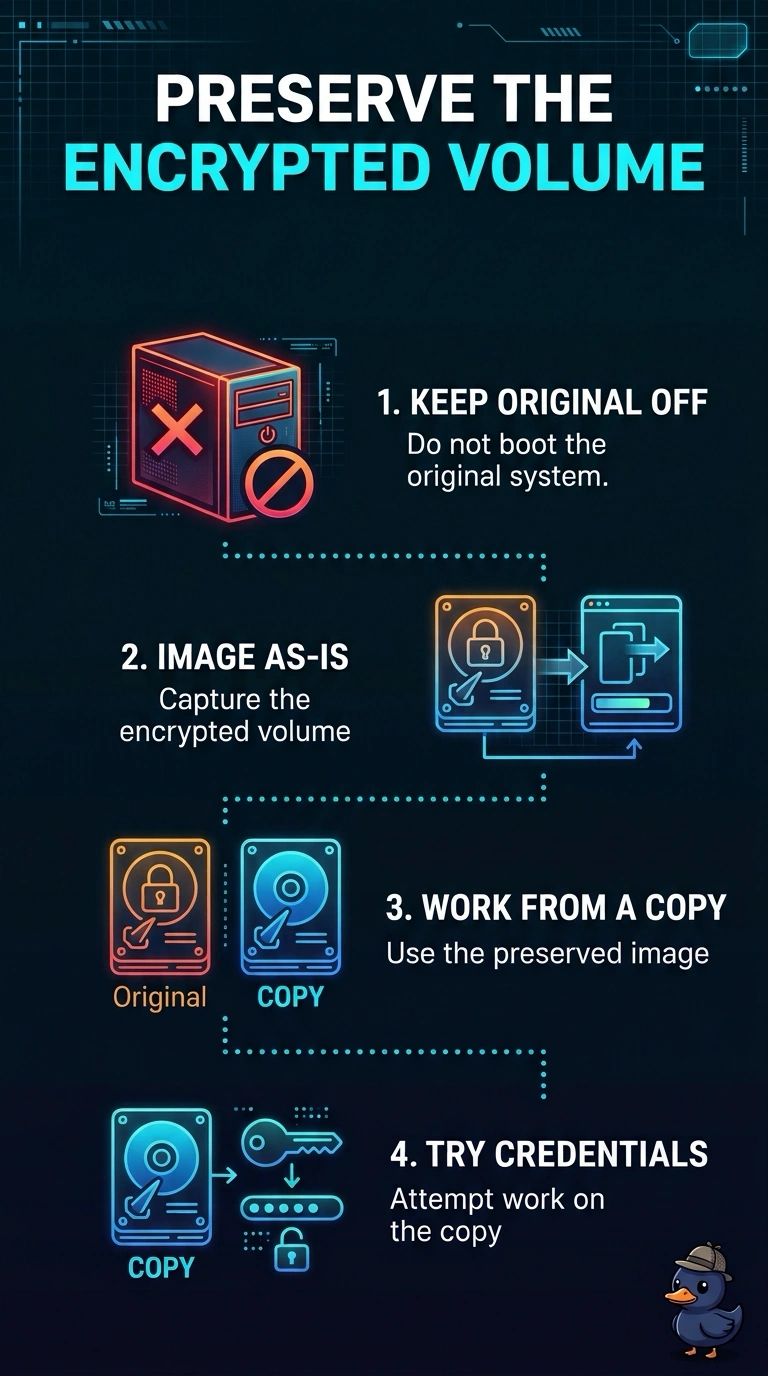
You’re right to keep the original system off and image the encrypted volume as it sits. Try credentials on a copy, preserving the original evidence. Booting to guess passwords can change the very disk you need to preserve.
Full Explanation
The original disk is the evidence. Image the encrypted volume as it sits, then attempt credential work on a copy instead of booting the original system, so the bytes you hash stay the bytes you seized. Booting the original system to try likely passwords fails on two counts: without the credential, the operating system still does not unlock the volume, and starting it can write logs, timestamps, and other changes onto the original. Skipping the image because an encrypted volume seems to hold nothing worth examining later discards the seized bytes and any later chance to apply a recovered key. Formatting the volume at once to install a clean operating system for the attorney destroys the evidence before it can be examined. A disk image is not a memory capture; with the machine staying off, keys that lived only in RAM are already gone, which is another reason guessing at the boot prompt does not help. Exam caveat: key escrow or a custodian may still unlock a copy later, but that work belongs on the image, not the seized laptop. Practical check: acquire the disk without booting the installed system, record the image hash, and attempt password or key recovery only on the copy.