
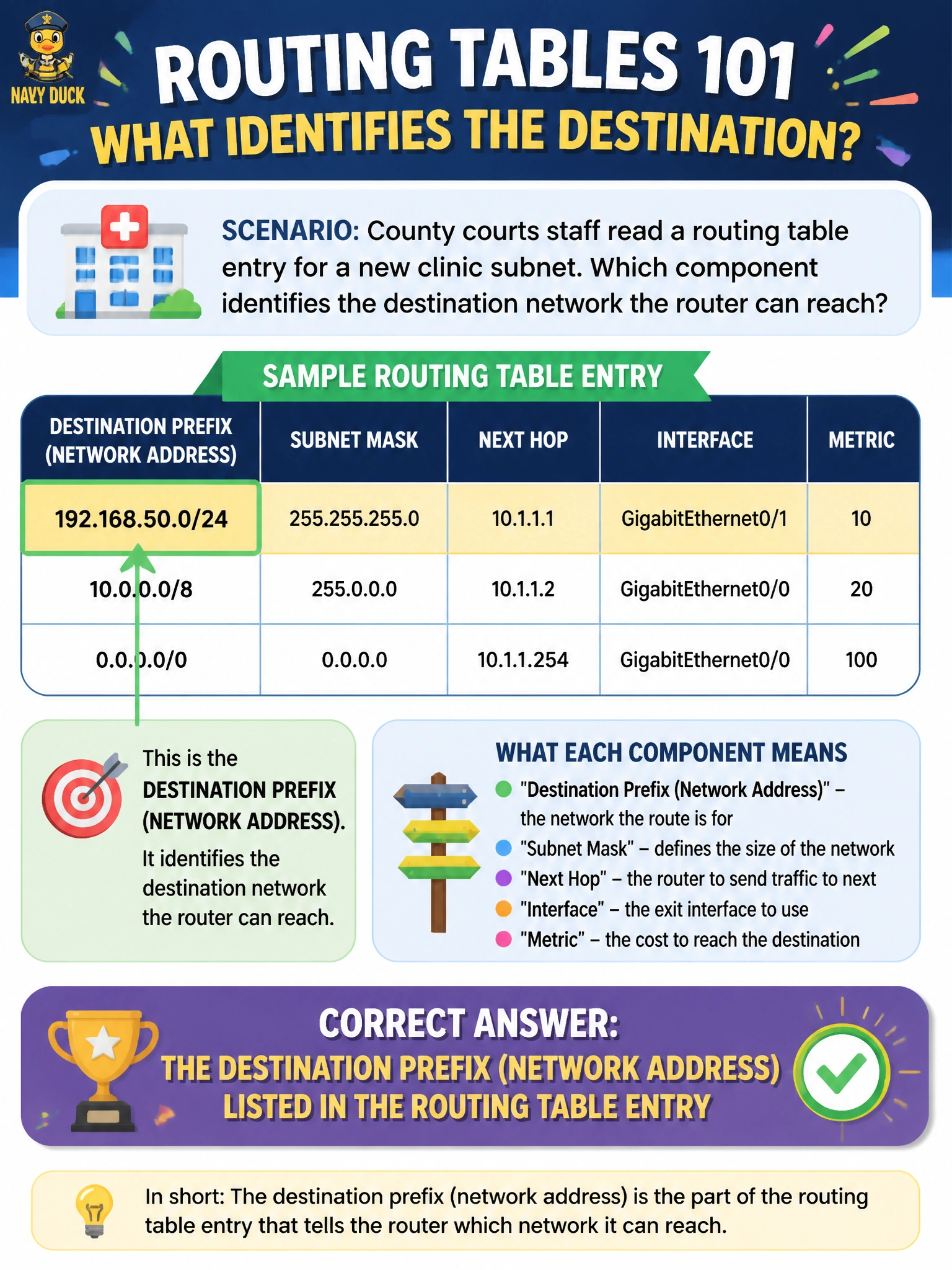
County courts staff read a routing table entry for a new clinic subnet. Which component identifies the destination network the router can reach?
Select an answer to reveal the explanation.
Short Explanation
The destination prefix is the street address on the routing-table envelope — which network this entry claims you can reach. AD and banners are other paperwork; the prefix is the "where."
Full Explanation
Each routing table entry lists a destination prefix—the network address (with mask or prefix length) the router believes it can reach. For county courts staff reading a new clinic subnet entry, that destination network field is what identifies which packets match the route. Without a destination prefix, there is no meaningful route entry for forwarding selection.
Administrative distance alone without any network number ranks trust of a route source; it does not identify the destination network. Interface reset counters on the console line are local hardware statistics, not route destinations. Banner motd text is a login legal notice and never selects forwarding destinations for clinic traffic.
Exam caveat: candidates must read a routing table row as destination plus mask/prefix, then next-hop or exit interface, then AD, metric, and source code. Confusing AD or interface counters with the destination prefix is a common exam trap when tables look dense.
Operational check: show ip route for the clinic prefix, confirm the destination network displayed matches the clinic subnet in the design packet, then traceroute or ping from a source that should use that entry and verify forwarding follows the listed path.