
County jail IT reviews advanced WLAN GUI settings that can affect how clients roam across APs in a large atrium. What should they understand about those settings?
Select an answer to reveal the explanation.
Short Explanation
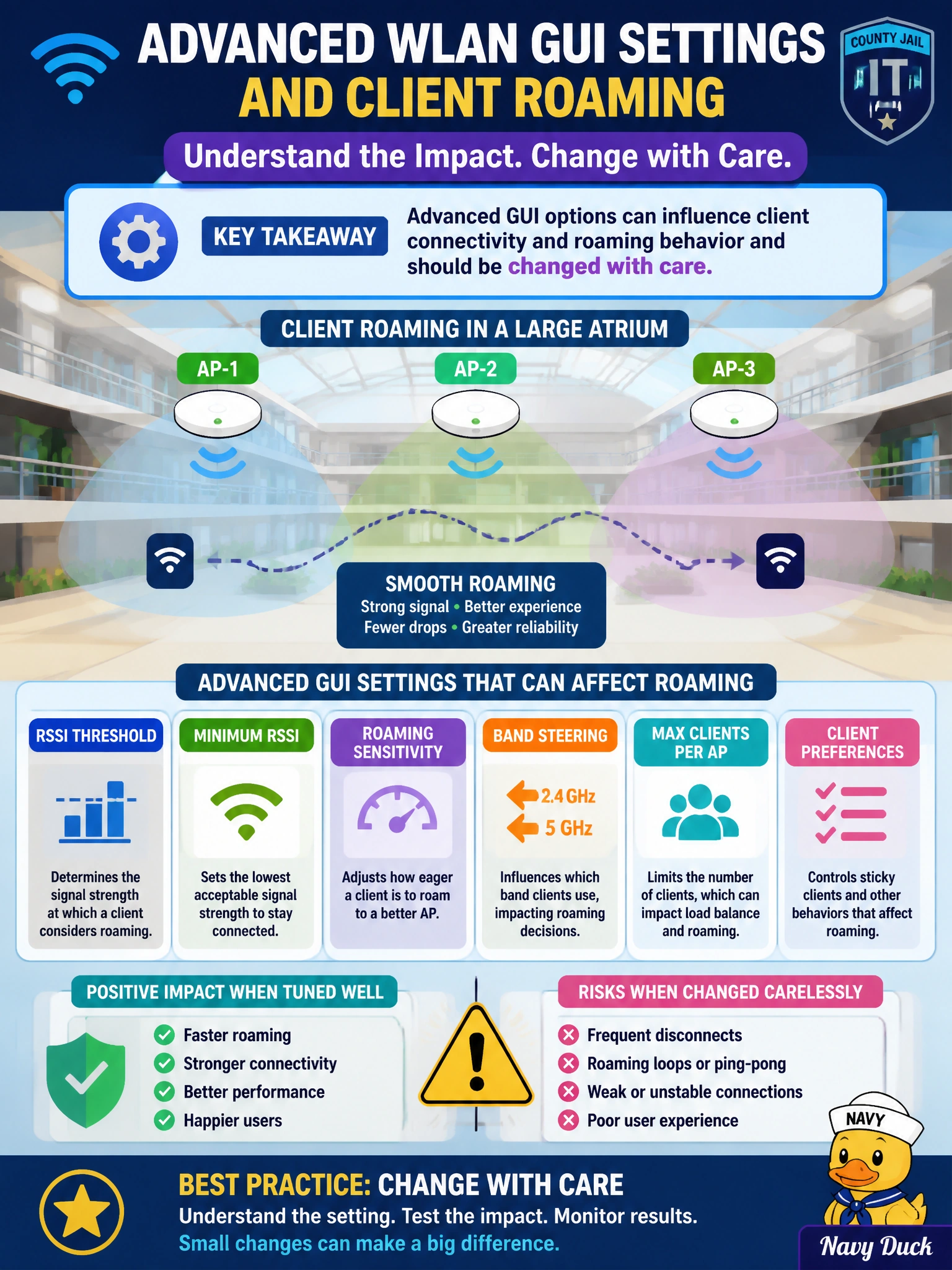
Advanced WLAN toggles are like atrium lighting dimmers — twist the wrong one and phones hesitate between APs. Those GUI knobs can affect how clients stick or roam, so jail IT should treat them thoughtfully, not as wallpaper themes.
Full Explanation
Advanced WLAN settings in the controller GUI can influence how clients behave when moving between APs—including timers, thresholds, and related connectivity options that affect roaming in a large county-jail atrium. Those knobs are not decorative; changing them without a plan can cause sticky clients, excessive roams, or failed associations. Administrators should understand the impact and change advanced options deliberately, preferably with a baseline and a test client path across the atrium.
Claiming advanced settings never influence roaming and exist only for cosmetic themes understates their operational effect. Controlling roaming solely by HVAC schedule confuses building climate with RF client decision logic. Asserting that roaming depends only on DHCP lease length ignores RF measurements, WLAN parameters, and client roaming algorithms.
Exam caveat: CCNA-level questions emphasize that advanced wireless settings matter and should be handled carefully more than they demand memorizing every proprietary timer name. Client roaming is a joint function of client logic, RF design, and WLAN parameters—not one GUI checkbox alone.
Operational check: before changing advanced atrium WLAN settings, capture baseline roam success with a test device walking a fixed path; after a single controlled change, repeat the walk and compare roam time, voice/video drops, and AP association history on the WLC.