
A museum campus checks the WLC GUI before a gallery opening. What verification confirms the staff WLAN can accept clients on the right network?
Select an answer to reveal the explanation.
Short Explanation
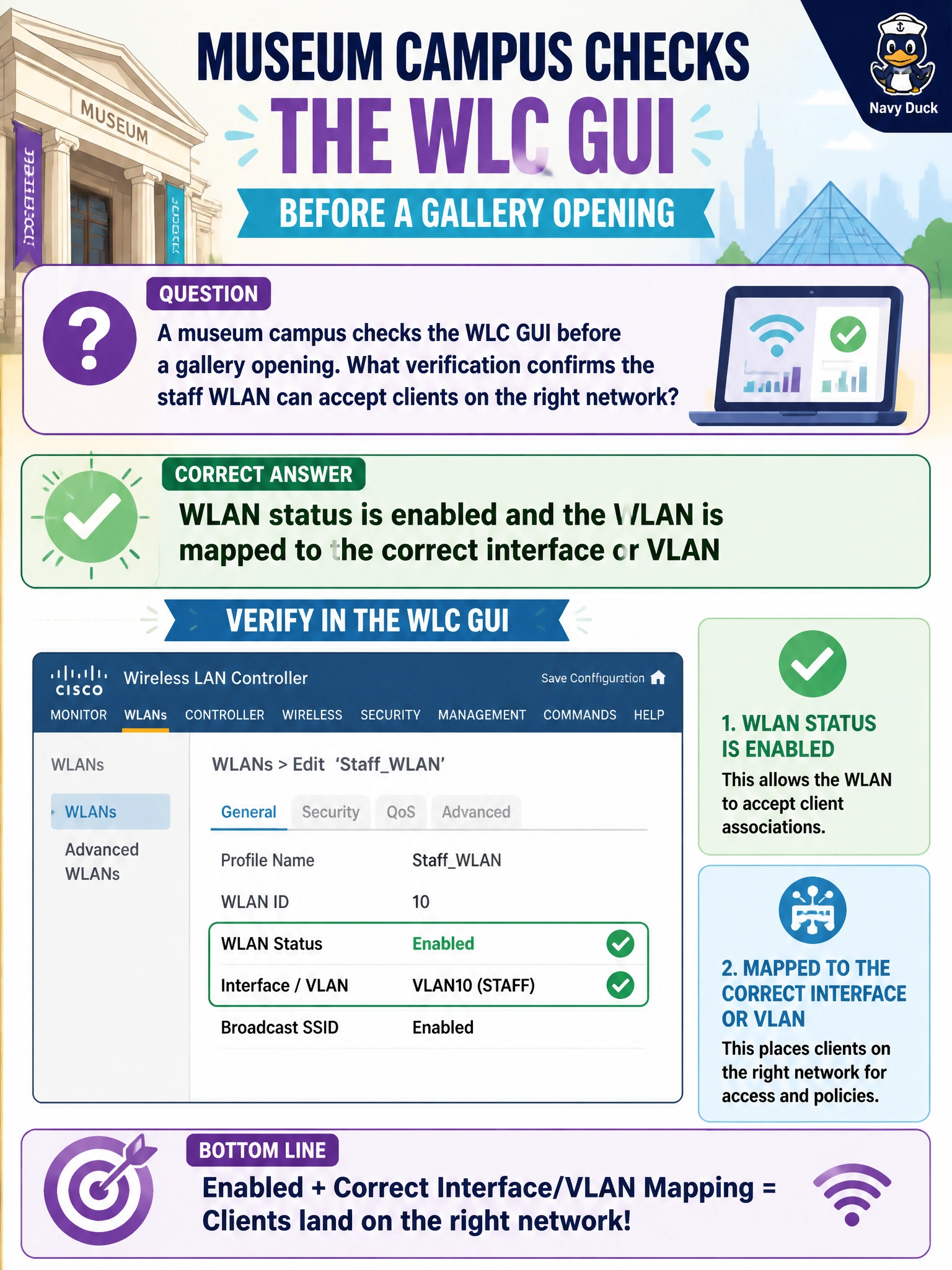
Before doors open, glance at the GUI like a gallery checklist: is the staff WLAN enabled, and is it glued to the right VLAN/interface? If it is disabled or parked on quarantine, tablets will not join the network you think they will.
Full Explanation
Before a museum gallery opening, the practical WLC GUI verification is that the staff WLAN is administratively enabled and mapped to the correct dynamic interface or VLAN. Enabled status makes the SSID available for association; correct interface mapping places staff clients on the intended campus network for addressing and policy. If either piece is wrong, clients may fail to join or may join the wrong segment even though APs appear online.
An administratively disabled WLAN mapped only to an unused quarantine VLAN will not serve staff production traffic. Having only the WLC hostname in DNS with no WLAN objects created means there is nothing for clients to join. Blank SSIDs with CAPWAP shut on every AP take the radio system offline regardless of GUI intent on a phantom WLAN.
Exam caveat: also confirm security settings, AP join state, and DHCP on the mapped VLAN—enabled plus correct interface is necessary verification, not always the entire go-live checklist. Do not confuse AP management connectivity with client VLAN mapping on the WLAN.
Operational check: in the WLC GUI, verify staff WLAN equals Enabled and interface/VLAN equals staff; associate a test device near a gallery AP and confirm DHCP and reachability on the staff network before doors open.