
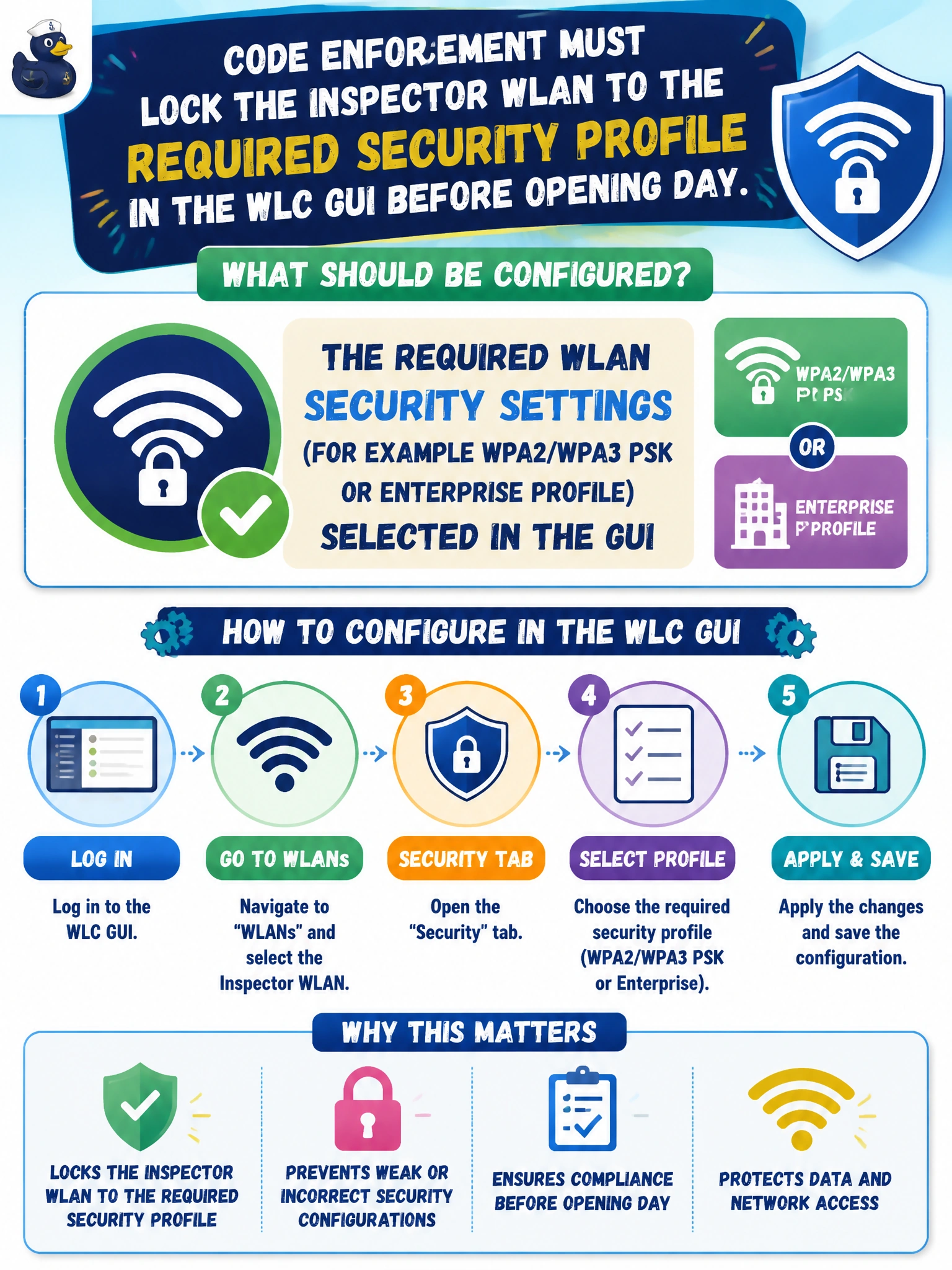
Code enforcement must lock the inspector WLAN to the required security profile in the WLC GUI before opening day. What should be configured?
Select an answer to reveal the explanation.
Short Explanation
You’ll want to set the inspector WLAN’s required security profile in the WLC GUI before opening day, such as the policy-required WPA2/WPA3 PSK or enterprise profile, so clients authenticate and traffic is protected. Open authentication leaves the network exposed, while disabling the radios takes the WLAN offline rather than securing it.
Full Explanation
Before opening day, configure the inspector WLAN’s Layer 2 security in the WLC GUI to match policy, such as a WPA2/WPA3 PSK or enterprise profile. Selecting the required security method on the WLAN makes clients authenticate and encrypt correctly; GUI WLAN security configuration is a core CCNA wireless administration skill. Open authentication with no encryption may speed casual joins, but it violates typical inspector-device policy and exposes traffic. Entering a Telnet enable-secret as the SSID does not configure encryption: an SSID is a network name, not a key store. Disabling all radios removes the WLAN from the air, so it fails the operational goal of providing inspectors with a usable, secured connection. Exam caveat: distinguish open, PSK, and 802.1X enterprise security, and remember that modern guidance prefers WPA2/WPA3 over legacy WEP/WPA. PSK distribution and rotation remain operational risks even when the GUI profile is correct. Practical check: apply the required profile, confirm that a correctly configured client can join and an open or misconfigured client cannot, then use a wireless survey tool to verify that the AP advertises the expected AKM and cipher.