
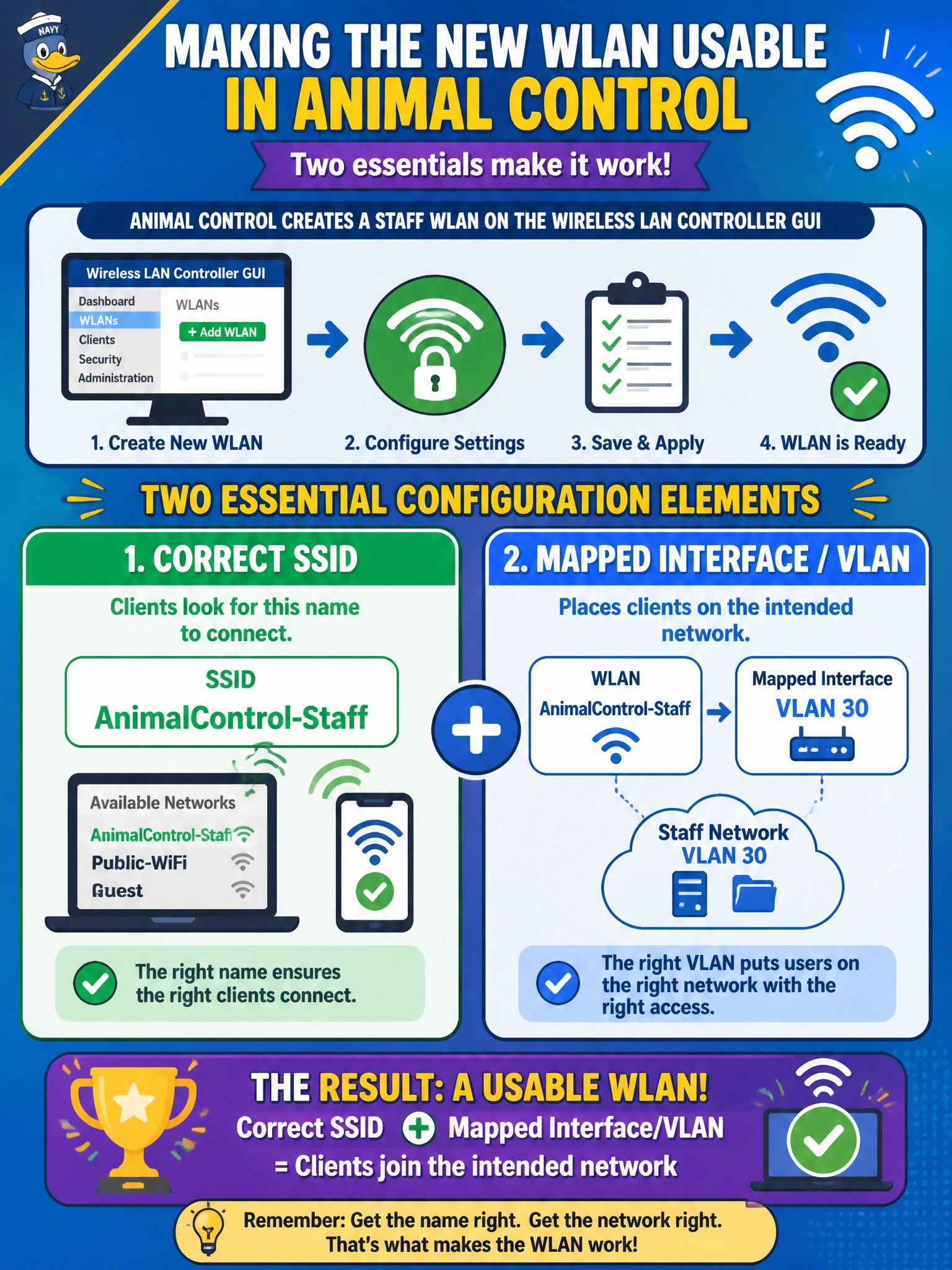
Animal control creates a staff WLAN on the wireless LAN controller GUI. Which configuration elements are essential for that new WLAN to be usable?
Select an answer to reveal the explanation.
Short Explanation
A WLAN without an SSID and VLAN/interface mapping is a storefront with no sign and no door. In the WLC GUI you name the SSID and map it to the right interface so animal-control tablets actually land on the staff network.
Full Explanation
Creating a usable staff WLAN on the wireless LAN controller GUI requires at least a correct SSID and a mapping to the intended dynamic interface or VLAN. The SSID is what animal-control clients discover and join; the interface/VLAN binding is what places those clients on the right municipal network for DHCP, security policy, and routing. Without both, the WLAN object is incomplete even if other cosmetic fields exist.
A hostname banner alone does not create a WLAN clients can join. Permanently disabling the WLAN so clients supposedly discover it via CDP misunderstands both WLAN status and CDP’s role. Setting the native VLAN on every AP access port to VLAN 999 exclusively does not substitute for SSID definition and WLAN-to-interface mapping on the WLC.
Exam caveat: also configure security (PSK or 802.1X), enable the WLAN, and ensure APs are joined; SSID plus VLAN mapping are necessary but not always sufficient alone. Do not confuse AP management VLAN with the client VLAN mapped to the WLAN.
Operational check: in the WLC GUI, confirm the staff WLAN shows the intended SSID, is enabled, and maps to the staff interface/VLAN; associate a test laptop and verify it receives an address in that VLAN.