
County jail IT inspects the switch MAC address table to locate which closet port a rogue camera is using. What does that table primarily provide?
Select an answer to reveal the explanation.
Short Explanation
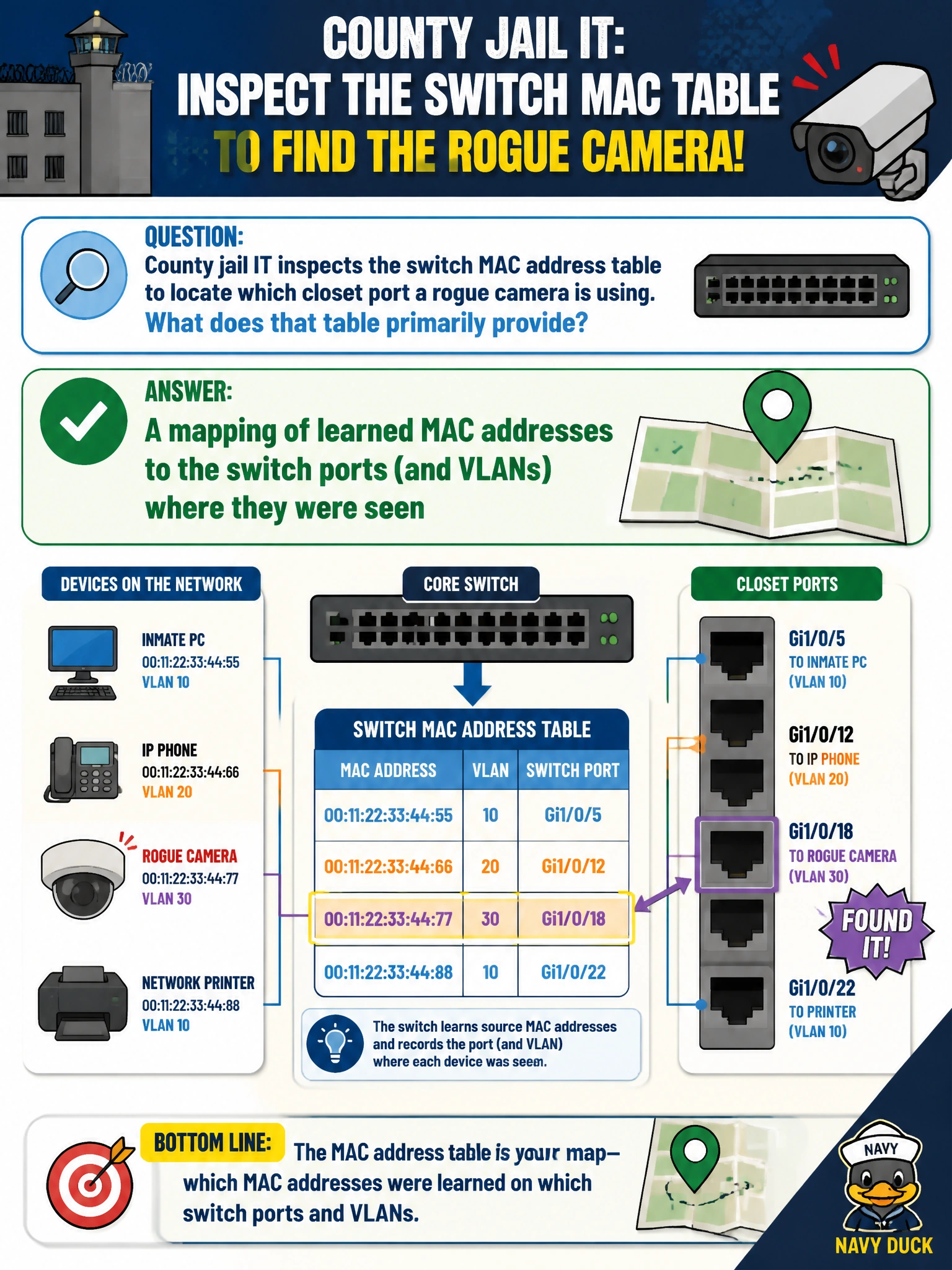
Think of the switch MAC table as a closet seating chart: it shows which port and VLAN learned each MAC address. Find the camera’s burned-in address to trace its connection; that Layer 2 map is different from DNS, OSPF, or BGP information.
Full Explanation
The switch MAC address table maps learned MAC addresses to the switch ports and VLANs where they were seen. That makes it useful when you need to locate a rogue camera: match its burned-in MAC address to the table entry, then trace the listed port to the closet connection. The table learns from source MAC addresses in frames, so it provides a Layer 2 view of where a device is attached. A mapping of public BGP AS numbers to municipal firewall policies is unrelated: the table does not associate autonomous systems with security rules. DNS A-record answers cached by a recursive resolver are name-resolution data, not MAC-to-port entries. OSPF neighbor adjacency timers describe routing relationships on routed links, not the switch’s learned device locations. Exam caveat: MAC entries are dynamic and age out, so a quiet camera may not appear until it transmits; absence from the table does not by itself prove disconnection. Practical check: get the camera’s MAC address from the device or available logs, search the switch MAC table for it, and trace the resulting interface to the patch panel, confirming its VLAN before documenting or quarantining the port.