
A port authority Linux kiosk must prove IPv4/IPv6 and default-route settings before opening day. Which action best verifies those Linux client parameters?
Select an answer to reveal the explanation.
Short Explanation
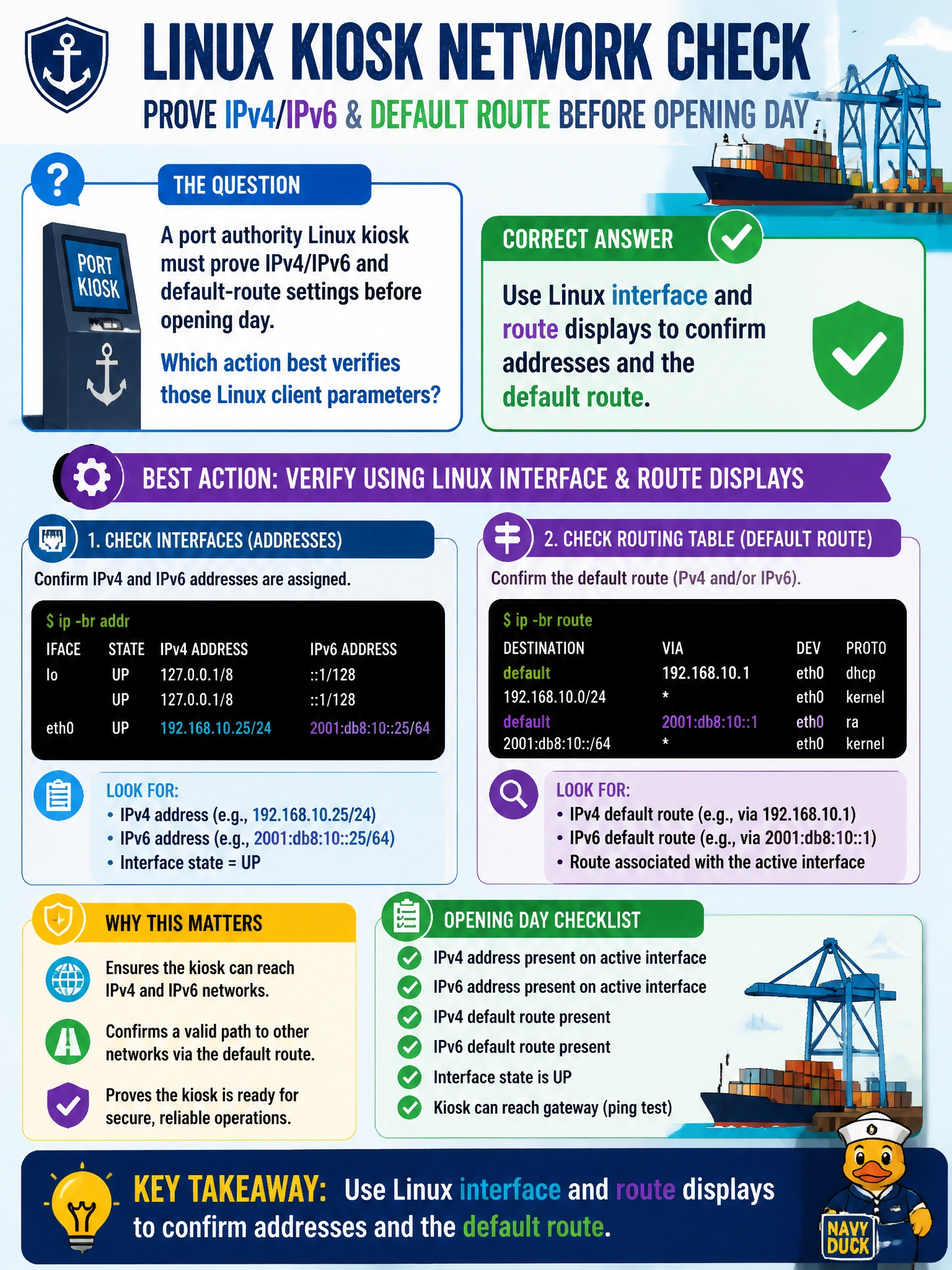
On Linux, show the interfaces and the route table — confirm addresses exist and a default route points somewhere sane. Toner levels and random trunk native VLANs will not green-light the kiosk.
Full Explanation
A port authority Linux kiosk must prove IPv4/IPv6 and default-route settings before opening day. The best verification is to use Linux interface and route displays—ip addr or ifconfig together with ip route or route -n—to confirm addresses exist on the correct NIC and that a default route (default via …, or 0.0.0.0/0 and ::/0 as applicable) points to the intended gateway. That validates both dual-stack addressing and off-link forwarding readiness for public-facing kiosk apps.
Only reviewing the switch native VLAN on an unrelated trunk does not show the kiosk’s own IP stack. Only confirming printer toner in another building is irrelevant to kiosk networking. Only disabling IPv6 permanently as the sole validation step destroys dual-stack capability rather than verifying it and proves nothing about correct parameters.
Exam caveat: “verify Linux client parameters” maps to ip/ifconfig and route tools, not random campus chores or disabling protocols to simplify the checklist.
Operational check before opening day: run ip -br addr, ip route, and ip -6 route; ping and ping6 the default gateways; fix netplan, NetworkManager, or dhcpcd if an address or default route is missing. Snapshot the outputs into the kiosk turn-up checklist for the port authority.