
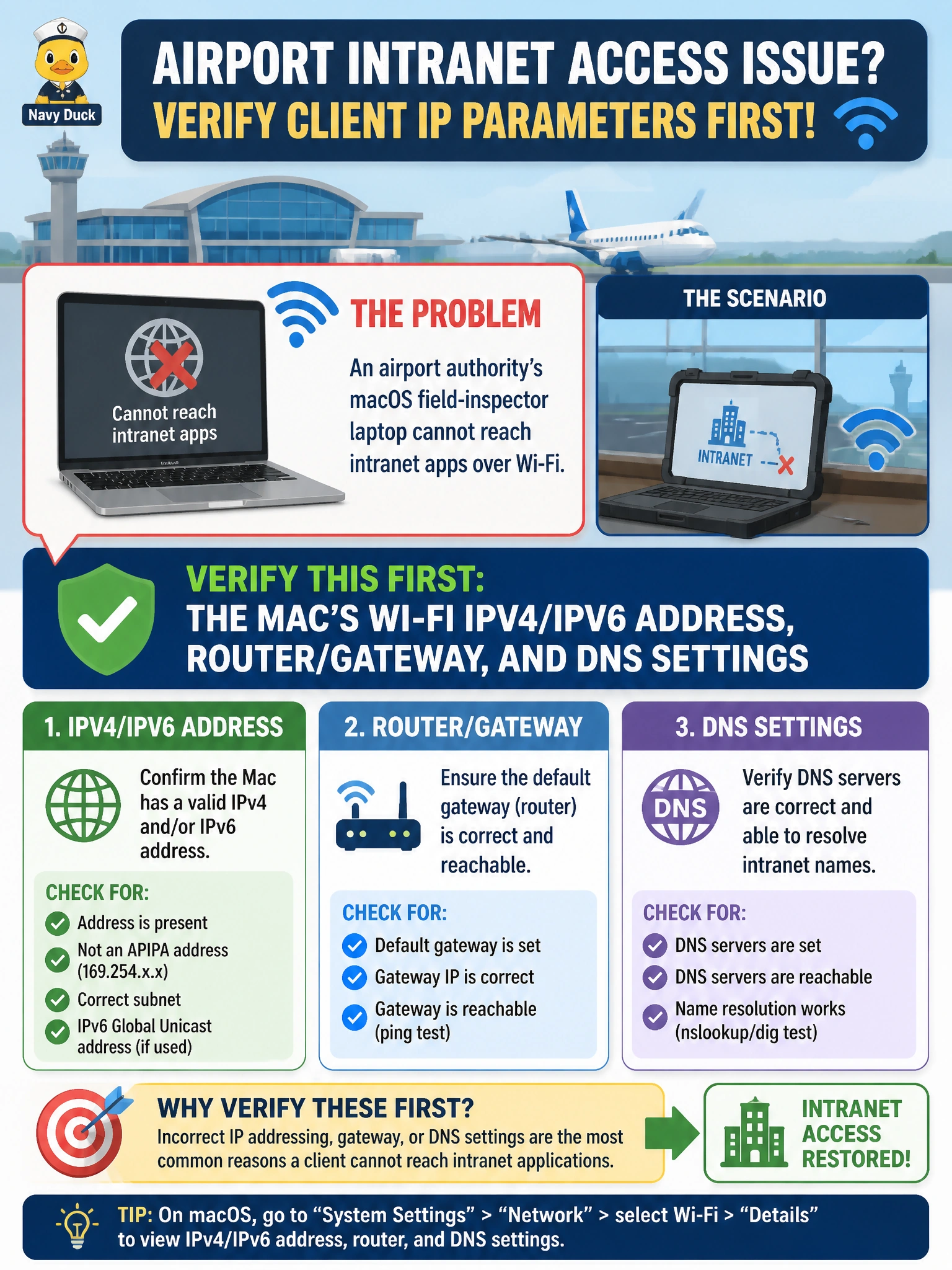
An airport authority’s macOS field-inspector laptop cannot reach intranet apps over Wi-Fi. What should be verified first among client IP parameters?
Select an answer to reveal the explanation.
Short Explanation
When a Mac on Wi-Fi cannot hit intranet apps, peek at its own TCP/IP panel first — address, router, DNS. Core LACP and distant OSPF process IDs are wild goose chases for a single client IP misconfig.
Full Explanation
An airport authority’s macOS field-inspector laptop cannot reach intranet apps over Wi-Fi. The first client-side check among IP parameters is the Mac’s Wi-Fi IPv4 and IPv6 address, router or gateway, and DNS settings via System Settings → Network or command-line tools such as ifconfig, networksetup, and scutil. A missing address, wrong gateway, or bad DNS commonly blocks intranet apps even when association to the correct SSID succeeds.
Only the LACP rate on the core EtherChannel is a switching aggregation tuning detail unrelated to a single laptop’s IP configuration. Whether the laptop case color matches fleet standards is non-technical. Only the OSPF process ID on a remote WAN router is a wide-area routing parameter far downstream from a local Wi-Fi client IP problem.
Exam caveat: troubleshoot outward from the client—association, then IP parameters, then gateway reachability, then DNS, then the application. Do not jump to core LACP or remote OSPF for a single-user Wi-Fi failure without local evidence.
Operational check: on the Mac, confirm Wi-Fi has an address in the airport staff subnet, the router matches the VLAN gateway, and DNS points to internal resolvers; ping the gateway and resolve the intranet FQDN. If IP is absent, check DHCP; if IP is present but apps fail, test DNS and any required proxy next.