
A community college district images a Windows clerk PC and must confirm IPv4 address, mask, gateway, and DNS before handoff. Which approach best verifies those client parameters?
Select an answer to reveal the explanation.
Short Explanation
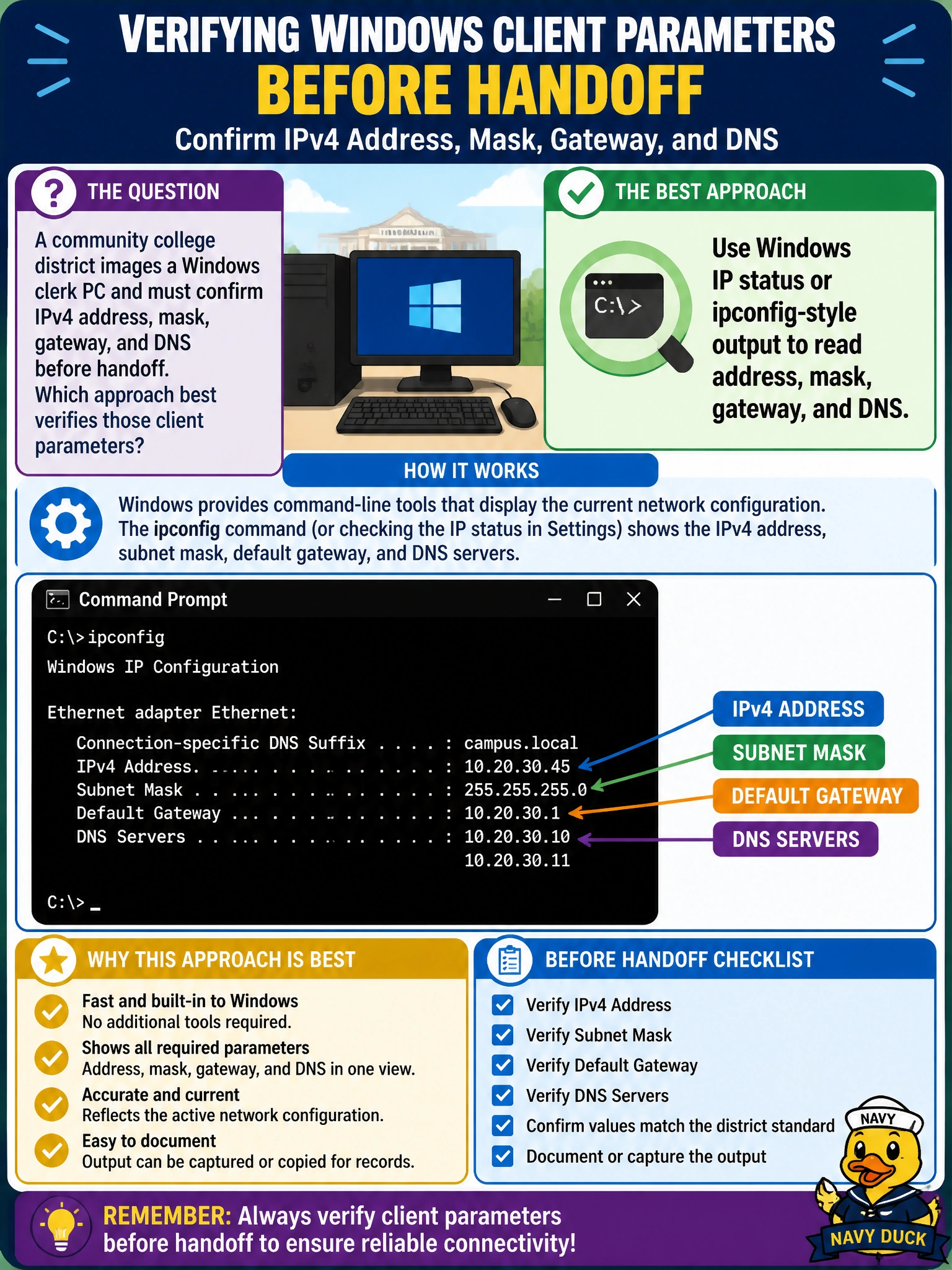
On Windows, open the network details or run the usual ipconfig view and read the four amigos: address, mask, gateway, DNS. Loopback pings and BitLocker keys do not prove the clerk can reach the intranet.
Full Explanation
A community college district images a Windows clerk PC and must confirm IPv4 address, mask, gateway, and DNS before handoff. The best verification is to read those four parameters from Windows IP status (Settings network details) or from ipconfig /all output. That directly shows whether imaging applied the correct static values or whether DHCP delivered the intended scope options for the clerk VLAN before the machine is released to staff.
Only pinging the loopback proves the IP stack answers 127.0.0.1; it does not validate mask, gateway, or DNS. Checking only switchport PoE draw confirms power delivery to a powered device, not client TCP/IP parameters on a PC. Verifying only the BitLocker recovery key is a disk-encryption operational task unrelated to network addressing readiness.
Exam caveat: client-parameter questions want OS-level IP configuration evidence. Layer-1 PoE and disk encryption are common distractors that sound operationally relevant but do not answer the stem.
Operational check before handoff: run ipconfig /all, record IPv4 address, subnet mask, default gateway, and DNS servers; ping the gateway and resolve an intranet name. If any field is wrong, fix the image’s unattend or static map, or correct the DHCP scope, before releasing the PC to the clerk desk.