
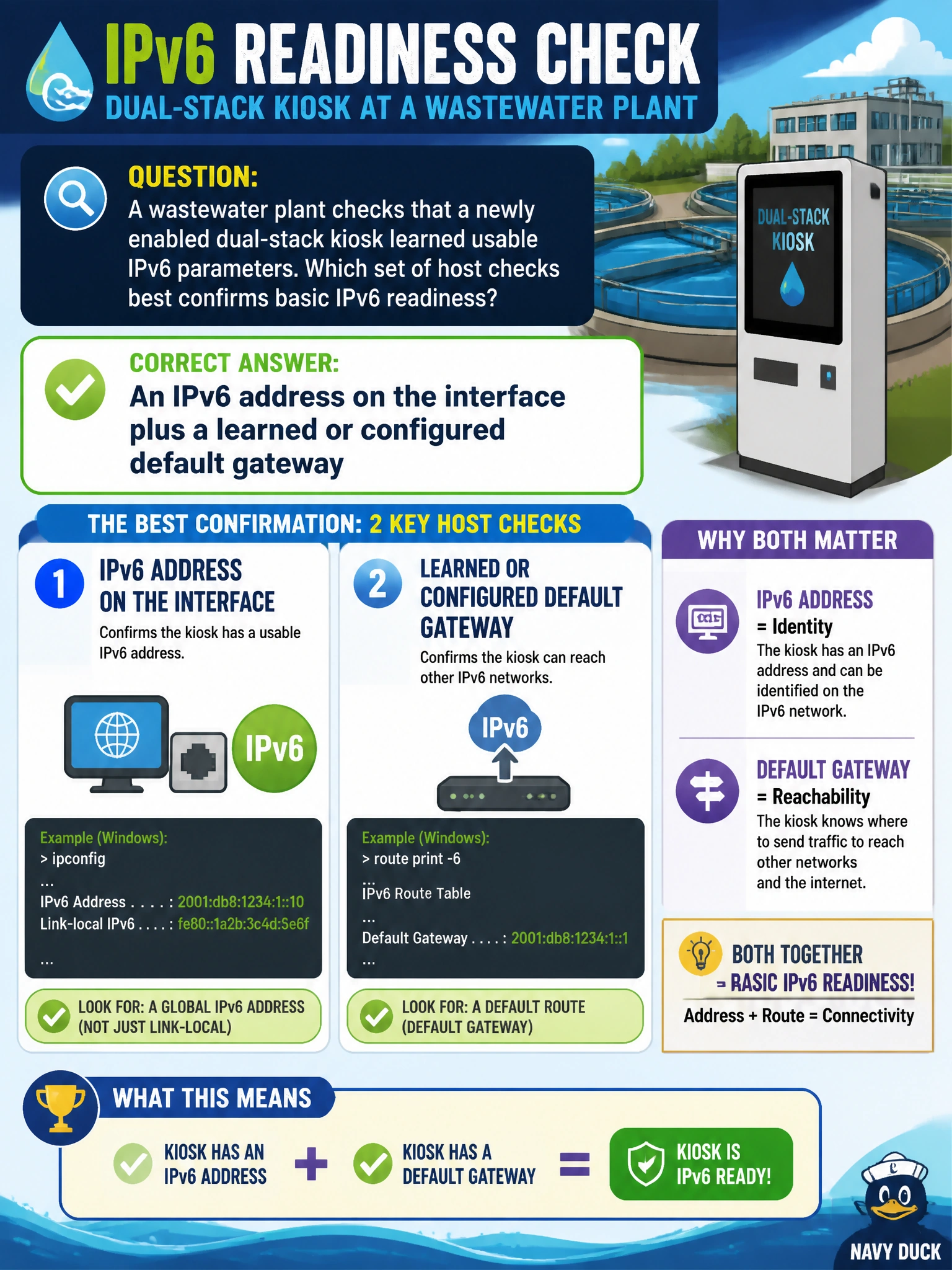
A wastewater plant checks that a newly enabled dual-stack kiosk learned usable IPv6 parameters. Which set of host checks best confirms basic IPv6 readiness?
Select an answer to reveal the explanation.
Short Explanation
After flipping IPv6 on, peek at the kiosk like a pre-flight checklist: Do we have an IPv6 address, and do we know a default gateway? MAC tables and SSIDs are other stories.
Full Explanation
A wastewater plant checks that a newly enabled dual-stack kiosk learned usable IPv6 parameters. Basic IPv6 readiness on a host requires at least an IPv6 address on the interface (link-local appears automatically; global or unique-local per design) and a default gateway or default router for off-link traffic—learned via Router Advertisements or configured statically or with DHCPv6 as designed. Together those prove the kiosk can speak IPv6 on-link and forward beyond the local VLAN toward plant intranet services.
Checking only the IPv4 default gateway ignores whether IPv6 actually came up after dual-stack enablement. Looking only at the switch MAC address table entry confirms Layer 2 learning on a port, not that the kiosk holds IPv6 addressing or a router. Only the presence of an SSID name in a wireless profile—if the kiosk is even wireless—says nothing about IP parameters on the interface.
Exam caveat: “IPv6 readiness” items usually want address plus gateway (and often DNS for applications), not L2 or IPv4-only evidence. Link-local alone may suffice for on-link tests, but off-subnet municipal apps need a learned or configured default router.
Operational check at the plant kiosk: display IPv6 addresses and routes (or the OS network details panel); confirm a non-tentative address and a default route via the SVI or router; ping6 the gateway and a known intranet IPv6 target. If Router Advertisements are used, verify the plant router is advertising the correct prefix and valid lifetimes.