
An airport authority sees CRC errors and late collisions on a desk port after a duplex mismatch with a legacy printer. What do those symptoms most strongly indicate?
Select an answer to reveal the explanation.
Short Explanation
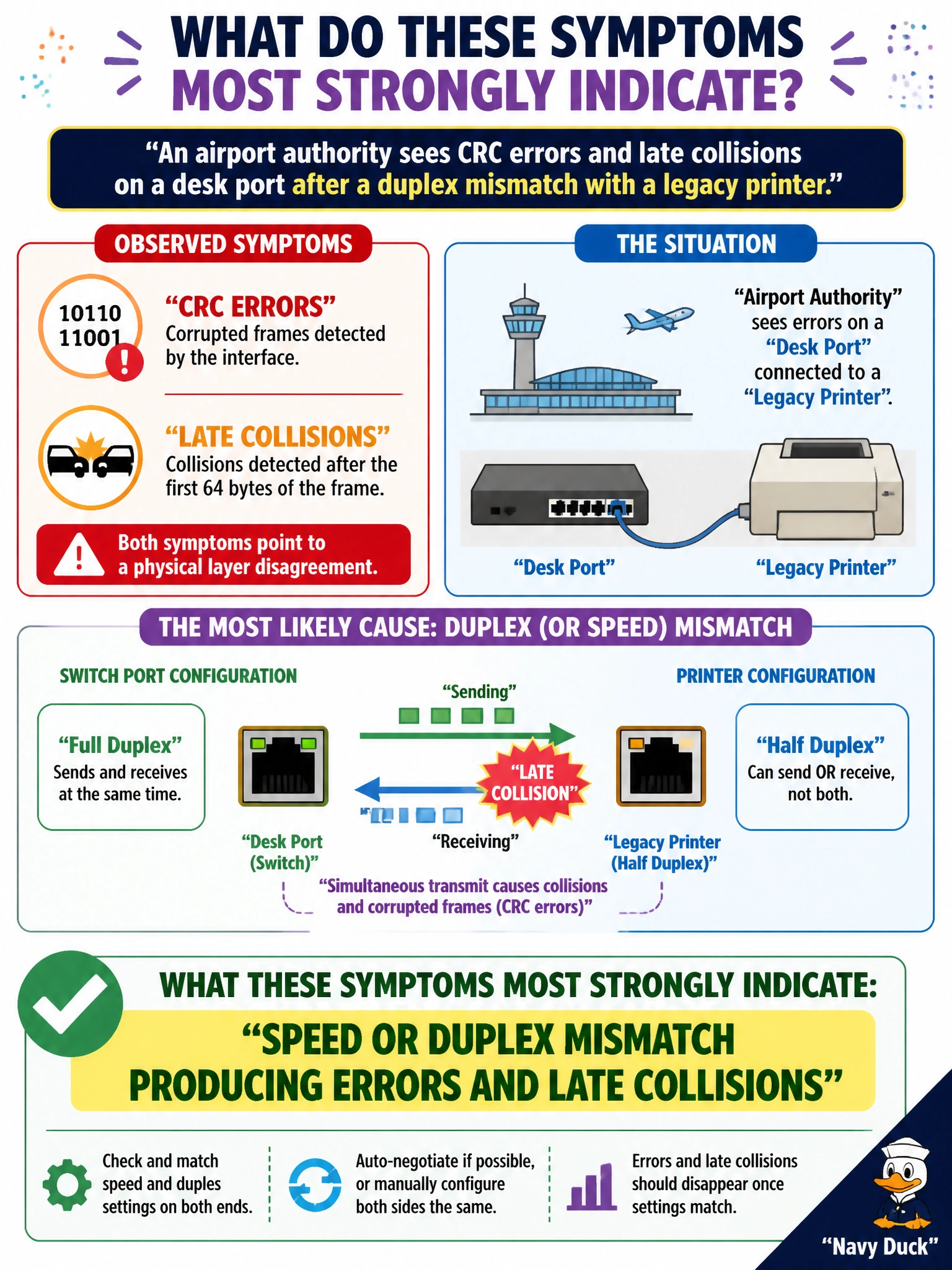
CRC errors and late collisions are the network's way of saying the two sides aren't agreeing on how to talk—classic duplex/speed mismatch. It's not OSPF areas or DNS.
Full Explanation
CRC errors and late collisions on a desk port after a duplex mismatch with a legacy printer most strongly indicate a speed or duplex mismatch (or related Layer 1/link-integration problem). When one side believes the link is full duplex and the other operates half duplex—or speeds differ—frames collide or are corrupted from the mismatched sender's perspective, producing CRC errors, collisions, and late collisions that devastate performance for the airport authority's printer path.
A correctly negotiated full-duplex link with zero Layer 1 problems fails because the observed counters contradict a healthy full-duplex link. An intentional OSPF adjacency failure caused by missing area IDs fails by concept—OSPF is Layer 3 control plane and does not generate Ethernet late collisions on a printer access port. A DNS cache miss on the printer unrelated to Ethernet framing fails because DNS resolution issues do not produce CRC and late-collision counters on the switchport.
Exam caveat: Late collisions especially are a classic duplex-mismatch symptom on half-duplex sides. Correlate interface counters with speed/duplex settings before blaming routing or DNS.
Operational check: Check show interfaces / status for speed, duplex, CRC, collisions, and late collisions on both switch and printer; prefer autonegotiation on both ends or hard-set both ends identically. After aligning speed/duplex, clear counters and confirm errors stop while print jobs succeed. If errors continue with matched duplex, escalate to cable/NIC faults—but the stem's mismatch is the primary smoking gun.