
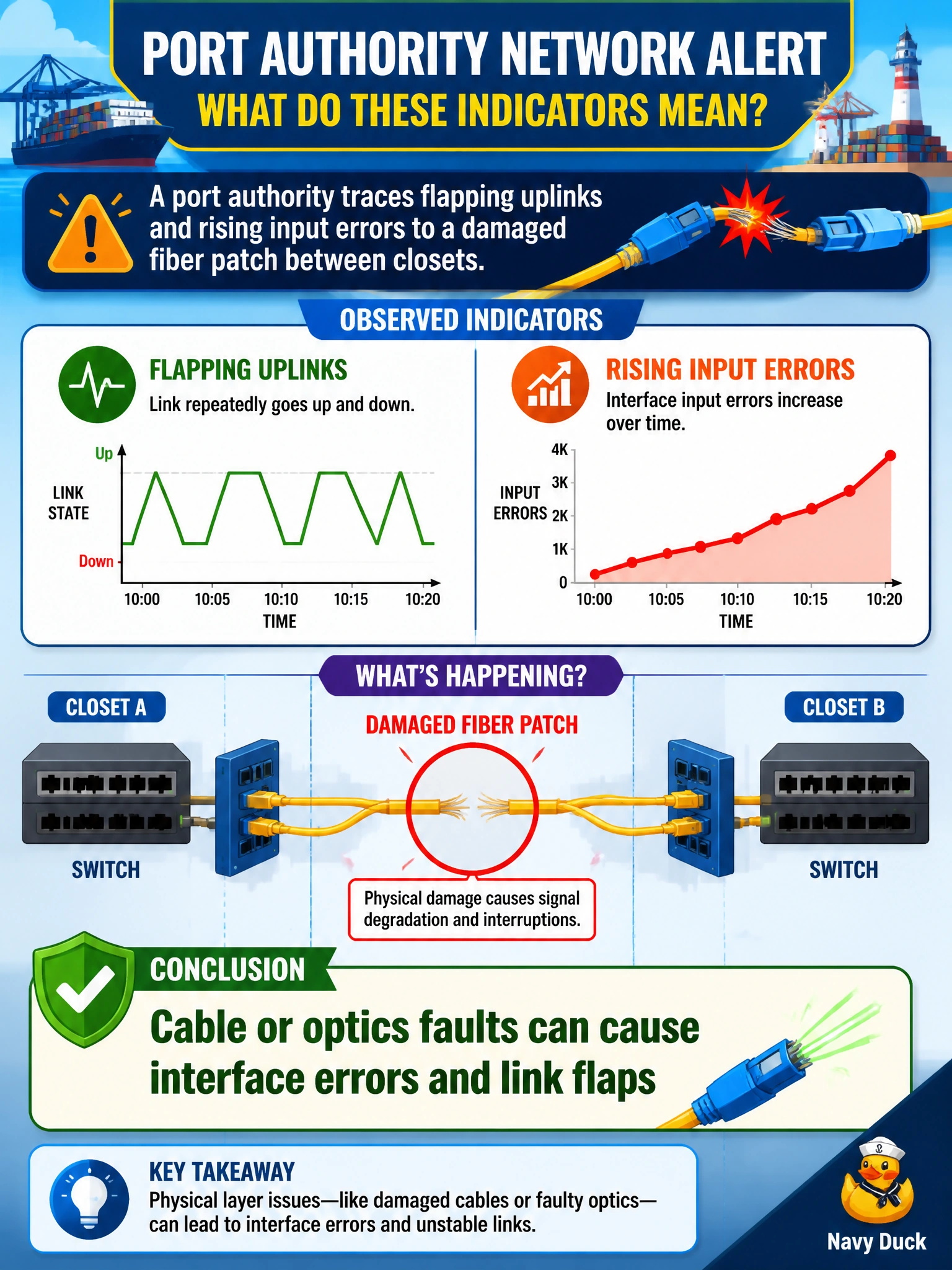
A port authority traces flapping uplinks and rising input errors to a damaged fiber patch between closets. Which conclusion best fits those indicators?
Select an answer to reveal the explanation.
Short Explanation
A chewed-up fiber patch is like a frayed garden hose—pressure (errors) and on/off spraying (flaps). Fix the physical path before blaming STP diameter or BGP.
Full Explanation
Flapping uplinks and rising input errors traced to a damaged fiber patch between closets point to a physical cable or optics fault. Damaged fiber, dirty connectors, failed SFPs, or marginal optical power cause intermittent link loss (flaps) and errored frames (input errors), which matches the port authority's indicators. The correct conclusion is to treat this as Layer 1 plant/optics until proven otherwise—not as proof that higher-layer protocols are healthy.
Flapping always means the spanning-tree diameter is correctly sized fails because flaps are not evidence of correct STP diameter; unstable links can also cause STP reconvergence pain. Input errors prove BGP has converged across the entire authority fails by concept—interface input errors are Layer 1/2 receive problems, not BGP convergence proof. Damaged fiber only affects wireless SSIDs, never wired counters fails because a damaged fiber patch between closets directly impacts wired interface counters and link state.
Exam caveat: Link flaps + input errors → inspect cable, connectors, and optics first. Do not leap to BGP or "STP is fine" narratives when the stem already identifies damaged fiber.
Operational check: Replace or reseat the suspect fiber patch, clean connectors, verify Tx/Rx optical levels (DOM), confirm matching wavelength/speed SFPs, then monitor whether flaps and input errors cease. Only after Layer 1 is clean should you dig into STP or routing as primary root causes for those particular symptoms.