
At a university, shell history on a research host shows curl piping a script into a shell, followed by a new crontab line for that same account. What did this host record?
Select an answer to reveal the explanation.
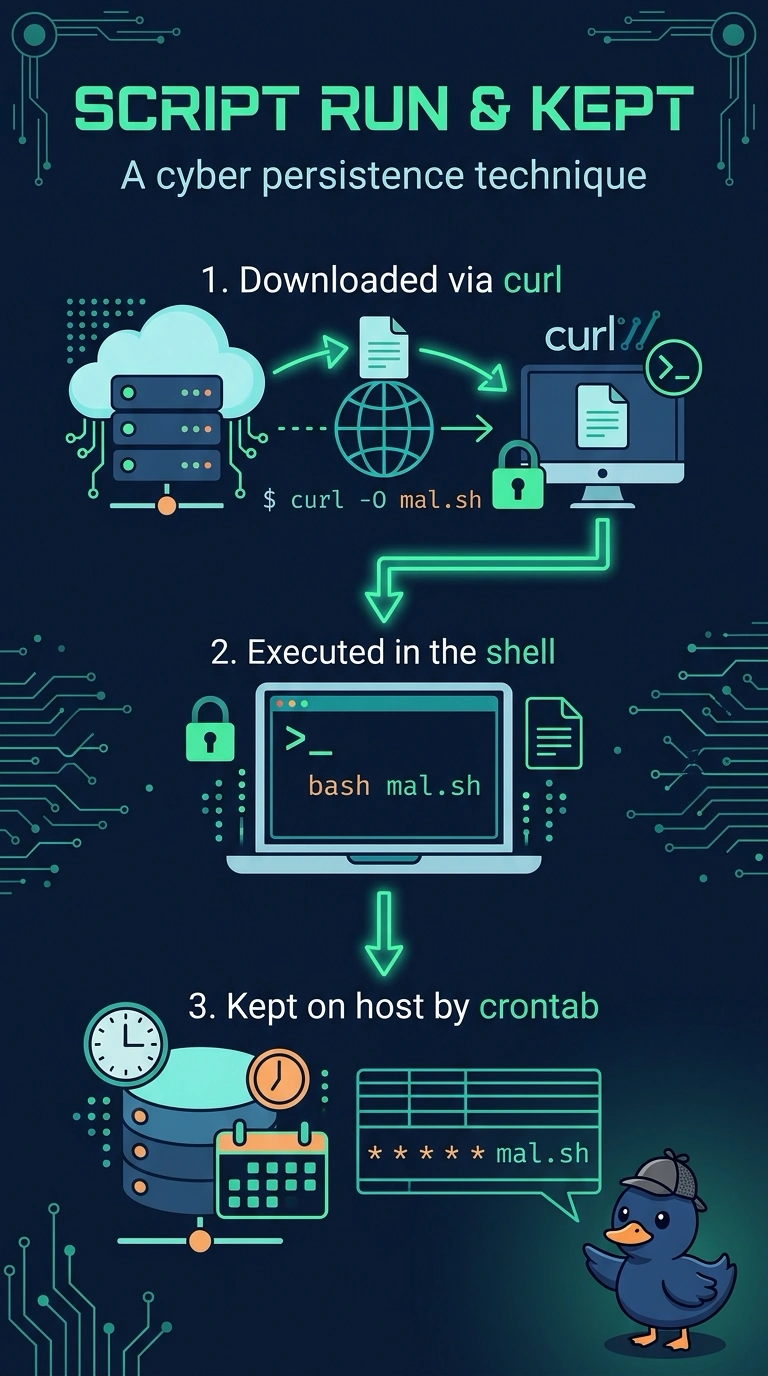
Short Explanation
Opening a package and then sticking a reminder on the fridge is two steps, not a password reset. You have a download piped into a shell and a new crontab line on that same host. The trap is reading this history as a door denial or a firewall drop.
Full Explanation
The shell history records commands the account ran on this host. Piping a downloaded script into a shell executes that script, and a following crontab line schedules it to run again, which is a download-and-persist sequence on the same host. A downloaded script run in the shell and then kept on the host by a new crontab line is what the history shows. A completed password change for the research account, with no later command recorded on the host, would be a password command alone, and this history continues into a download and a schedule. A firewall deny that dropped the download before any piped command on the research host could run would appear on a firewall, and it contradicts commands that were entered and recorded locally. A badge denial at the lab entrance, recorded by the building system rather than by the host shell, is a physical-access event and is not what shell history stores. On the exam, a crontab entry is a host persistence location, and history that shows both the pipe and the new line is more than a single password change. In operations, read the new crontab line and the path it executes, and preserve the history file before it can be edited.