
On a retailer Windows host, event 7045 reports that a service was installed during the overnight window. Which item should the analyst inspect next on that same host?
Select an answer to reveal the explanation.
Short Explanation
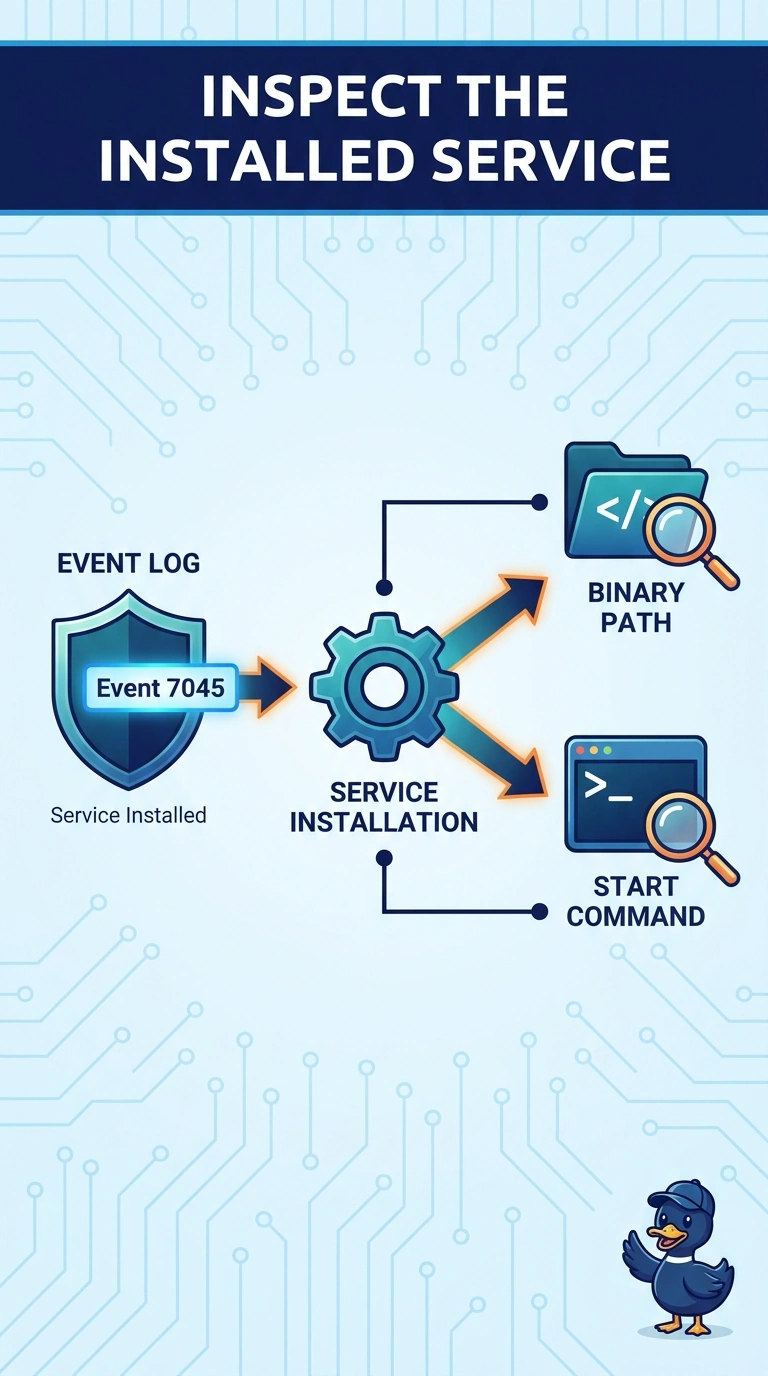
A new name on the schedule still needs a look at who showed up. Event 7045 says a service was installed, so you inspect that service binary and start path next. The store DHCP table, the website cipher, and the building clock do not explain the new service.
Full Explanation
Event 7045 means a service was installed on that Windows host, so the next fact to read is what was installed and how it starts. The binary path and start command of the service that event 7045 says was installed name the program and the way it is launched. The DHCP lease table covering every register and back-office PC in the store lists address leases for the site and does not identify the new service binary. The TLS cipher suite negotiated by the store's public website certificate describes a handshake on the public site, not a service added on this host. The building time source that sets clocks on the store network devices can explain clock skew and does not explain a new service. A service install is a change on that host, so the next read stays on the host rather than on a store-wide lease table or a public-site handshake. Exam caveat: 7045 records the installation event; it does not by itself prove the binary is malicious, so the path still has to be read and compared with an approved change. Operational check: read the service file path recorded with the event, note how the service is set to start, and match both to software the retailer approved for that host.