
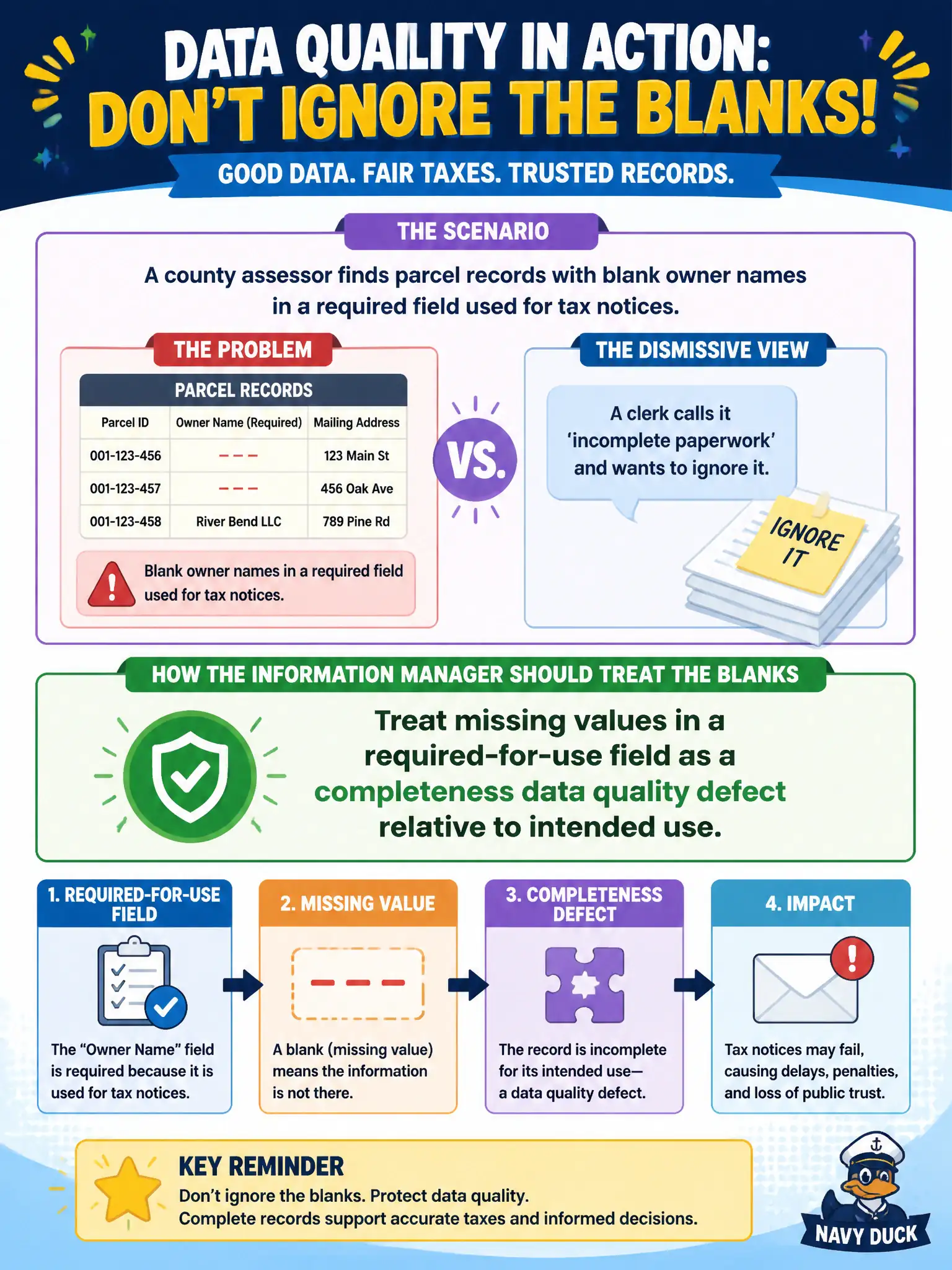
A county assessor finds parcel records with blank owner names in a required field used for tax notices. A clerk calls it 'incomplete paperwork' and wants to ignore it. How should the information manager treat the blanks?
Select an answer to reveal the explanation.
Short Explanation
Blank required fields are like leaving the 'To:' line empty on a tax notice—the form looks filled in until you try to use it. Completeness is a data quality concern when the field is needed for the work. Incomplete paperwork is still a DQ defect when the value is required for use.
Full Explanation
Completeness assesses whether required values are present for the intended municipal use. When a county assessor needs owner name for tax notices, blank values in that required-for-use field are completeness defects relative to notice production—not informal paperwork habits to ignore. Treating blanks as a paperwork style issue only confuses fitness for use with cosmetic preference and leaves undeliverable notices in the pipeline. Deleting parcels so blanks disappear removes legitimate inventory and conceals the capture failure instead of correcting it. Relabeling the field as optional does not change the operational requirement that notices need an owner name; it merely disables the rule that would surface the defect. Exam caveat: completeness is judged against documented intended use and criticality, not against a universal slogan that every cell in every table must be filled. Operational check: confirm the field is marked required for the notice process in the data dictionary, measure null rate on that field for the current assessment cycle, and open a stewarded defect against the capture workflow rather than silently dropping parcels. In civic operations, record the fitness-for-use rule in the DQ catalog so assessor and IT staff share the same completeness threshold before the next billing run.