
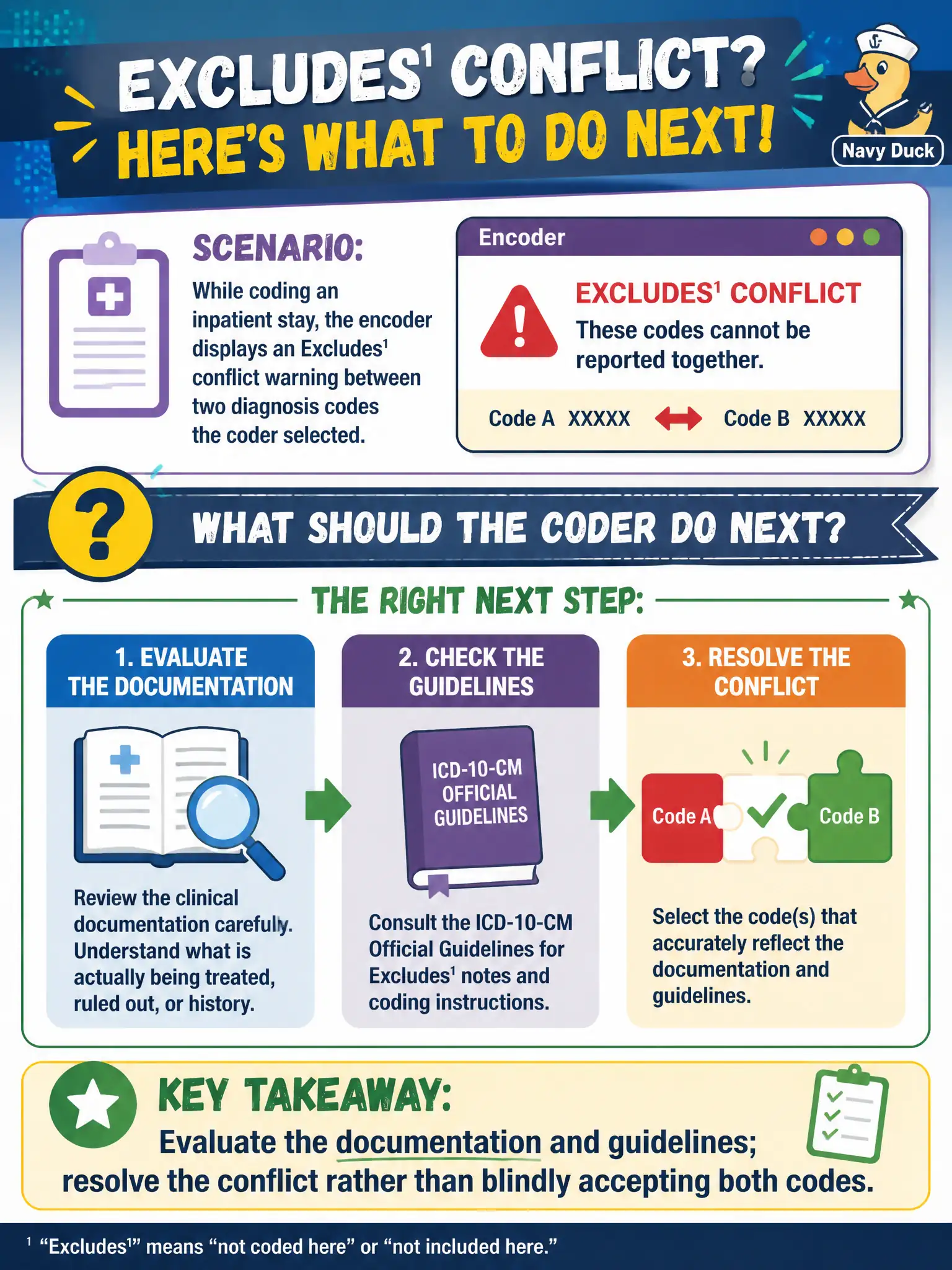
While coding an inpatient stay, the encoder displays an Excludes1 conflict warning between two diagnosis codes the coder selected. What should the coder do next?
Select an answer to reveal the explanation.
Short Explanation
That Excludes1 pop-up is the encoder tapping you on the shoulder, not finishing the work for you. Stop, re-read the chart and the guidelines, and fix the conflict like a human.
Full Explanation
While coding an inpatient stay at a county facility, an encoder Excludes1 conflict warning between two selected diagnosis codes requires the coder to evaluate documentation and guidelines and resolve the conflict rather than blindly accepting both codes. Civic data quality depends on mutually exclusive code pairs not coexisting incorrectly. Ignoring all Excludes1 warnings as merely informational risks invalid code combinations. Deleting both codes so the claim has no diagnoses avoids the edit by emptying clinically necessary content. Changing admission status to outpatient so Excludes1 supposedly no longer applies falsifies setting to dodge an inpatient coding conflict. Exam caveat: Excludes1 signals a coding conflict to resolve, not an optional popup. Operational check: open the guideline and tabular instruction for the pair, choose the code(s) the record supports, remove the conflicting mate, query if documentation is dual and unclear, and track recurring Excludes1 pairs for education. Treat encoders, groupers, and CAC as assistants inside civic HIM: useful for speed, never a substitute for documentation review, Official Guidelines, or PHI safeguards. Re-read the authenticated record before finalizing whenever tools, payers, or dashboards push a result the documentation does not support.