
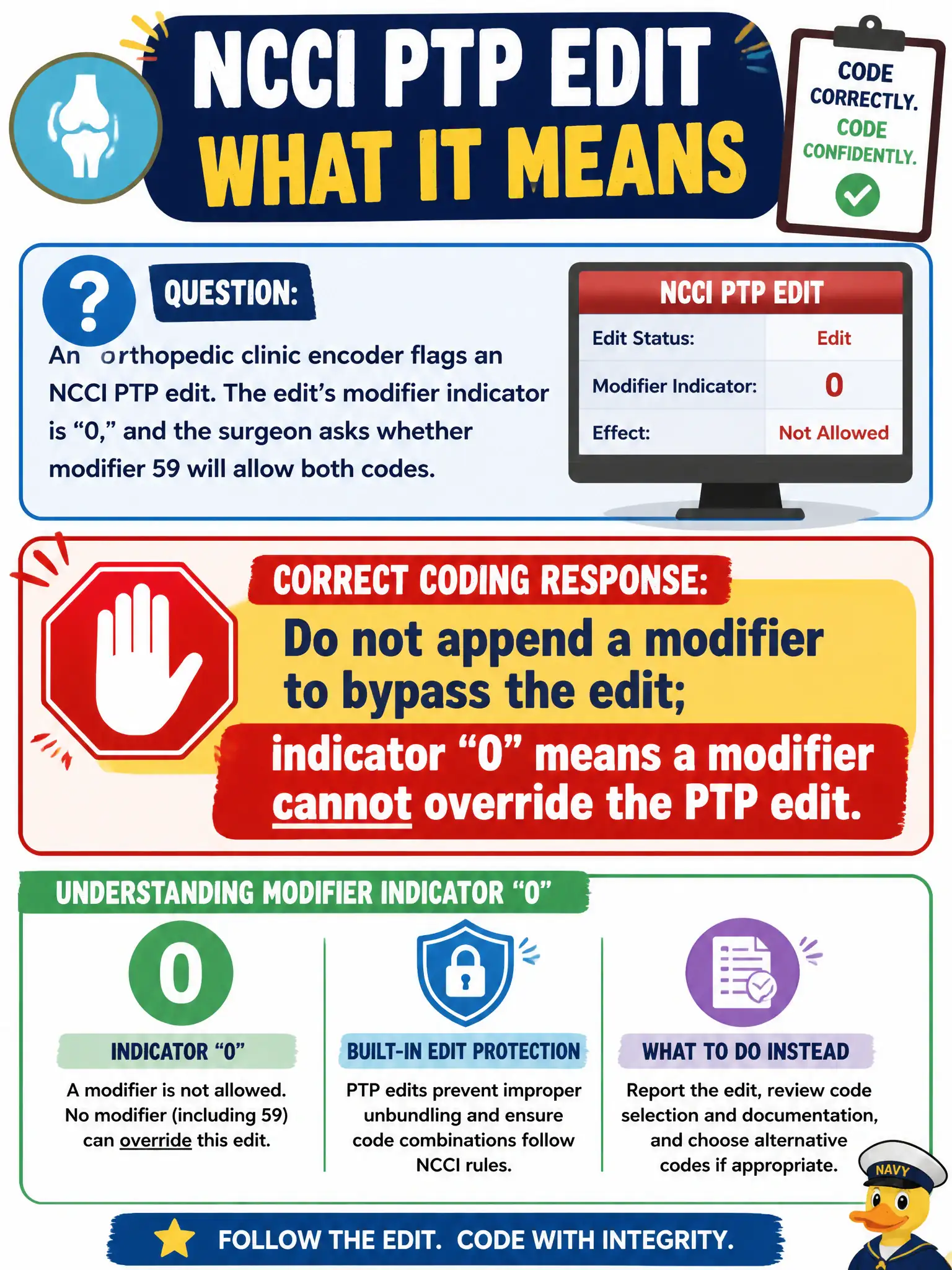
An orthopedic clinic encoder flags an NCCI PTP edit. The edit’s modifier indicator is “0,” and the surgeon asks whether modifier 59 will allow both codes. What is the correct coding response?
Select an answer to reveal the explanation.
Short Explanation
Modifier indicator “0” is a hard stop—no key will open that lock. Indicator “1” is the door that might open if the note really shows a distinct service. Do not slap on 59 hoping the claim skates through.
Full Explanation
CMS NCCI PTP edits include a modifier indicator that tells physician practices whether any modifier can appropriately allow both codes of an edit pair for the same beneficiary encounter context. Indicator “0” is an absolute correct-coding barrier: there are no circumstances in which a modifier—including 59 or the X{EPSU} set—legitimately bypasses that edit. In a civic orthopedic clinic, when the encoder flags a PTP pair with indicator “0,” the correct response is to refuse a modifier workaround and resolve coding by reporting only the payable comprehensive/allowed combination consistent with documentation and the edit. Always appending modifier 59 whenever any NCCI edit appears fails because it ignores the published indicator and treats 59 as a universal unlock key; that pattern is a classic unbundling compliance finding. Changing the indicator inside the practice encoder fails because the indicator is CMS policy content, not a local preference field clinics may rewrite to force payment. Billing both codes without a modifier and hoping the payer will sort it fails because it knowingly submits a pair that NCCI prohibits and shifts responsibility onto remittance cleanup instead of correct claim construction. Exam caveat: indicator “1” permits a modifier only when the record supports a distinct procedural service; indicator “0” never does—do not confuse the two on CCS-P items. Operational check: open the current quarterly NCCI PTP file (or encoder display) for the DOS, verify the modifier indicator, educate the surgeon that “0” cannot be overridden, remove or reselect codes so the claim complies, and retain the edit screenshot in the municipal practice’s coding QA packet.