
County IT needs standard Jira ticket workflows for service desks. What MCP approach fits first?
Select an answer to reveal the explanation.
Short Explanation
Don't reinvent the Jira wheel for ordinary county tickets. Start with a solid community MCP, and save custom servers for the weird stuff.
Full Explanation
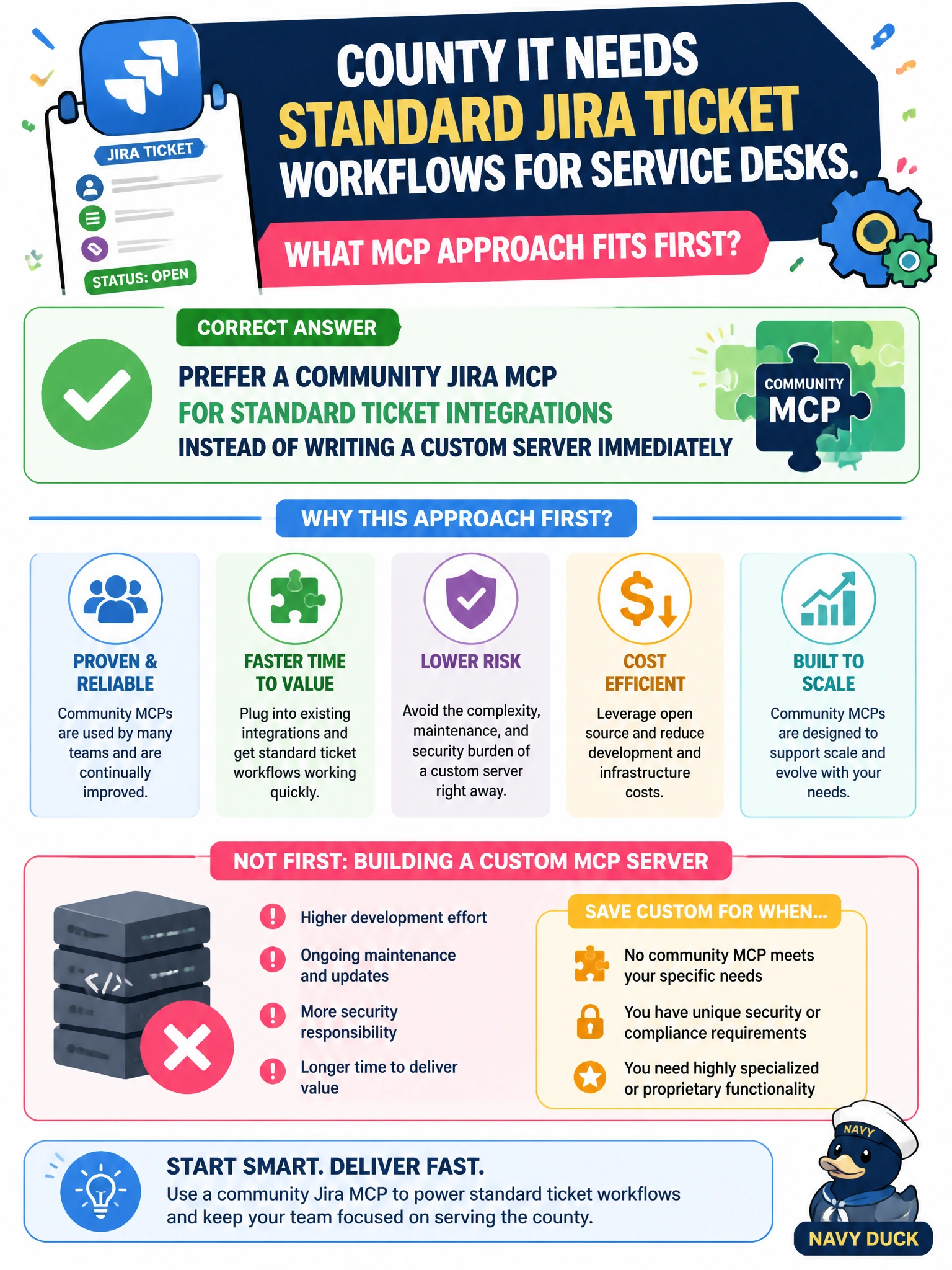
For standard ticket platforms, the first MCP approach should prefer a maintained community server over immediately writing a custom one. County IT needing ordinary Jira service-desk workflows—create issue, transition status, comment, search—should evaluate a community Jira MCP before investing in a bespoke server. Custom MCP remains available later for truly unique civic workflows that no community option covers.
Why the correct option works: community servers encode common API patterns, auth flows, and tool schemas that many teams already run. Starting there cuts build cost, shortens time-to-value for service desks, and leaves maintenance of the standard surface to the upstream project when possible. County engineers spend effort on integration, permissions, and runbooks instead of re-implementing Jira CRUD.
Why the other three fail by concept: always building a bespoke MCP before evaluating any community server invents unnecessary maintenance for commodity integrations. Avoiding MCP entirely and pasting Jira HTML into the system prompt does not give structured tool calls, auth handling, or auditable actions. Granting Bash unrestricted curl to production Jira with no guardrails bypasses MCP’s tool boundary and exposes production to unconstrained shell-driven API abuse.
Exam caveat: “prefer community first” is not “never build custom”—custom MCP is justified when community coverage is absent (see levy-style specialty workflows). Operational check: list required Jira actions for the service desk, map them to a community MCP’s tools, run a pilot with least-privilege credentials, and only then open a custom-server design if gaps remain.