
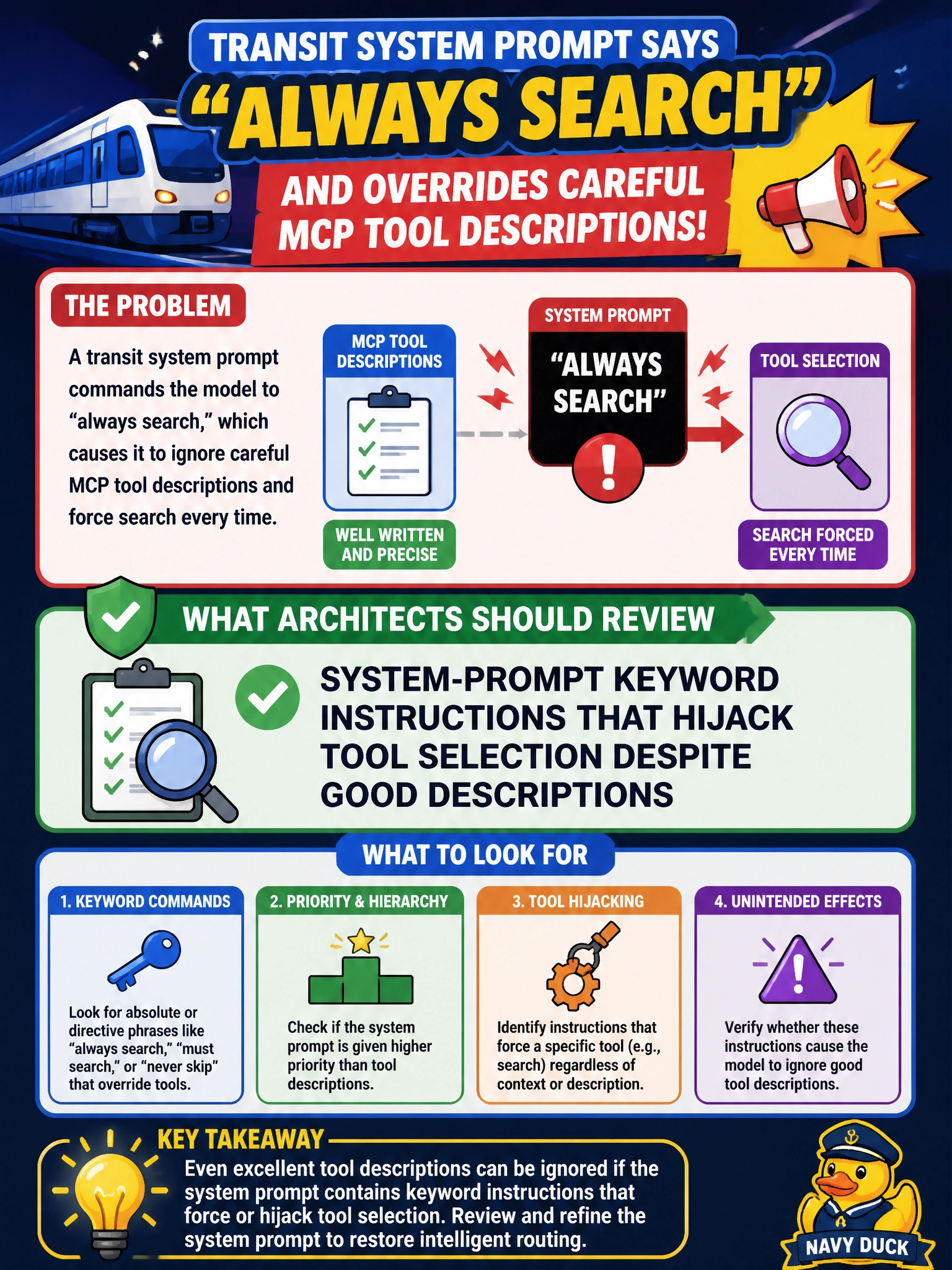
A transit system prompt says "always search" and overrides careful MCP tool descriptions. What should architects review?
Select an answer to reveal the explanation.
Short Explanation
Careful tool write-ups lose to a system prompt that screams "always search." Hunt those keyword hijacks so transit agents follow the real tool contracts.
Full Explanation
When a transit system prompt says “always search” and overrides careful MCP tool descriptions, architects should review system-prompt keyword instructions that hijack tool selection despite good descriptions. Keyword-sensitive directives can force search (or other verbs) even when the correct transit action is status lookup, fare calculation, or schedule retrieval.
Reviewing hijacking prompt language works because tool descriptions alone cannot win against a hard always-instruction in the system prompt. Aligning prompt policy with MCP contracts restores description-driven selection for rider-facing and operations agents.
Reviewing only the color theme of the transit dashboard UI does not change model tool choice. Checking whether tool names contain vowels is irrelevant to selection mechanics. Deleting MCP servers so no tools remain to select removes capability instead of fixing the conflict between prompt keywords and tool contracts.
Exam caveat: softer guidance (“prefer search when facts are missing”) is safer than absolute always-rules that ignore context. Operational check: with strong tool descriptions in place, remove or rewrite the “always search” instruction and verify the transit agent stops searching on turns that only need a local schedule or fare tool.