
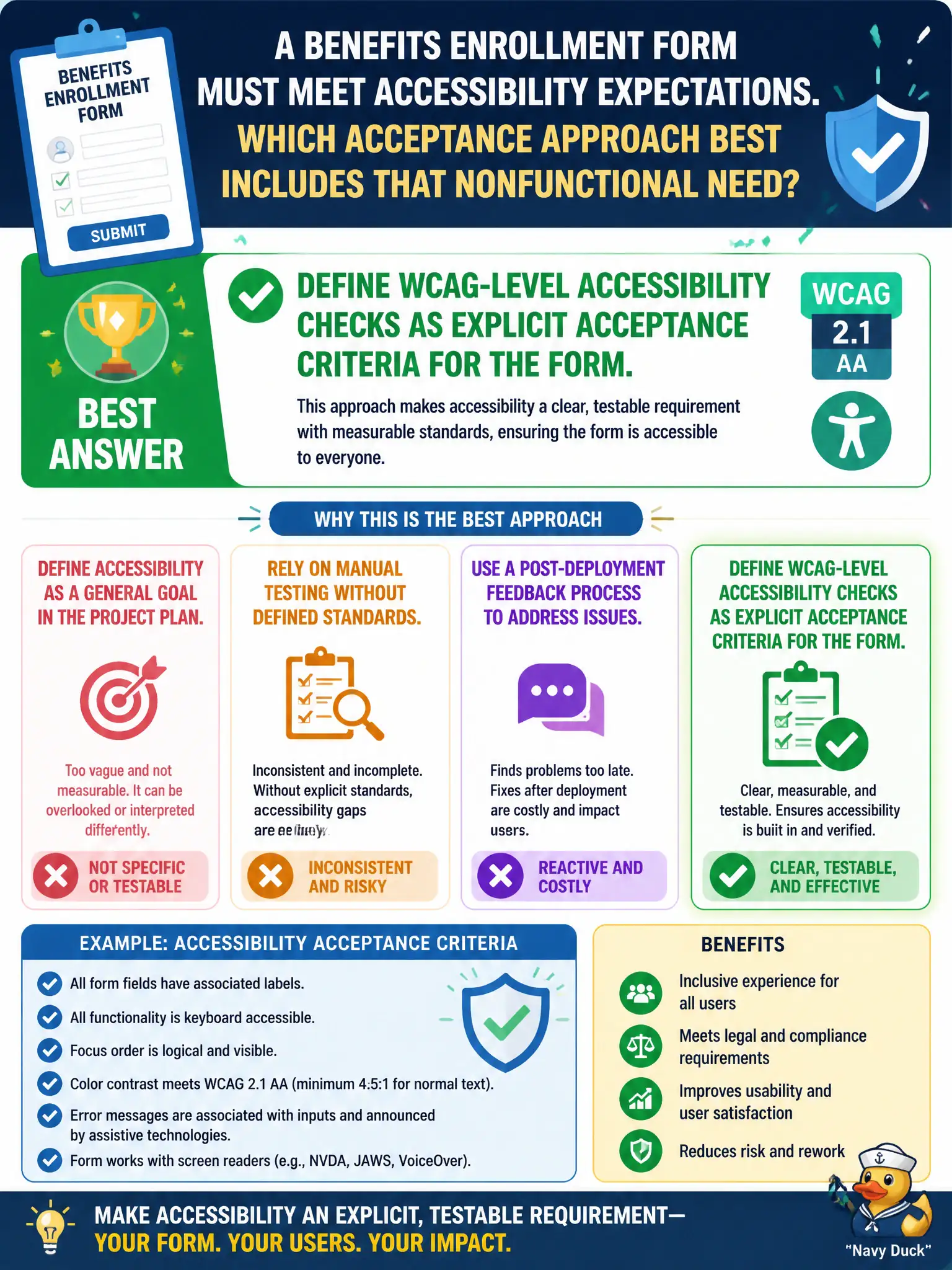
A benefits enrollment form must meet accessibility expectations. Which acceptance approach best includes that nonfunctional need?
Select an answer to reveal the explanation.
Short Explanation
Accessibility isn’t a nice poster on the wall—put WCAG-level checks right in the acceptance criteria so the benefits form has to pass them, same as any functional rule.
Full Explanation
A benefits enrollment form that must meet accessibility expectations should define WCAG-level accessibility checks as explicit acceptance criteria for the form. Nonfunctional needs belong in acceptance criteria so they are tested, not assumed after happy-path clicks. Civic benefits access fails when accessibility is treated as optional polish rather than a condition of Done for residents who rely on assistive technologies.
Omitting accessibility because acceptance criteria cover happy-path clicks only fails conceptually because accessibility is part of acceptance for public enrollment, not an afterthought outside criteria. Relying solely on developers’ personal visual preferences fails because individual preference is not an accessibility standard and varies by person. Deferring all accessibility criteria until a future redesign with no interim checks fails because residents need accessible enrollment now, not only after a later redesign promise.
Exam caveat: Nonfunctional requirements such as accessibility should appear as explicit, testable acceptance criteria. Operational check: add WCAG-oriented acceptance checks to the enrollment form stories, test with appropriate assistive technologies and checklists, and keep the form from Done until those checks pass.