
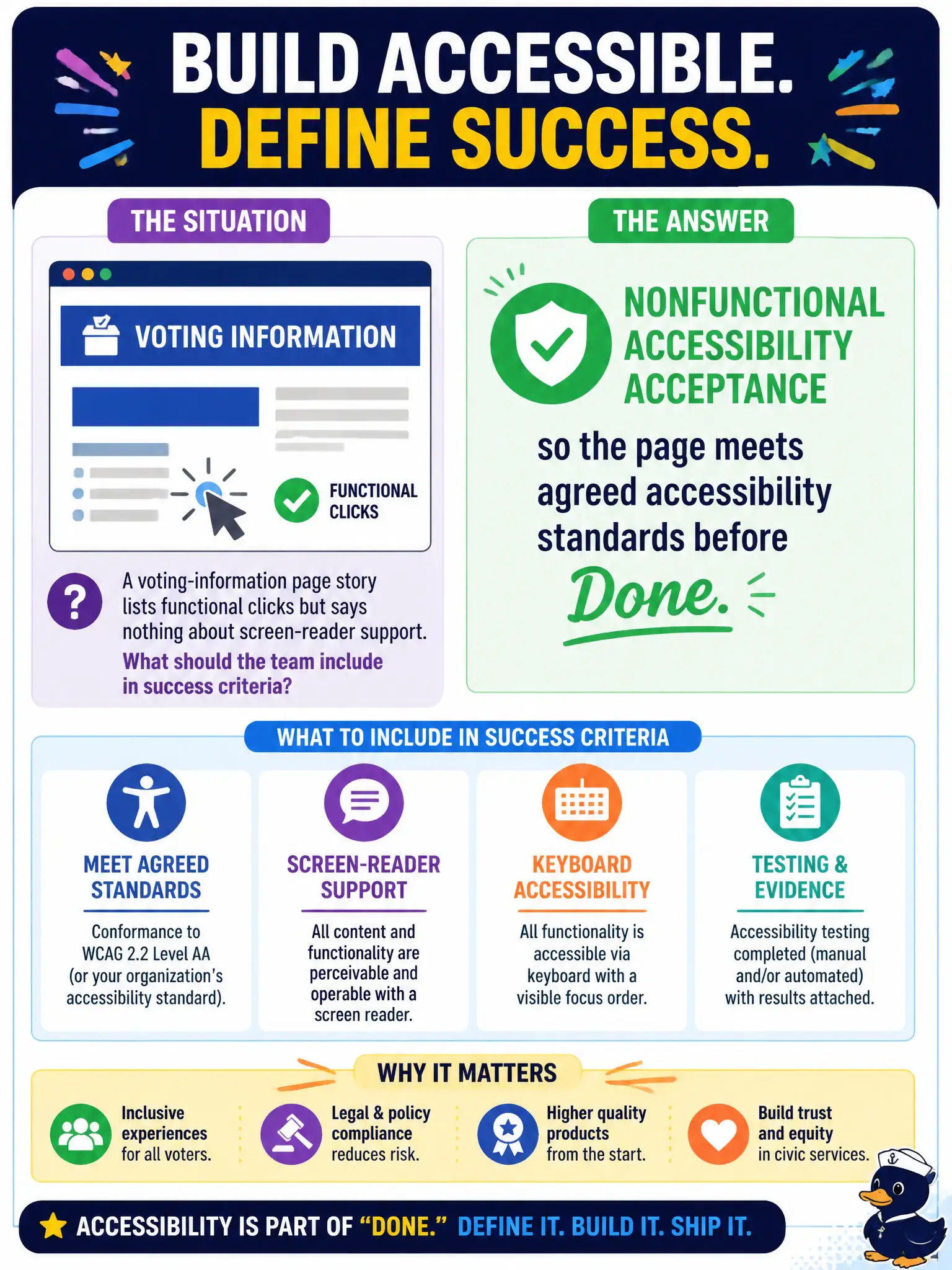
A voting-information page story lists functional clicks but says nothing about screen-reader support. What should the team include in success criteria?
Select an answer to reveal the explanation.
Short Explanation
If a voter using a screen reader can’t use the page, the story isn’t really done—even if the buttons look fine. Bake accessibility into acceptance like any other ‘must work’ rule. Nonfunctionals count.
Full Explanation
When a voting-information page story lists functional clicks but says nothing about screen-reader support, the team should include nonfunctional accessibility acceptance so the page meets agreed accessibility standards before Done. Success criteria must cover accessibility—not only click paths—so residents who use assistive technology can use the civic voting information. Nonfunctional requirements belong in acceptance when they define usable, compliant delivery for the public.
Limiting success to page load time under marketing’s preferred animation library fails conceptually because that ignores accessibility and may even conflict with accessible design. A rule that accessibility is always deferred to a future predictive phase fails because deferring accessibility routinely excludes users and creates expensive late rework. Measuring success solely by number of commits, ignoring user access needs, fails because commit count is not acceptance of accessible behavior.
Exam caveat: Adaptive success criteria include agreed nonfunctional needs such as accessibility—not commit counts or "defer forever" habits. Operational check: add screen-reader and related accessibility checks to the voting-page acceptance criteria and Definition of Done; verify them before calling the story complete and before public release.