
A platform team monitoring Google Cloud Pub/Sub and Cloud SQL wants those service metrics visible in Instana alongside their GKE workloads. What must be configured in Instana to enable Google Cloud metric ingestion?
Select an answer to reveal the explanation.
Short Explanation and Infographic
Instana's Google Cloud integration uses a GCP service account assigned the Monitoring Viewer role to query Cloud Monitoring APIs. The service account key JSON file is uploaded in Instana's infrastructure settings, enabling automatic discovery and metric ingestion for supported GCP services such as Cloud SQL, Pub/Sub, and GKE without requiring agent installation on managed services.
Full explanation below image
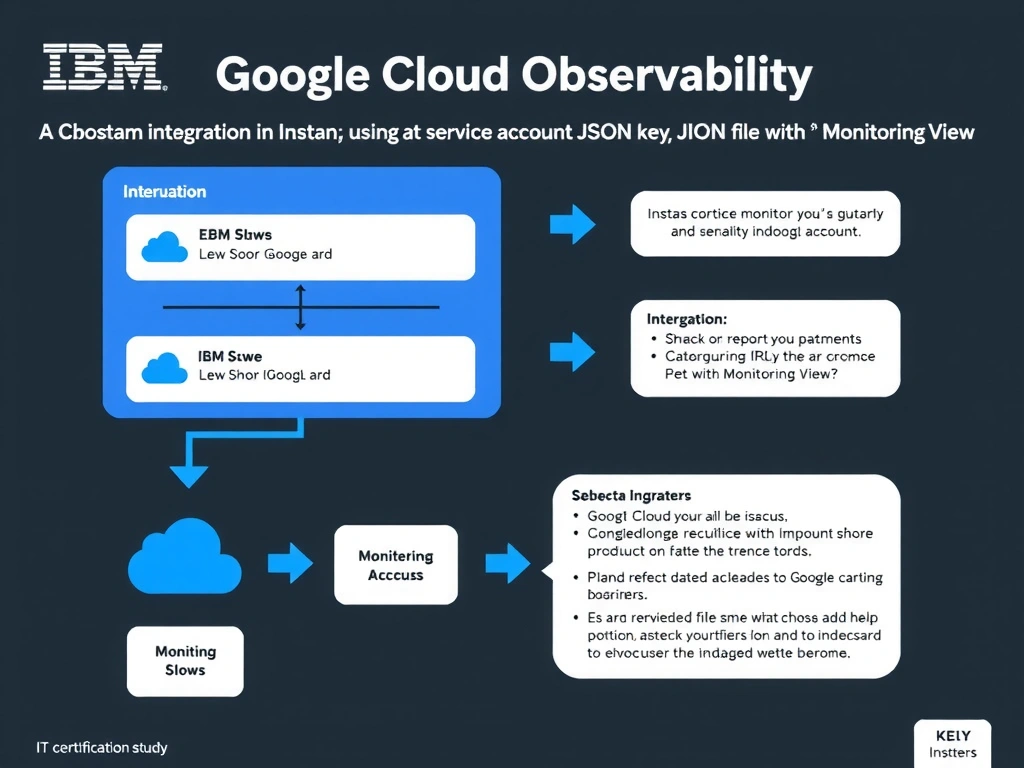
Full Explanation
Instana's Google Cloud integration uses a GCP service account assigned the Monitoring Viewer role to query Cloud Monitoring APIs. The service account key JSON file is uploaded in Instana's infrastructure settings, enabling automatic discovery and metric ingestion for supported GCP services such as Cloud SQL, Pub/Sub, and GKE without requiring agent installation on managed services. The correct answer is 'A Google Cloud integration in Instana using a service account JSON key file with the Monitoring Viewer role'. The incorrect options — 'A custom push subscription in Google Cloud Pub/Sub forwarding metrics to the Instana REST API ingest endpoint', "Installation of the Instana agent as a sidecar on each Google Cloud managed service's underlying VM", 'Enabling Cloud Trace export from GCP and pointing the export to the Instana distributed tracing endpoint' — are wrong because they do not align with IBM Instana's architecture or recommended practices for this scenario. Understanding this concept is essential for the Domain 4: Integration domain of the IBM Instana Observability certification.