
An administrator needs Instana to ingest Azure Monitor metrics for Azure SQL Database and correlate them with distributed application traces. Which configuration is required in Instana's infrastructure settings?
Select an answer to reveal the explanation.
Short Explanation and Infographic
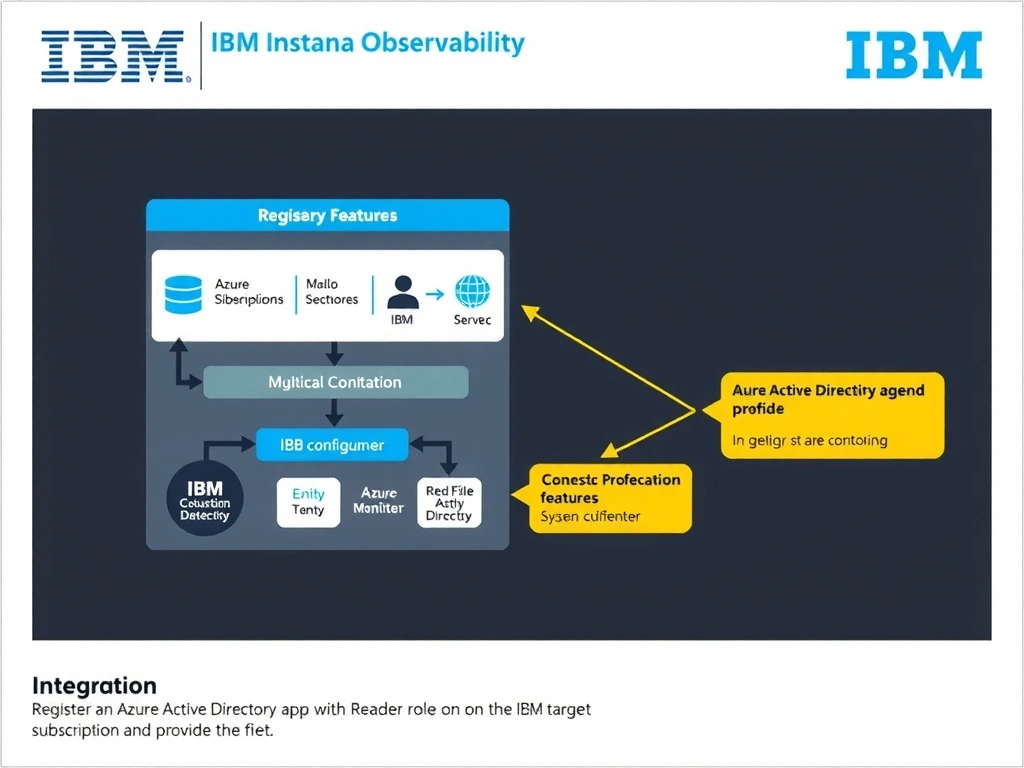
Instana's Azure Monitor integration authenticates via an AAD service principal (app registration). The application must be granted the Reader role on the target subscription or resource groups. Administrators enter the Azure tenant ID, client ID, and client secret in Instana's Azure infrastructure configuration, enabling Instana to query Azure Monitor APIs and discover Azure resources automatically.
Full explanation below image
Full Explanation
Instana's Azure Monitor integration authenticates via an AAD service principal (app registration). The application must be granted the Reader role on the target subscription or resource groups. Administrators enter the Azure tenant ID, client ID, and client secret in Instana's Azure infrastructure configuration, enabling Instana to query Azure Monitor APIs and discover Azure resources automatically. The correct answer is 'Register an Azure Active Directory app with Reader role on the target subscription and provide the tenant ID, client ID, and client secret in Instana'. The incorrect options — "Deploy Instana host agents directly onto each Azure SQL Database managed instance's underlying compute node", 'Configure an Azure Event Hub to forward Azure Monitor diagnostic metrics to the Instana data collector endpoint', 'Enable Azure Diagnostics on SQL databases and point the diagnostic log stream to the Instana log ingestion URL' — are wrong because they do not align with IBM Instana's architecture or recommended practices for this scenario. Understanding this concept is essential for the Domain 4: Integration domain of the IBM Instana Observability certification.