
An administrator wants Instana to display AWS CloudWatch metrics alongside application performance data for EC2 instances in the same Instana infrastructure view. What is the prerequisite for enabling this integration?
Select an answer to reveal the explanation.
Short Explanation and Infographic
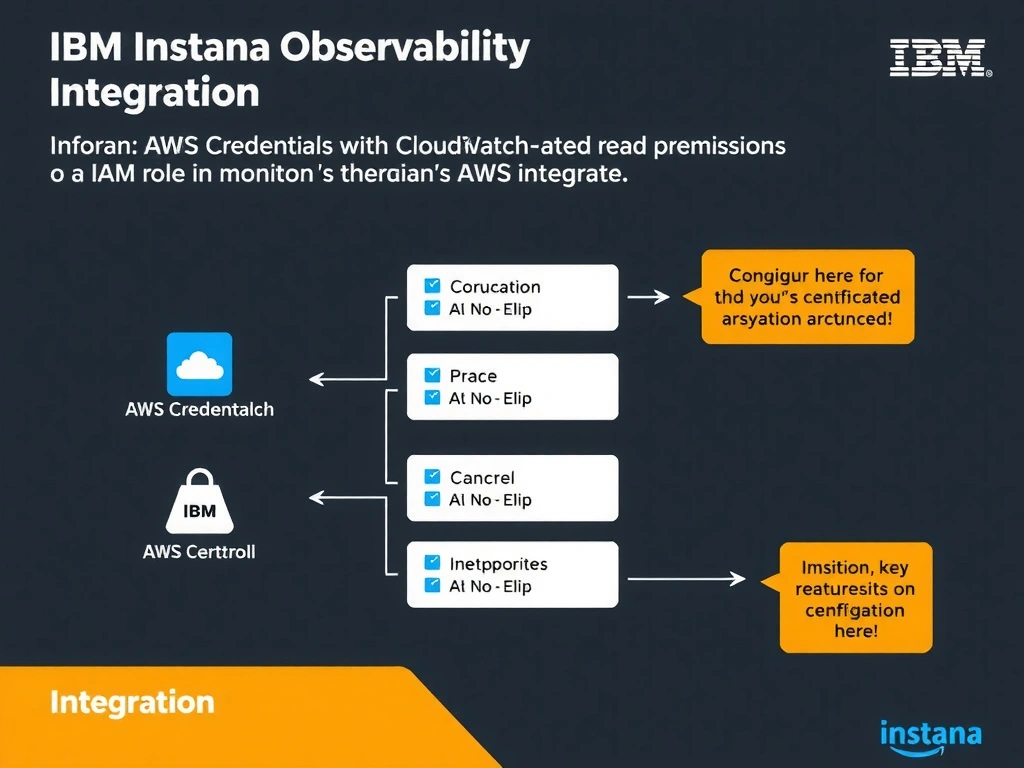
To integrate AWS CloudWatch with Instana, you must supply AWS credentials (IAM access key/secret) or configure an EC2 instance profile IAM role that grants CloudWatch:GetMetricData and related read permissions. Instana polls CloudWatch APIs to retrieve metrics and correlates them with entities discovered by the Instana host agent running on EC2 instances.
Full explanation below image
Full Explanation
To integrate AWS CloudWatch with Instana, you must supply AWS credentials (IAM access key/secret) or configure an EC2 instance profile IAM role that grants CloudWatch:GetMetricData and related read permissions. Instana polls CloudWatch APIs to retrieve metrics and correlates them with entities discovered by the Instana host agent running on EC2 instances. The correct answer is 'Configure AWS credentials with CloudWatch read permissions or an IAM role in Instana's AWS integration settings'. The incorrect options — 'Install the Instana agent directly on the AWS CloudWatch service management endpoint to pull metrics', 'Enable AWS X-Ray tracing on all monitored applications before CloudWatch metrics become available in Instana', "Deploy a dedicated Instana collector instance into the target AWS account's VPC management subnet" — are wrong because they do not align with IBM Instana's architecture or recommended practices for this scenario. Understanding this concept is essential for the Domain 4: Integration domain of the IBM Instana Observability certification.