
A site reliability team uses OpsGenie for on-call management. They need Instana alerts to create OpsGenie alerts with the correct team responder assignment. After choosing OpsGenie as the Alert Channel type in Instana, what is the critical piece of information required to complete the integration?
Select an answer to reveal the explanation.
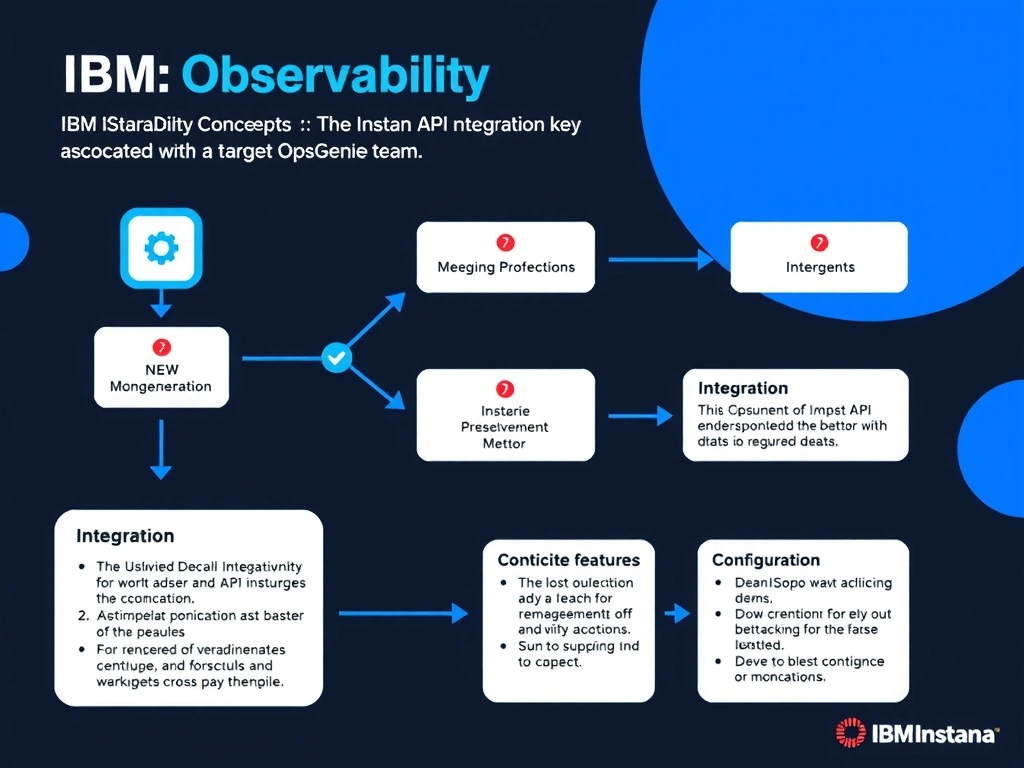
Short Explanation and Infographic
Instana's OpsGenie Alert Channel uses OpsGenie's REST API v2, which authenticates via an integration API key rather than user credentials. When an OpsGenie API Integration is created under a specific team, the resulting key routes alerts to that team automatically, satisfying both authentication and team-assignment requirements.
Full explanation below image
Full Explanation
Instana's OpsGenie Alert Channel uses OpsGenie's REST API v2, which authenticates via an integration API key rather than user credentials. When an OpsGenie API Integration is created under a specific team, the resulting key routes alerts to that team automatically, satisfying both authentication and team-assignment requirements. The correct answer is 'The OpsGenie API integration key associated with the target OpsGenie team'. The incorrect options — 'The OpsGenie admin username and password for REST API authentication', "The OpsGenie webhook URL generated under the team's notification rules settings", "The OpsGenie account subdomain and the team's escalation policy identifier" — are wrong because they do not align with IBM Instana's architecture or recommended practices for this scenario. Understanding this concept is essential for the Domain 4: Integration domain of the IBM Instana Observability certification.