
An Instana administrator is configuring a PagerDuty alert channel and is prompted to enter an Integration Key. A junior team member is unsure where this key is obtained and what type of PagerDuty configuration is required. What is the correct procedure to obtain and configure this key?
Select an answer to reveal the explanation.
Short Explanation and Infographic
To integrate Instana with PagerDuty, an Events API v2 integration must be added to the target PagerDuty Service. This generates a unique 32-character integration key that is then entered into Instana's PagerDuty alert channel configuration. This key enables Instana to automatically create, update, and resolve PagerDuty incidents when Instana alert states change.
Full explanation below image
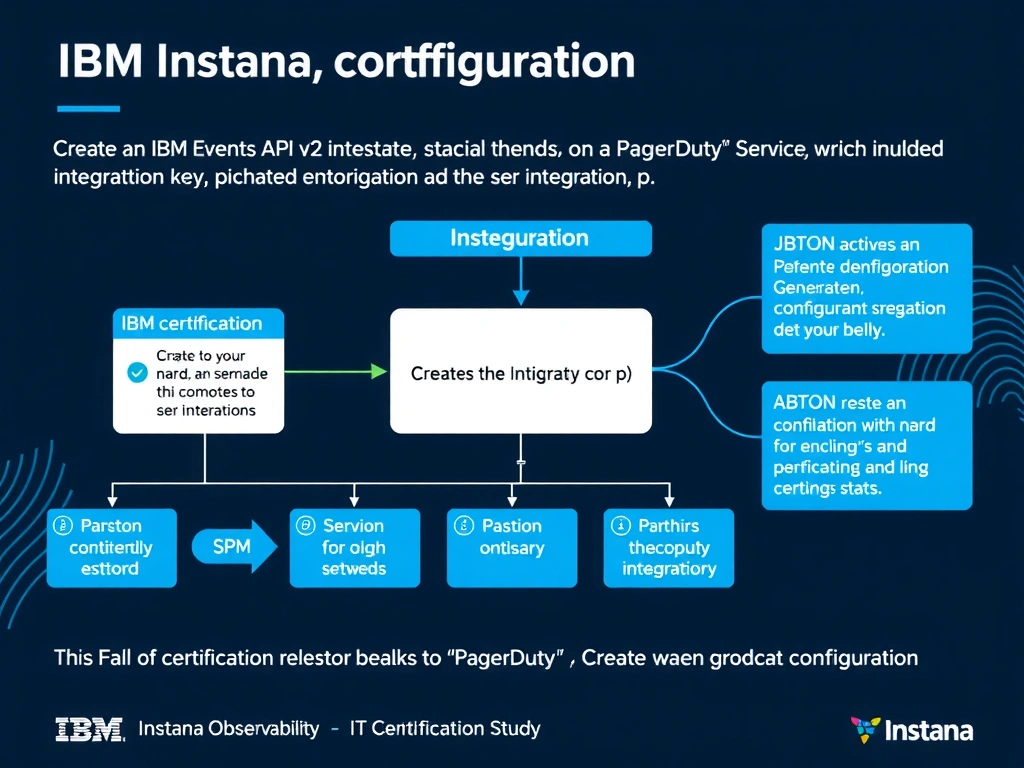
Full Explanation
To integrate Instana with PagerDuty, an Events API v2 integration must be added to the target PagerDuty Service. This generates a unique 32-character integration key that is then entered into Instana's PagerDuty alert channel configuration. This key enables Instana to automatically create, update, and resolve PagerDuty incidents when Instana alert states change. The correct answer is 'Create an Events API v2 integration on a PagerDuty Service, which generates the integration key to paste into Instana'. The incorrect options — 'Generate the key in the Instana UI under API Tokens and select the PagerDuty service integration type', 'Copy the agent key from com.instana.agent.main.sender.Backend.cfg, which also serves as the PagerDuty token', 'Obtain the key from the Instana backend under Security > External Integrations after registering a PagerDuty account' — are wrong because they do not align with IBM Instana's architecture or recommended practices for this scenario. Understanding this concept is essential for the Domain 2: Configuration domain of the IBM Instana Observability certification.