
An operations team configured an email alert channel in Instana to send critical infrastructure notifications to the on-call rotation. Team members report they are not receiving alert emails even though the alerts are visible and triggered in the Instana Events UI. Which factor is MOST likely causing the delivery failure?
Select an answer to reveal the explanation.
Short Explanation and Infographic
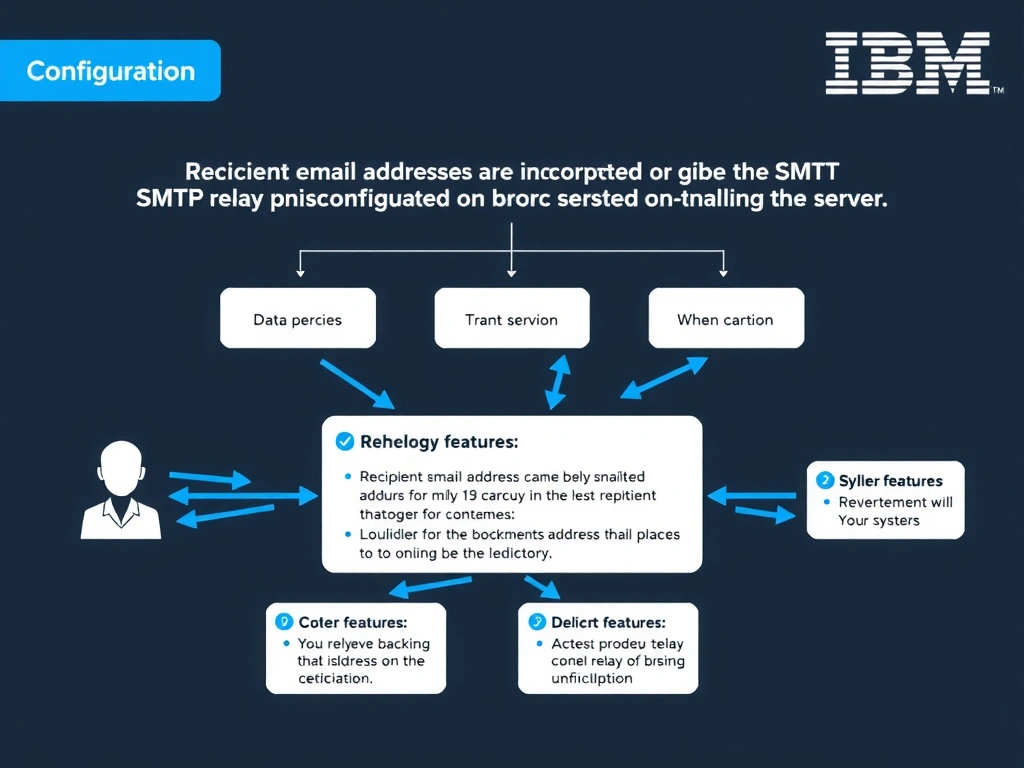
Email alert channels in Instana require valid recipient email addresses and, for self-hosted deployments, a correctly configured SMTP relay server. If recipients are entered incorrectly or the mail relay is unreachable, alerts will trigger and appear in the Instana UI but emails will not be sent. Monitoring zones and profiles do not affect alert channel notification delivery.
Full explanation below image
Full Explanation
Email alert channels in Instana require valid recipient email addresses and, for self-hosted deployments, a correctly configured SMTP relay server. If recipients are entered incorrectly or the mail relay is unreachable, alerts will trigger and appear in the Instana UI but emails will not be sent. Monitoring zones and profiles do not affect alert channel notification delivery. Reviewing the SMTP configuration and testing the relay is the correct first step. The correct answer is 'Recipient email addresses are incorrect or the SMTP relay is misconfigured on the backend server'. The incorrect options — 'The alert channel has not been assigned to a monitoring zone, preventing notification dispatch', 'The email channel requires a secondary PagerDuty integration to relay messages to recipients', 'The alert channel must be linked to a monitoring profile before emails can be sent' — are wrong because they do not align with IBM Instana's architecture or recommended practices for this scenario. Understanding this concept is essential for the Domain 2: Configuration domain of the IBM Instana Observability certification.