
An Instana administrator needs to configure an automated alert that fires whenever CPU utilization on any host tagged with env:production exceeds 90% for more than 5 consecutive minutes. Which Instana feature is used to define this threshold-based, duration-scoped, tag-filtered alerting rule?
Select an answer to reveal the explanation.
Short Explanation and Infographic
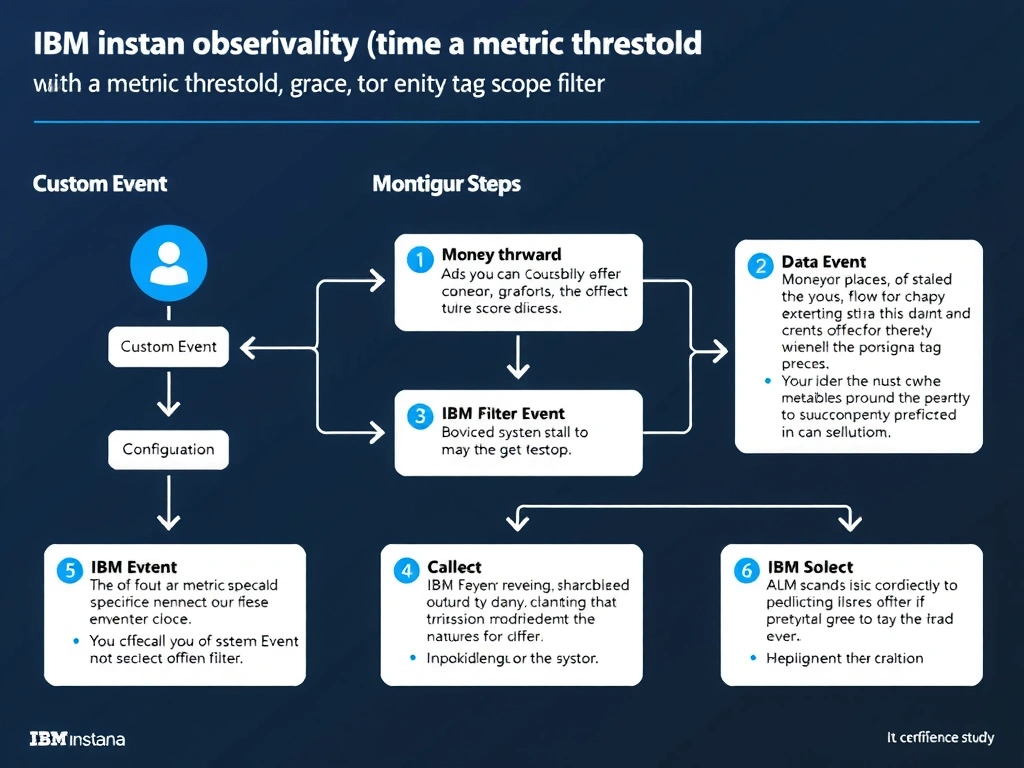
Custom Events in Instana allow administrators to define rules on any built-in or custom metric with threshold values, grace periods that specify the minimum sustained duration before alerting, and entity scope filters using tags. A Custom Event configured with CPU utilization above 90 percent, a 5-minute grace period, and an entity tag filter for env:production satisfies this requirement. Alert channels are then configured separately to determine where notifications are sent.
Full explanation below image
Full Explanation
Custom Events in Instana allow administrators to define rules on any built-in or custom metric with threshold values, grace periods that specify the minimum sustained duration before alerting, and entity scope filters using tags. A Custom Event configured with CPU utilization above 90 percent, a 5-minute grace period, and an entity tag filter for env:production satisfies this requirement. Alert channels are then configured separately to determine where notifications are sent. The correct answer is 'Custom Event with a metric threshold, grace period, and entity tag scope filter'. The incorrect options — 'Monitoring Profile threshold settings applied at the agent level', 'Alert Channel severity filter configured for CPU metric events', 'SLO breach configuration with a CPU availability objective' — are wrong because they do not align with IBM Instana's architecture or recommended practices for this scenario. Understanding this concept is essential for the Domain 2: Configuration domain of the IBM Instana Observability certification.