
A development team has tagged all services they own with the label 'team:payments' using Instana tags. They want their Application Perspective to dynamically include only services carrying this tag, including services added in the future. How should they configure the Application Perspective scope?
Select an answer to reveal the explanation.
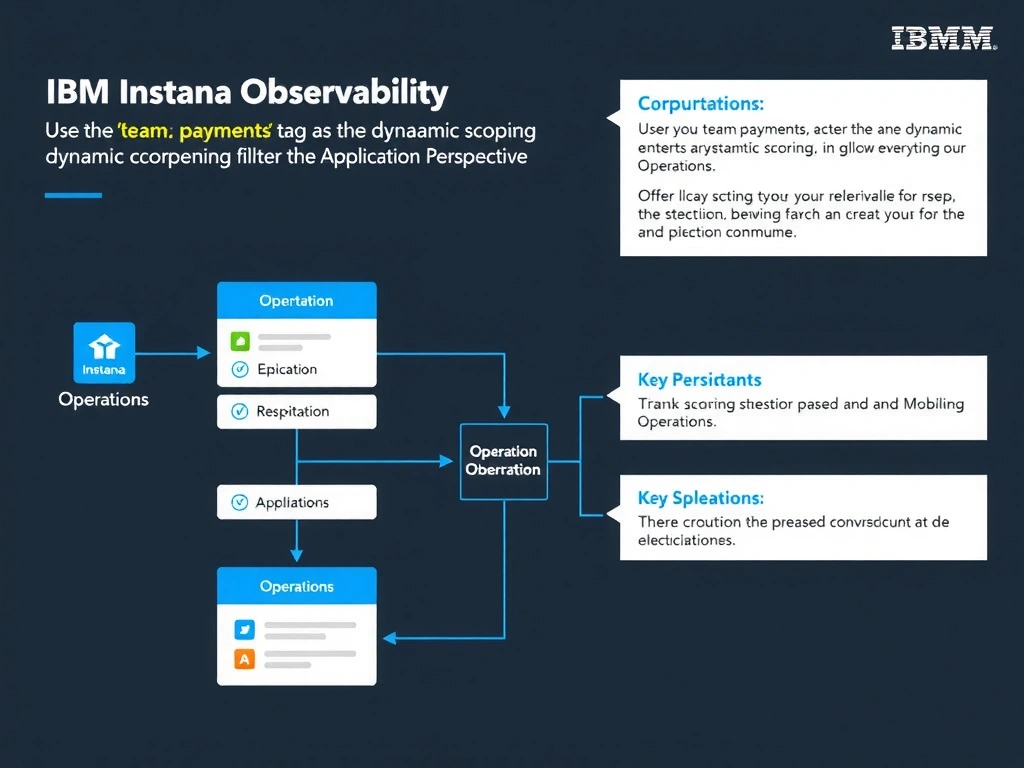
Short Explanation and Infographic
Application Perspectives in Instana support tag-based dynamic scoping, meaning any service tagged with 'team:payments' is automatically included in the perspective—present and future services alike. This is more maintainable than listing service names manually, which requires editing the perspective every time the service inventory changes. A dedicated tenant is an extreme isolation measure unnecessary for team-level scoping and adds significant administrative overhead.
Full explanation below image
Full Explanation
Application Perspectives in Instana support tag-based dynamic scoping, meaning any service tagged with 'team:payments' is automatically included in the perspective—present and future services alike. This is more maintainable than listing service names manually, which requires editing the perspective every time the service inventory changes. A dedicated tenant is an extreme isolation measure unnecessary for team-level scoping and adds significant administrative overhead. The correct answer is 'Use the 'team:payments' tag as the dynamic scoping filter for the Application Perspective'. The incorrect options — 'Manually enumerate all current payment team service names in the Application Perspective definition', 'Create an alert filtered by team:payments and link the alert to the Application Perspective', 'Request the Instana administrator to provision a dedicated tenant for the payments team' — are wrong because they do not align with IBM Instana's architecture or recommended practices for this scenario. Understanding this concept is essential for the Domain 1: Operations domain of the IBM Instana Observability certification.