
An Instana administrator needs to assign a newly deployed agent to the monitoring zone named US-East-Production. The agent is already running and connected, but it appears in the default zone. Which configuration file on the agent must be modified to set the correct zone assignment?
Select an answer to reveal the explanation.
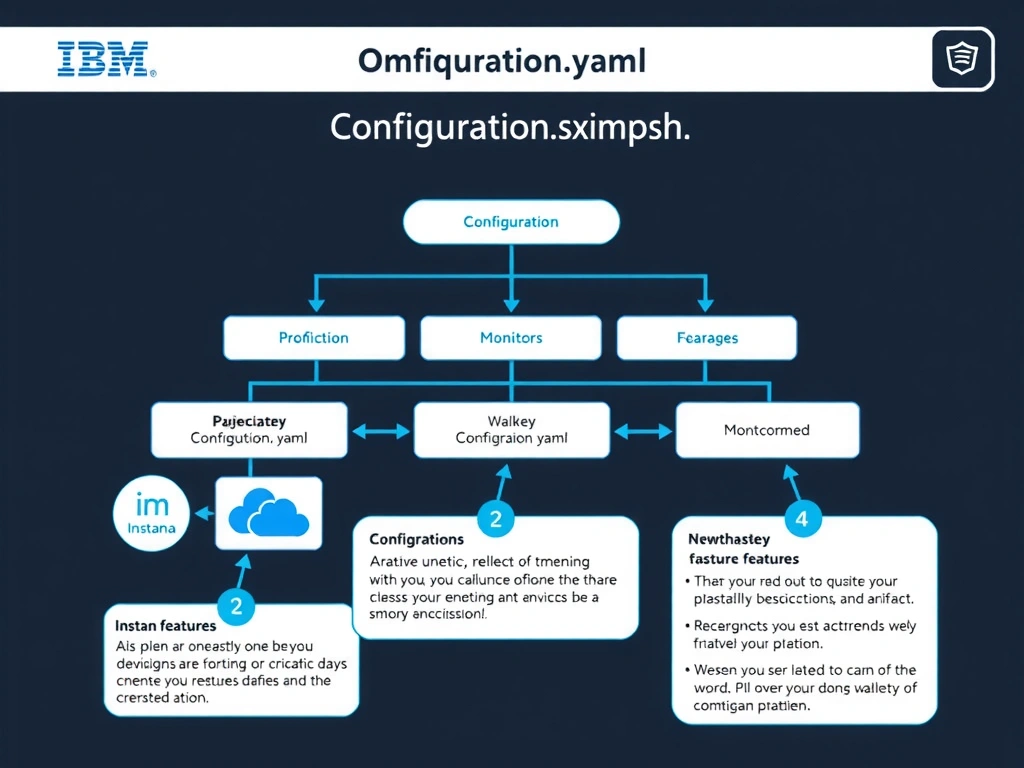
Short Explanation and Infographic
The configuration.yaml file is the primary agent configuration file where zone assignment is specified using the zone.name property. The Backend.cfg file handles backend connectivity settings such as host address, port, and agent key, but it does not control zone assignments. Changes to configuration.yaml are applied at next agent restart.
Full explanation below image
Full Explanation
The configuration.yaml file is the primary agent configuration file where zone assignment is specified using the zone.name property. The Backend.cfg file handles backend connectivity settings such as host address, port, and agent key, but it does not control zone assignments. Changes to configuration.yaml are applied at next agent restart. The correct answer is 'configuration.yaml'. The incorrect options — 'com.instana.agent.main.sender.Backend.cfg', 'agent-bootstrap.json', 'instana-agent.properties' — are wrong because they do not align with IBM Instana's architecture or recommended practices for this scenario. Understanding this concept is essential for the Domain 2: Configuration domain of the IBM Instana Observability certification.