
A corporation routes all outbound internet traffic through a corporate HTTP proxy. The Instana host agent is installed but cannot reach the Instana backend. Other tools on the host connect successfully through the proxy. Where should the proxy be configured for the Instana agent?
Select an answer to reveal the explanation.
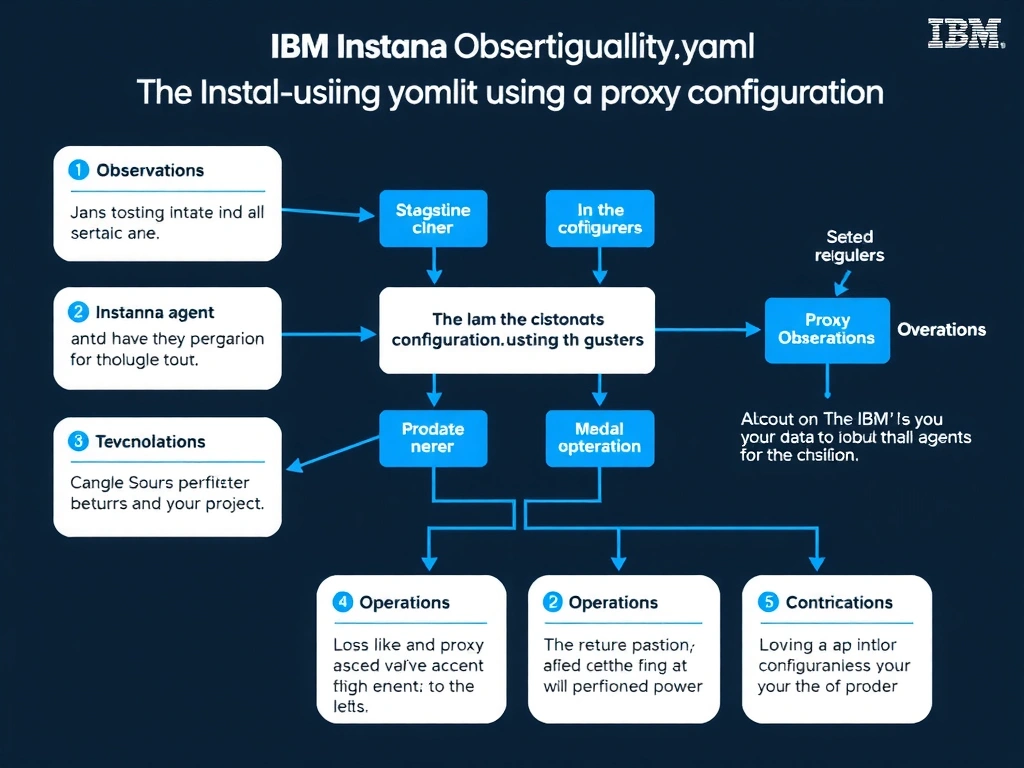
Short Explanation and Infographic
The Instana host agent uses its own HTTP client stack for backend communication and must have proxy settings explicitly defined in the agent's configuration.yaml file (host, port, and optional credentials in the proxy section). Relying on system-wide environment variables or /etc/environment is not the documented recommended approach and may not be reliably inherited by the agent process. The Instana web UI does not have a panel to push network proxy settings down to an installed agent.
Full explanation below image
Full Explanation
The Instana host agent uses its own HTTP client stack for backend communication and must have proxy settings explicitly defined in the agent's configuration.yaml file (host, port, and optional credentials in the proxy section). Relying on system-wide environment variables or /etc/environment is not the documented recommended approach and may not be reliably inherited by the agent process. The Instana web UI does not have a panel to push network proxy settings down to an installed agent. The correct answer is 'In the Instana agent's configuration.yaml file using the proxy configuration section'. The incorrect options — 'In the system-wide /etc/environment proxy settings, which the agent inherits automatically', 'In the Instana web UI under Settings > Agent Configuration > Network Proxy', 'By setting the HTTPS_PROXY environment variable in the systemd unit file for the Instana agent service' — are wrong because they do not align with IBM Instana's architecture or recommended practices for this scenario. Understanding this concept is essential for the Domain 1: Operations domain of the IBM Instana Observability certification.