
A team wants to deploy the Instana host agent as a Docker container to monitor other containers and the underlying host. Which set of volume mounts is required to enable complete host and container monitoring?
Select an answer to reveal the explanation.
Short Explanation and Infographic
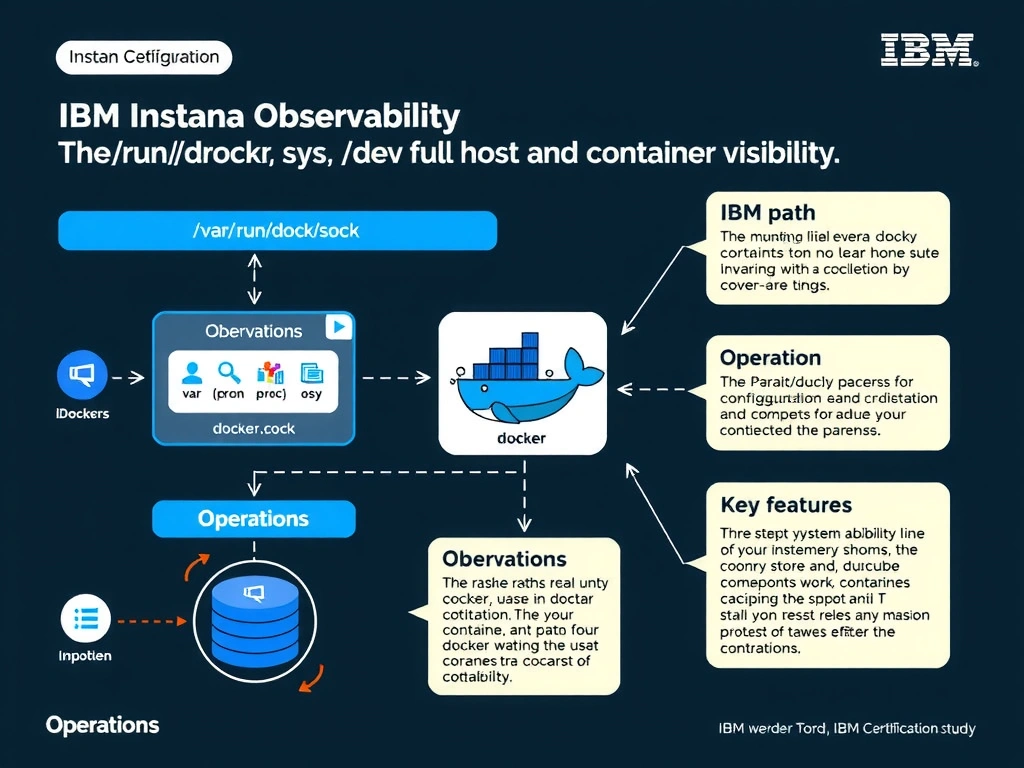
When the Instana agent runs as a Docker container, it needs /var/run/docker.sock to access the Docker API for container discovery and metadata, /proc and /sys to collect kernel-level host metrics (CPU, memory, network), and /dev for device-level access. Mounting only the Docker socket limits visibility to container metadata and omits critical host-level system metrics. Network-based discovery alone is insufficient and not the mechanism Instana uses for host metric collection.
Full explanation below image
Full Explanation
When the Instana agent runs as a Docker container, it needs /var/run/docker.sock to access the Docker API for container discovery and metadata, /proc and /sys to collect kernel-level host metrics (CPU, memory, network), and /dev for device-level access. Mounting only the Docker socket limits visibility to container metadata and omits critical host-level system metrics. Network-based discovery alone is insufficient and not the mechanism Instana uses for host metric collection. The correct answer is 'The paths /var/run/docker.sock, /proc, /sys, and /dev for full host and container visibility'. The incorrect options — 'Only /var/run/docker.sock for Docker API access to discover and monitor containers', 'Only /etc/instana for the agent configuration and /var/log for log collection', 'No volume mounts are needed; the containerized agent uses network-based discovery exclusively' — are wrong because they do not align with IBM Instana's architecture or recommended practices for this scenario. Understanding this concept is essential for the Domain 1: Operations domain of the IBM Instana Observability certification.